

Joyvo Social Login · WordPress
Sign-in with one tap on your WordPress site - no developer apps to build.
Put "Continue with Google" on your login, sign-up, My Account and checkout in two minutes. Joyvo does the sign-in, so you never open a Google developer console, set redirect addresses or paste a secret.
- Free with your account
- Works with any theme
- Live in 0 steps
1 tap
to log in or create an account
0
developer apps you need to make
4
spots it appears automatically
2 min
code that works only once
Why creator shops and communities use it
Never build a developer app
Other social login plugins make you create a Google app, set redirect addresses and paste secrets for every provider. Here you paste one key - or none, if another Joyvo plugin is connected.
More members, quicker checkout
A single tap at My Account and checkout means fewer dropped carts and no lost passwords - and newcomers get an account the first time they sign in.
Safe by design
Your key stays on your server. Every sign-in code is single-use, lasts two minutes and only works for your site - and an unverified email can't claim an existing account.
See it working
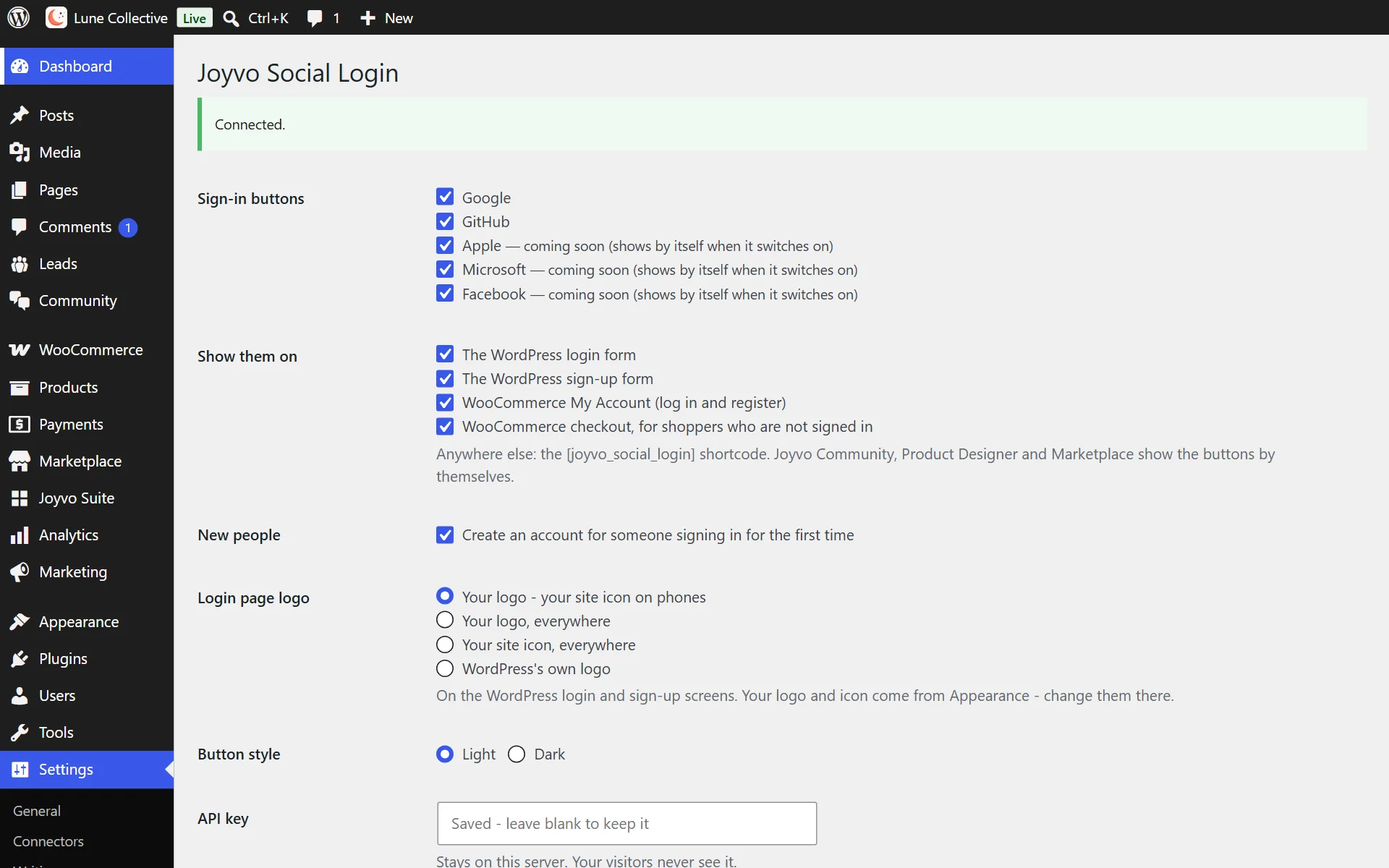
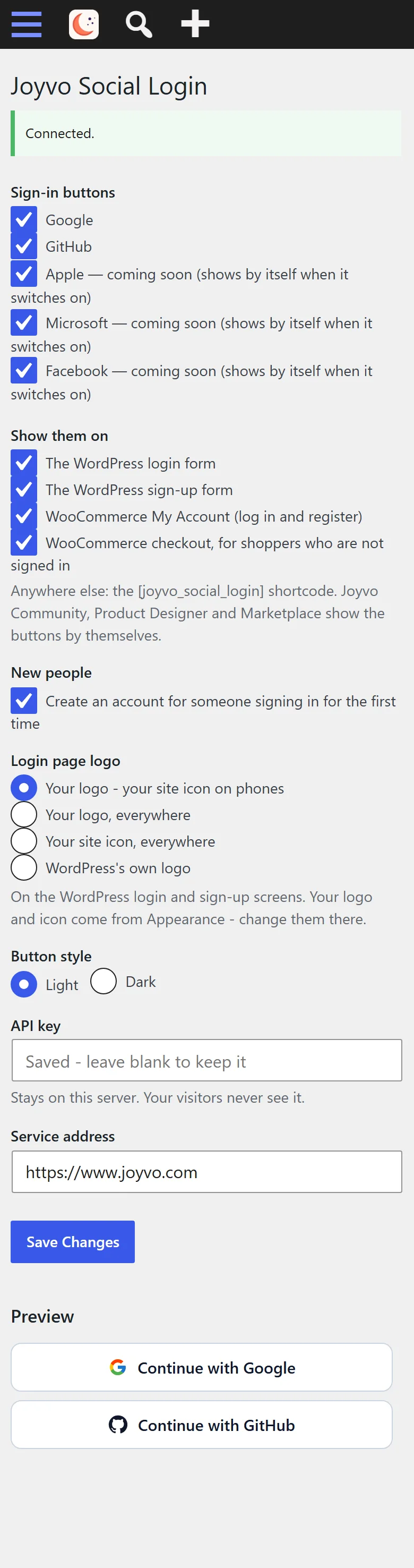
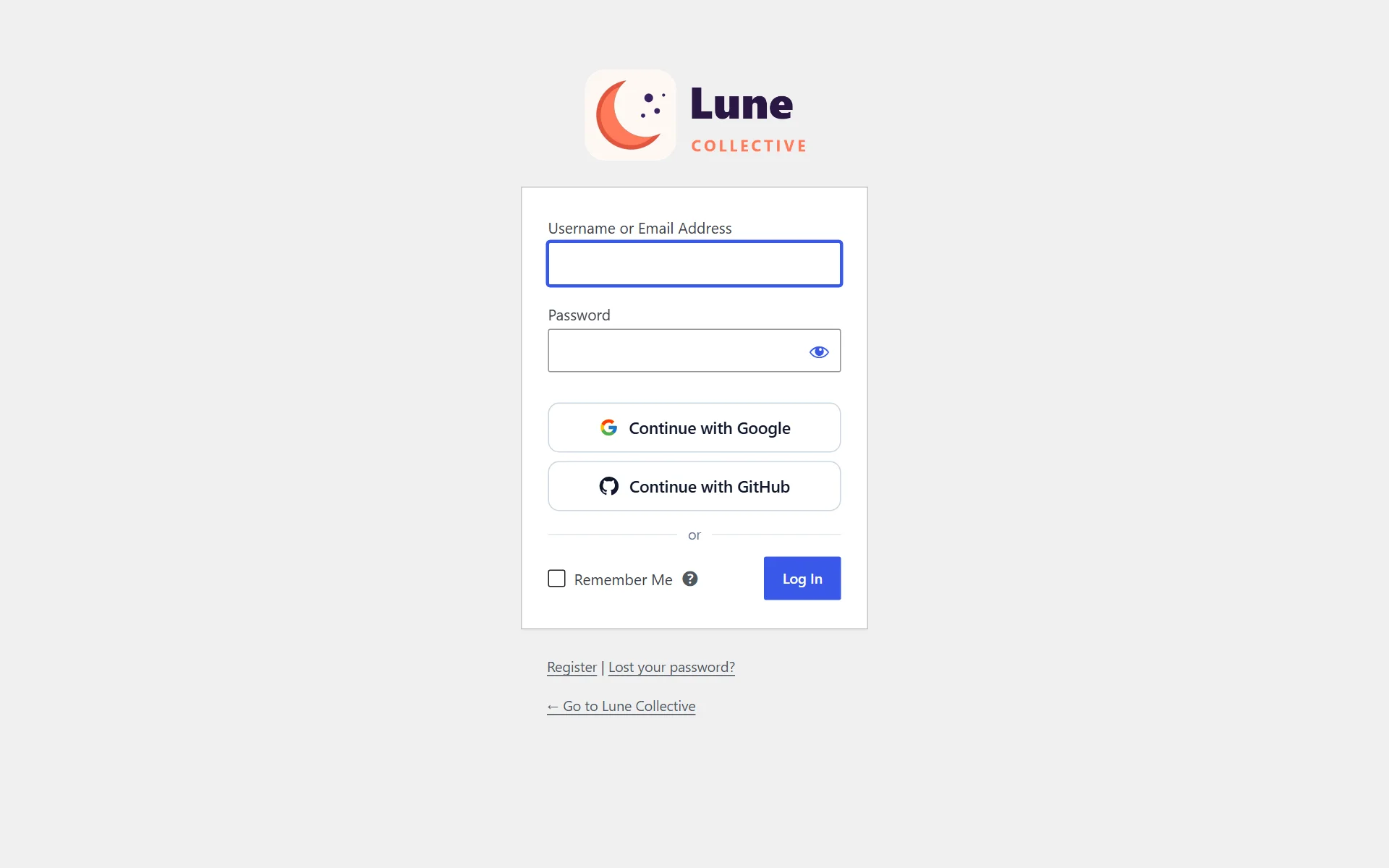
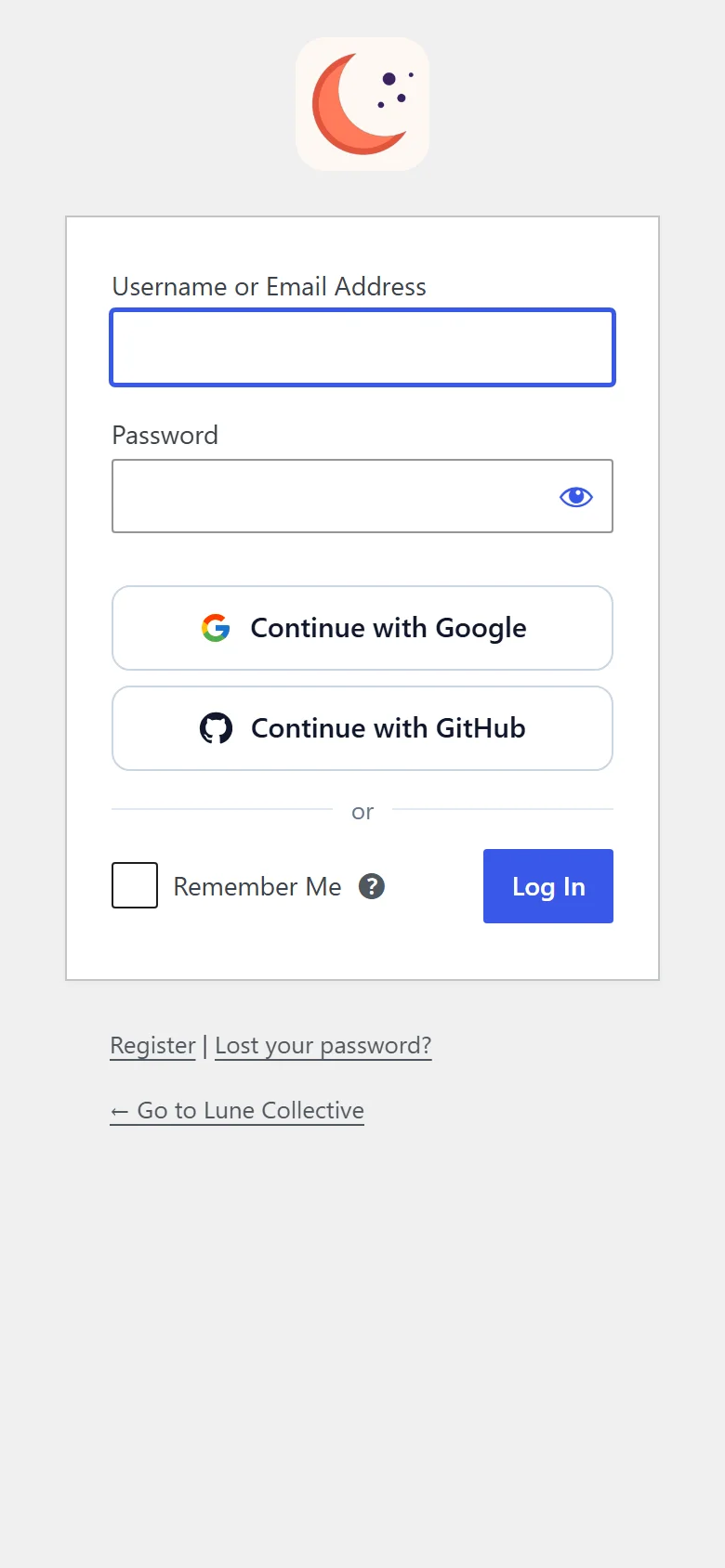
Real screens from a WordPress site running it - on a computer and on a phone, nothing mocked up. Tap any to look closer.
On a computer
On a phone
Swipe for more screens →
How it works
- 01
Install it
Add the plugin. If Joyvo Community or Product Designer is connected, it is already connected too.
- 02
Choose buttons and spots
Turn on Google (Apple, Microsoft and Facebook follow automatically) and choose where the buttons appear: login, sign-up, My Account, checkout.
- 03
Fans sign in with a single tap
They pick their Google account and return to the very page they were on, already signed in.
Step by step
Joyvo Social Login, one screen at a time
12 steps from first click to done - real screens on a computer and on a phone.
- 1
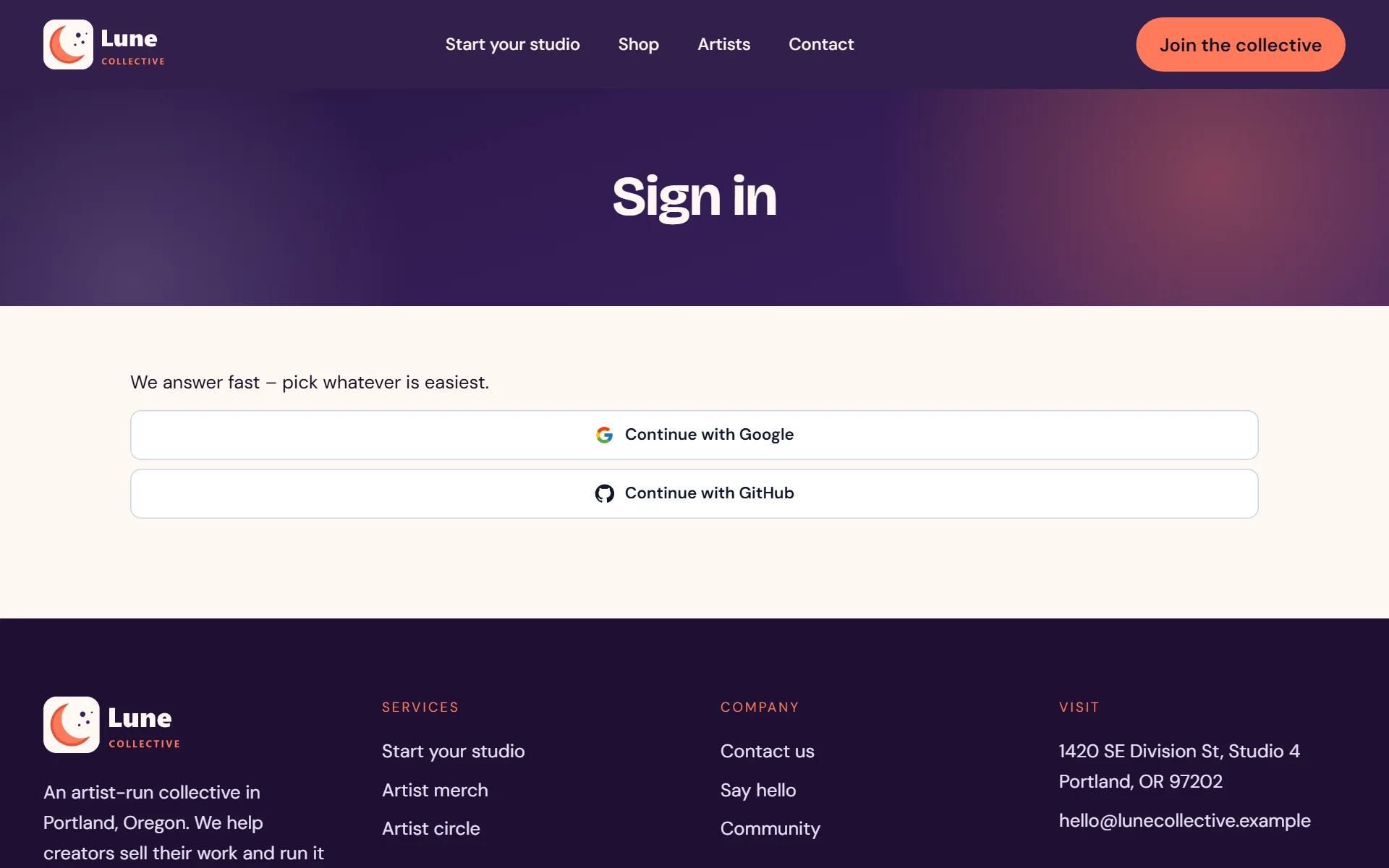
Choose the sign-in buttons and where they appear - no developer setup
- 2
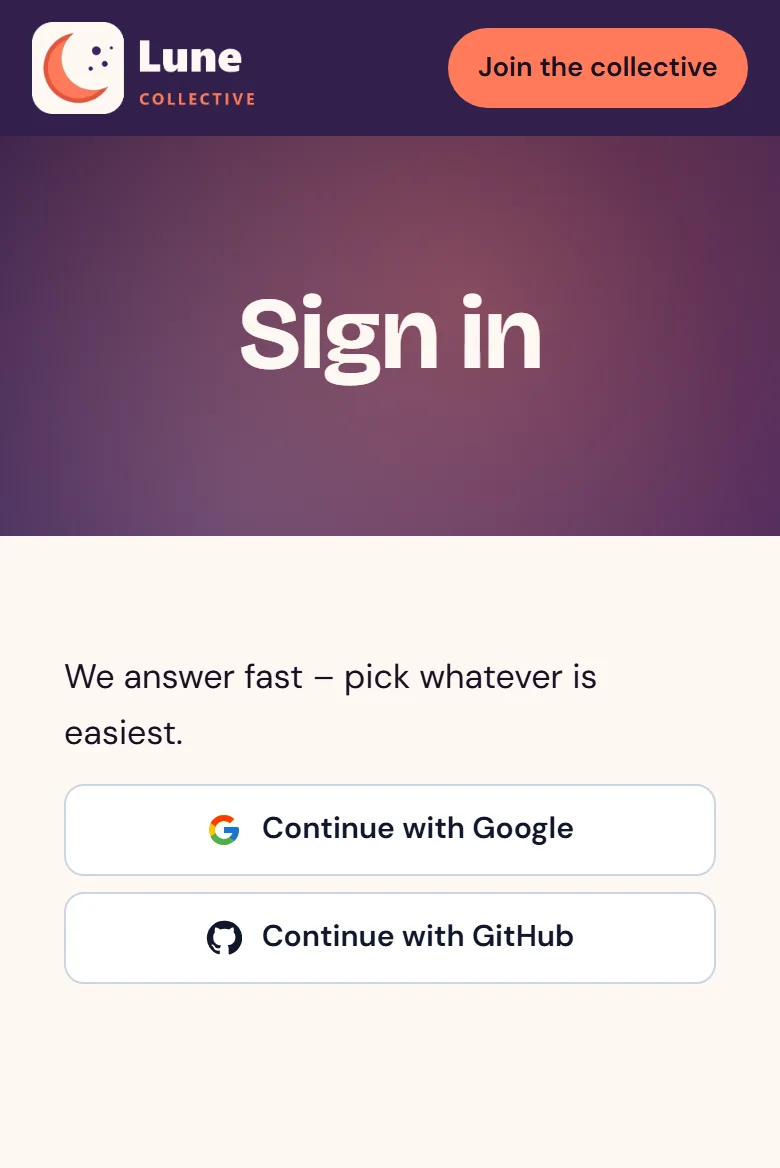
Your login screen gets one-tap sign-in
- 3
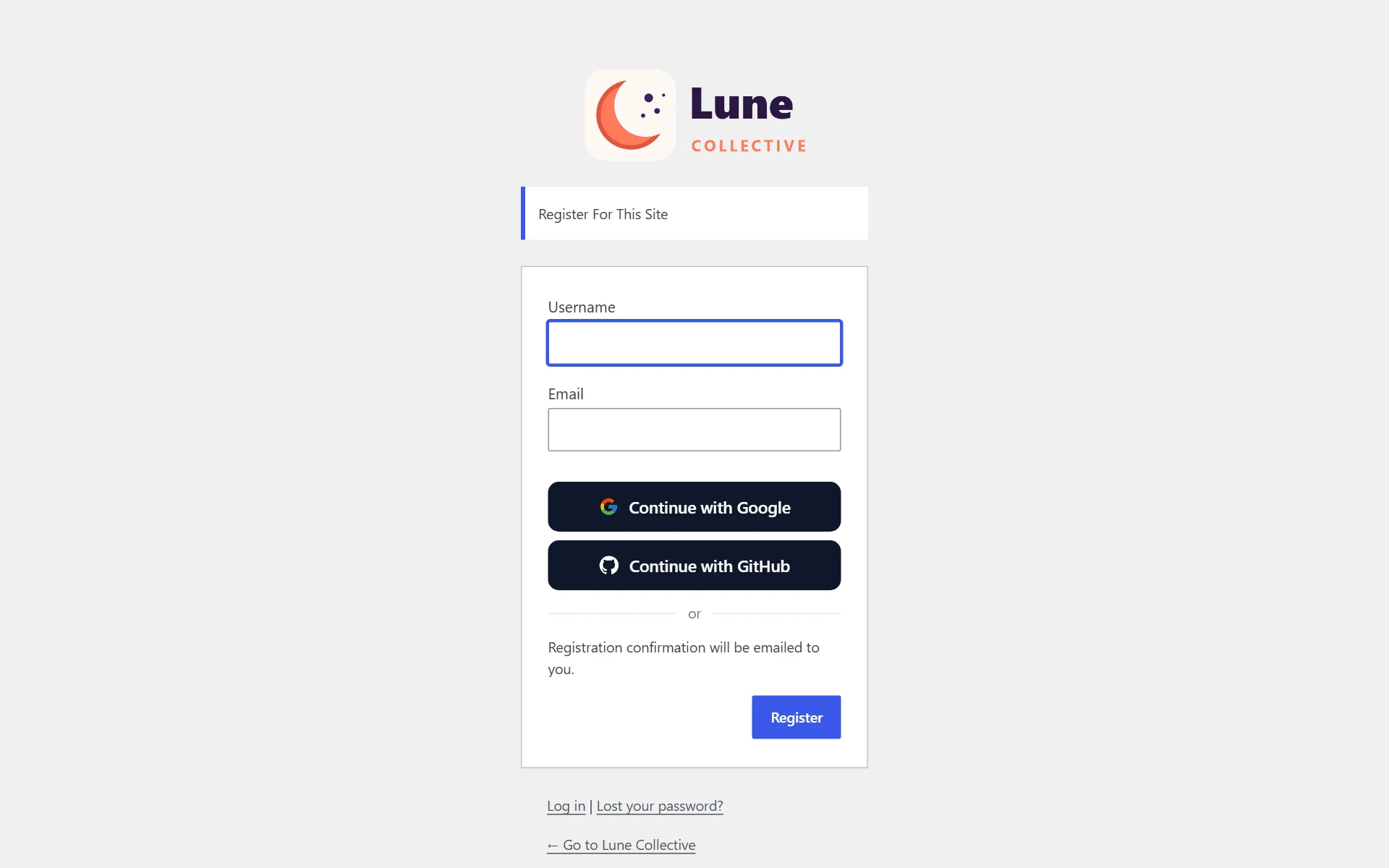
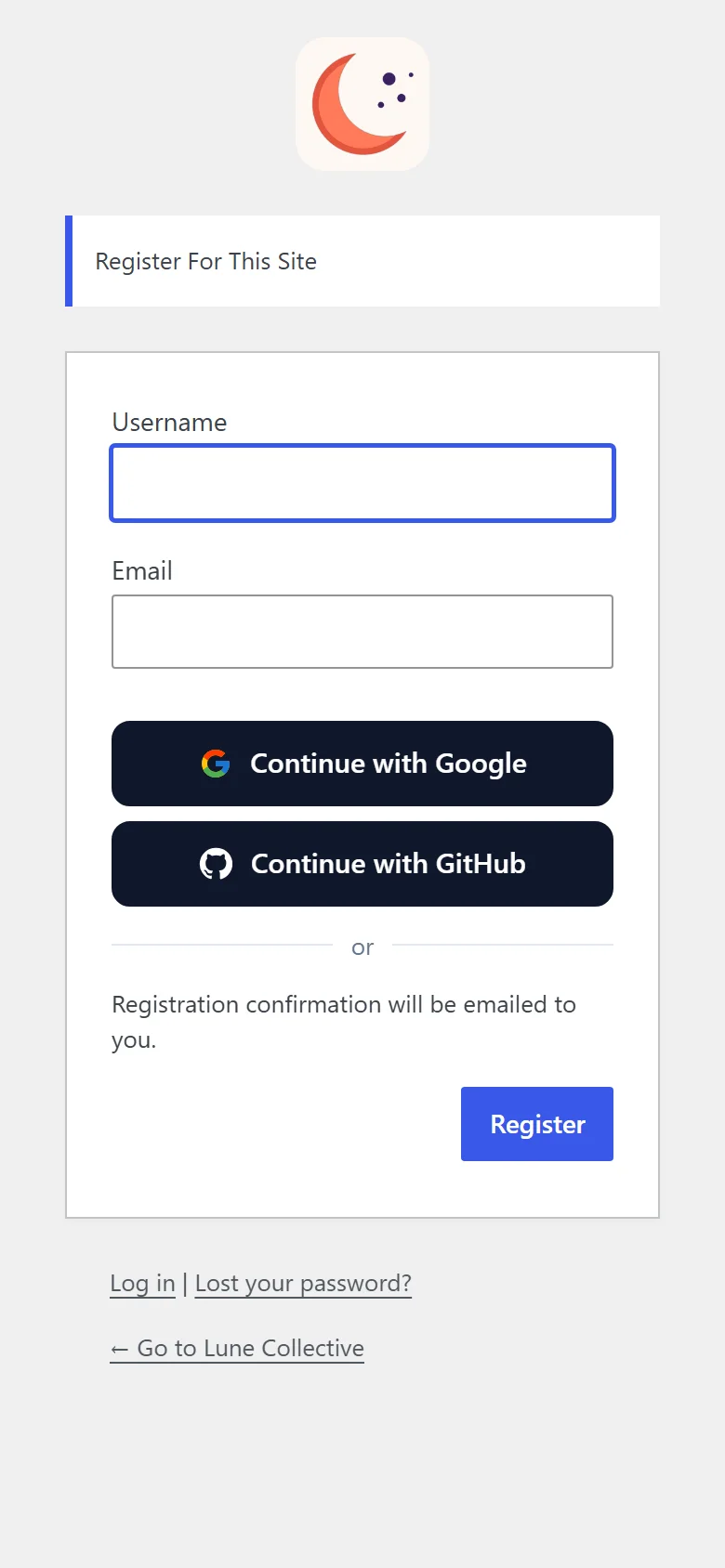
Signing up is one tap too
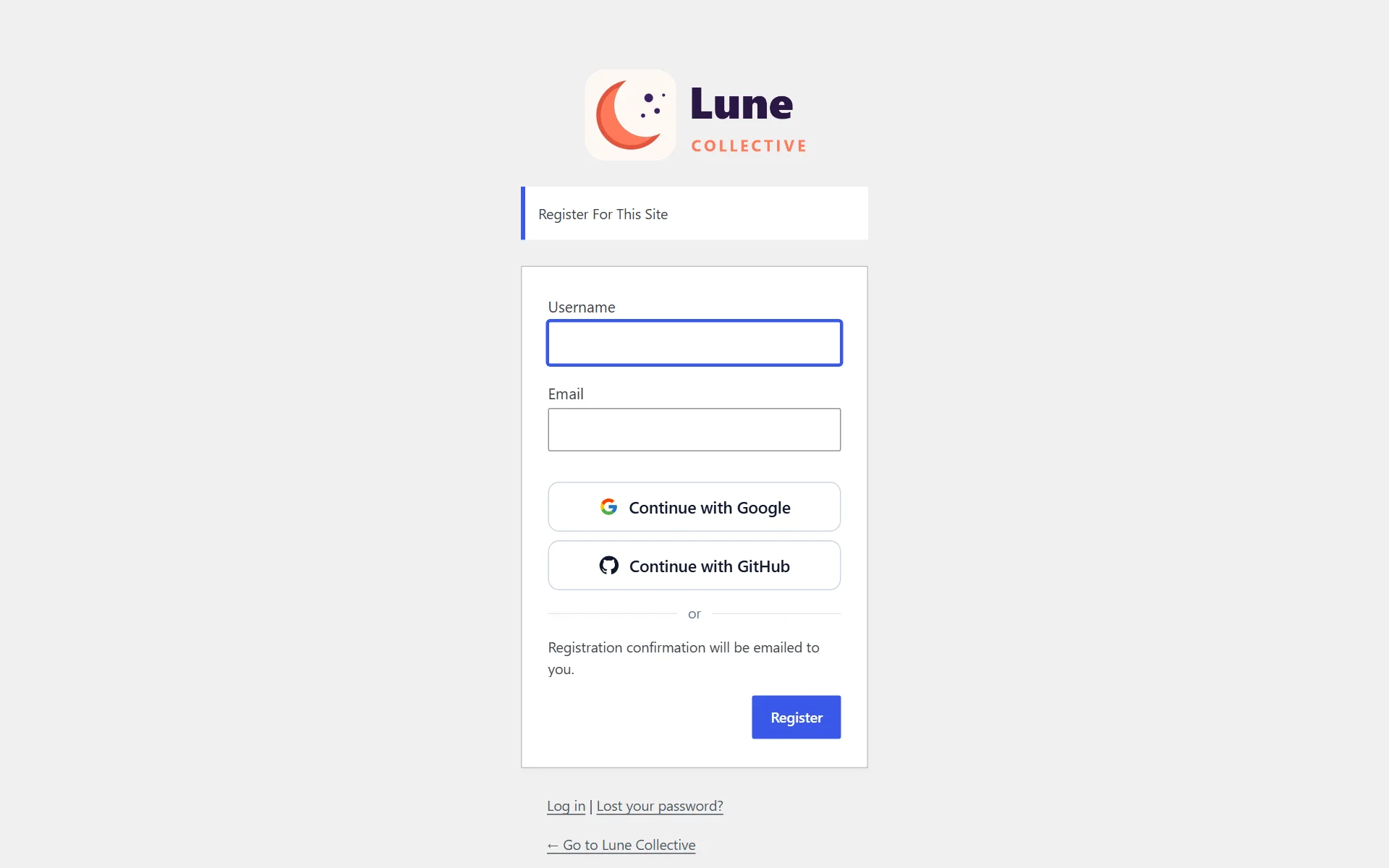
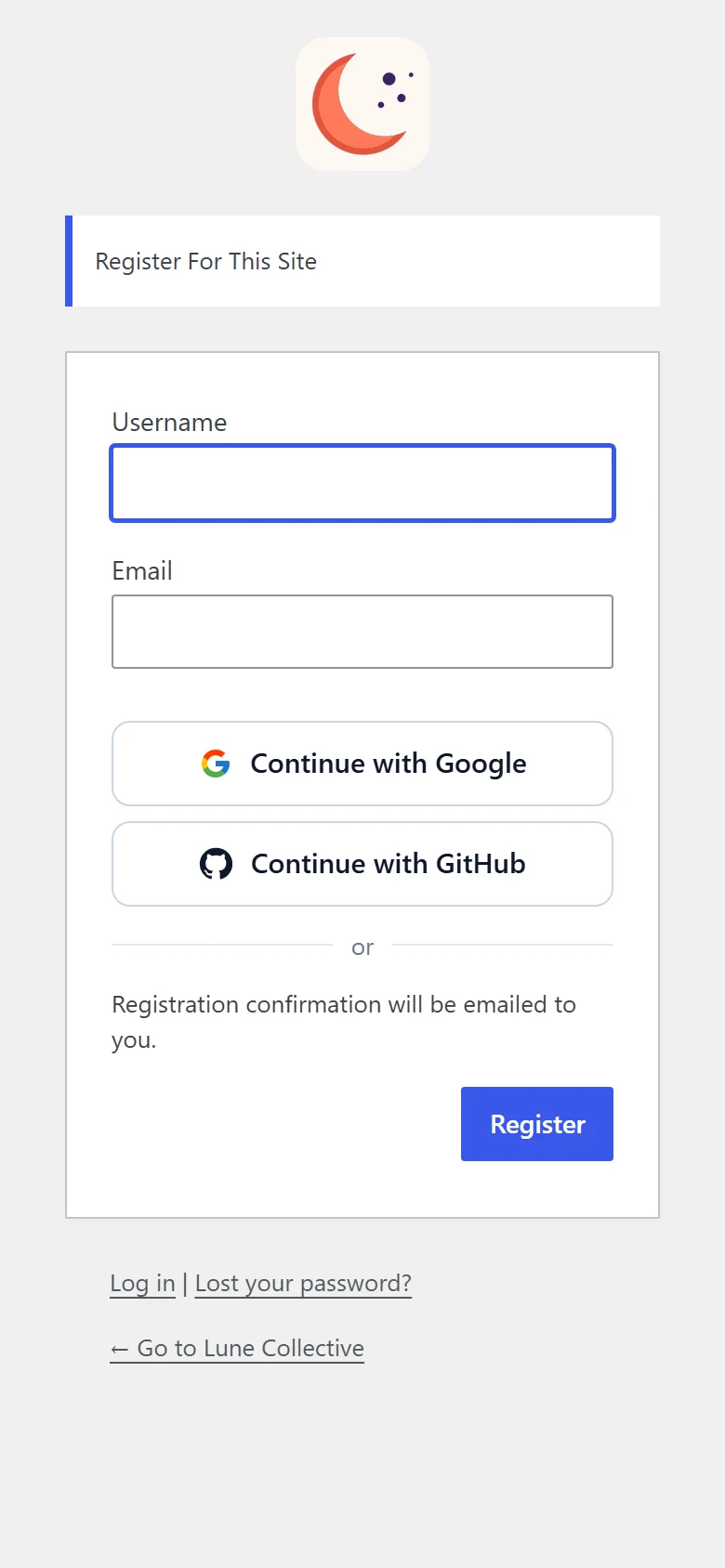
- 4
One-tap login on the WooCommerce account page
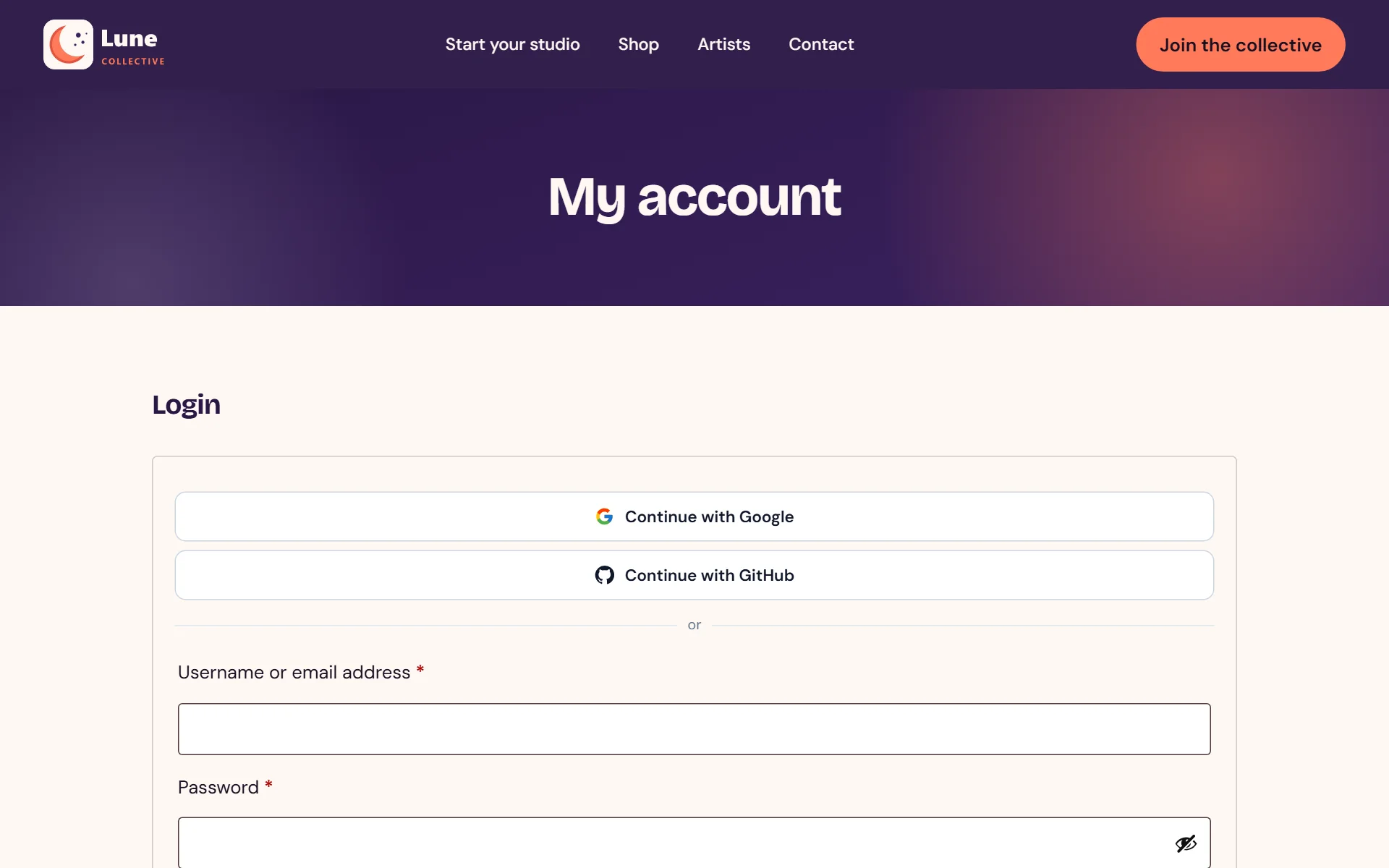
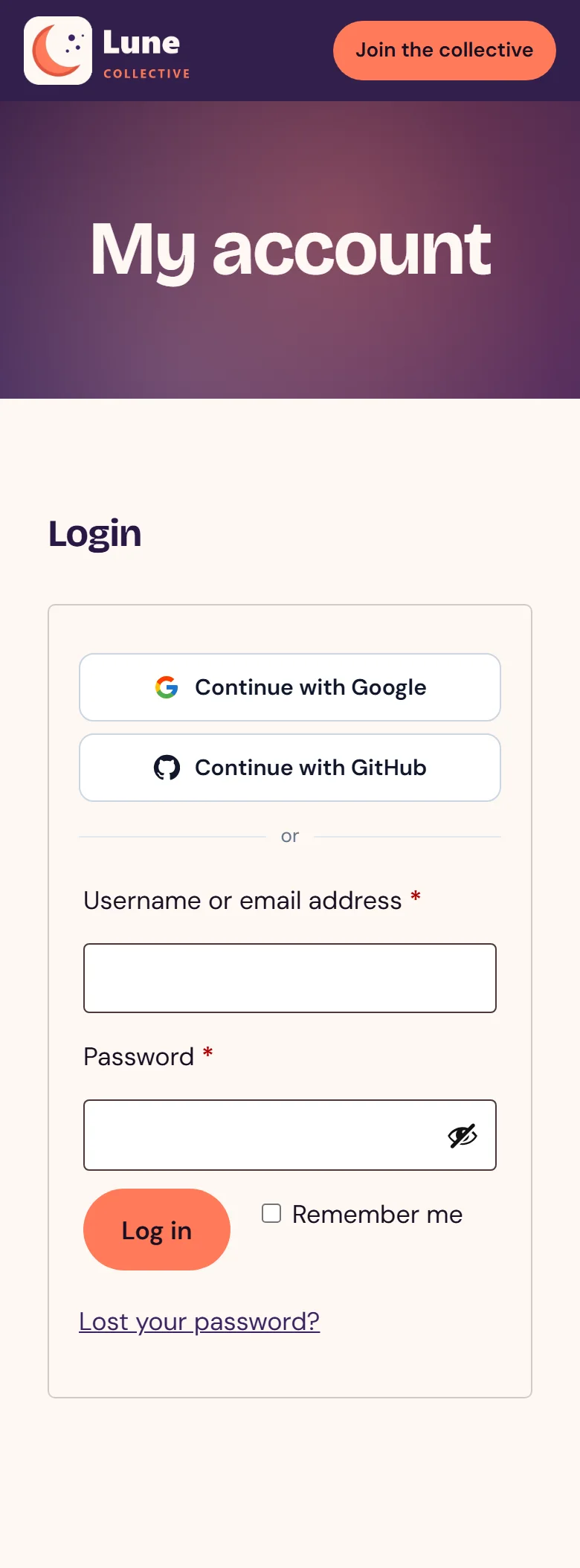
- 5
Place sign-in buttons on any page with a shortcode
- 6
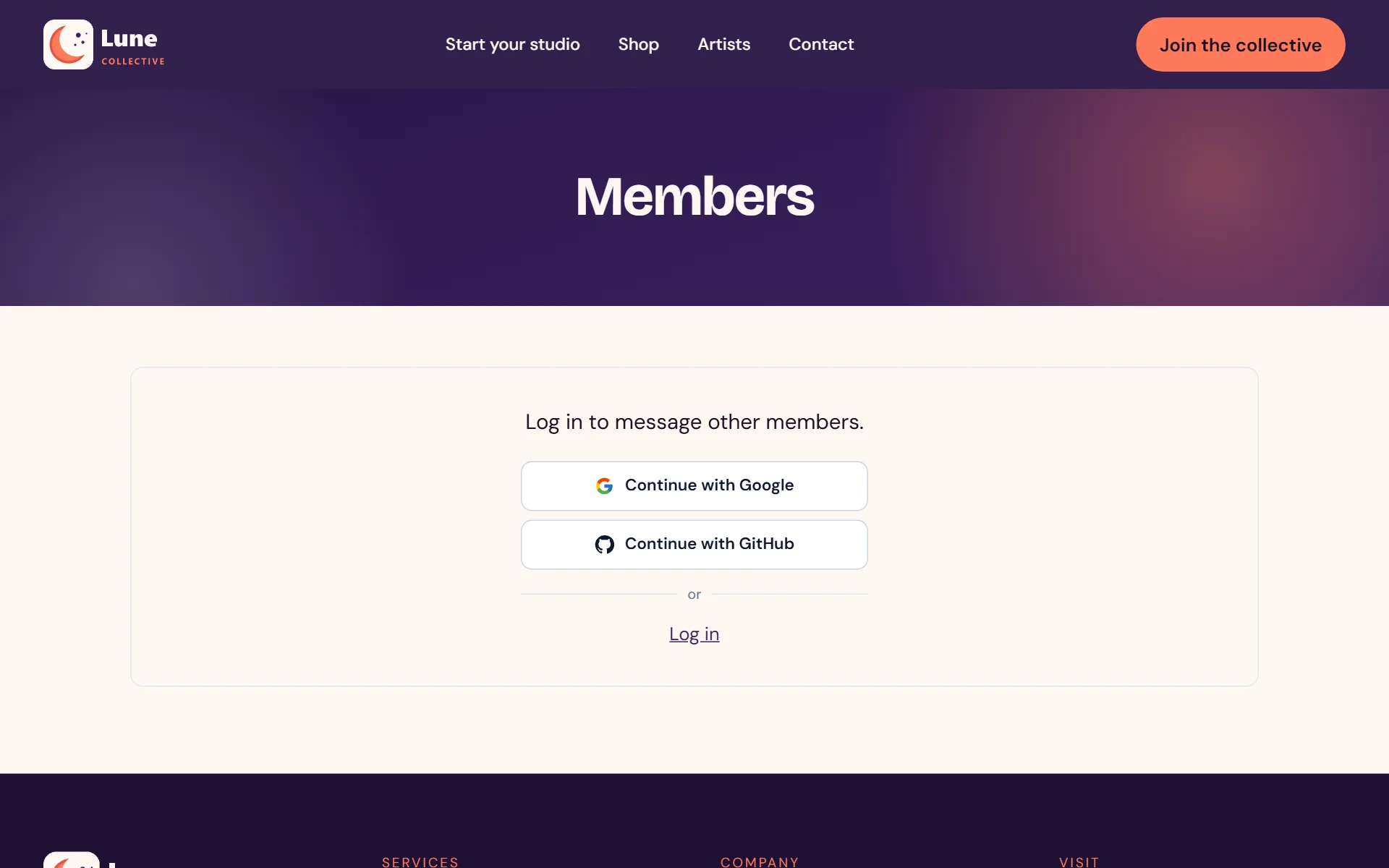
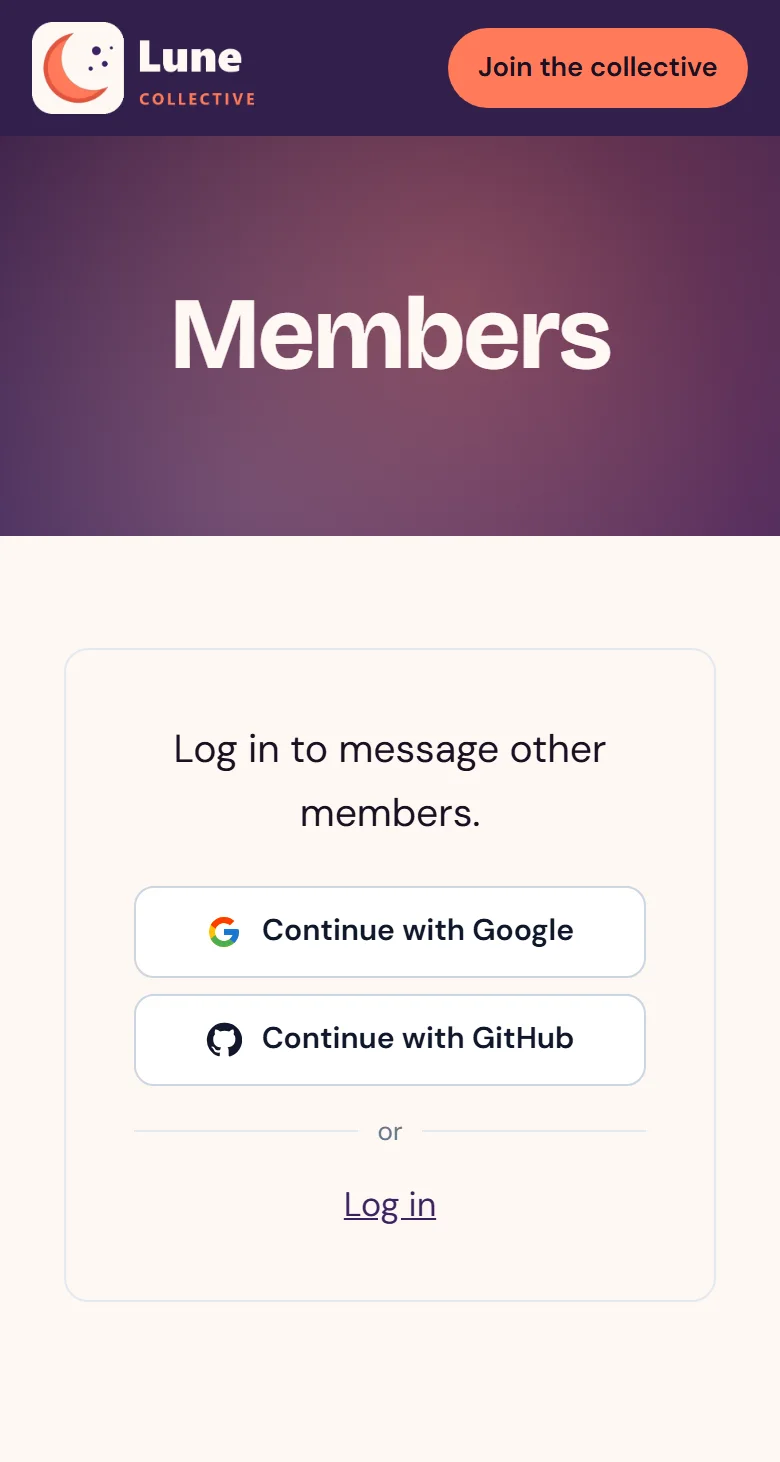
Already part of the community's sign-in prompt
- 7
Dark buttons for darker designs
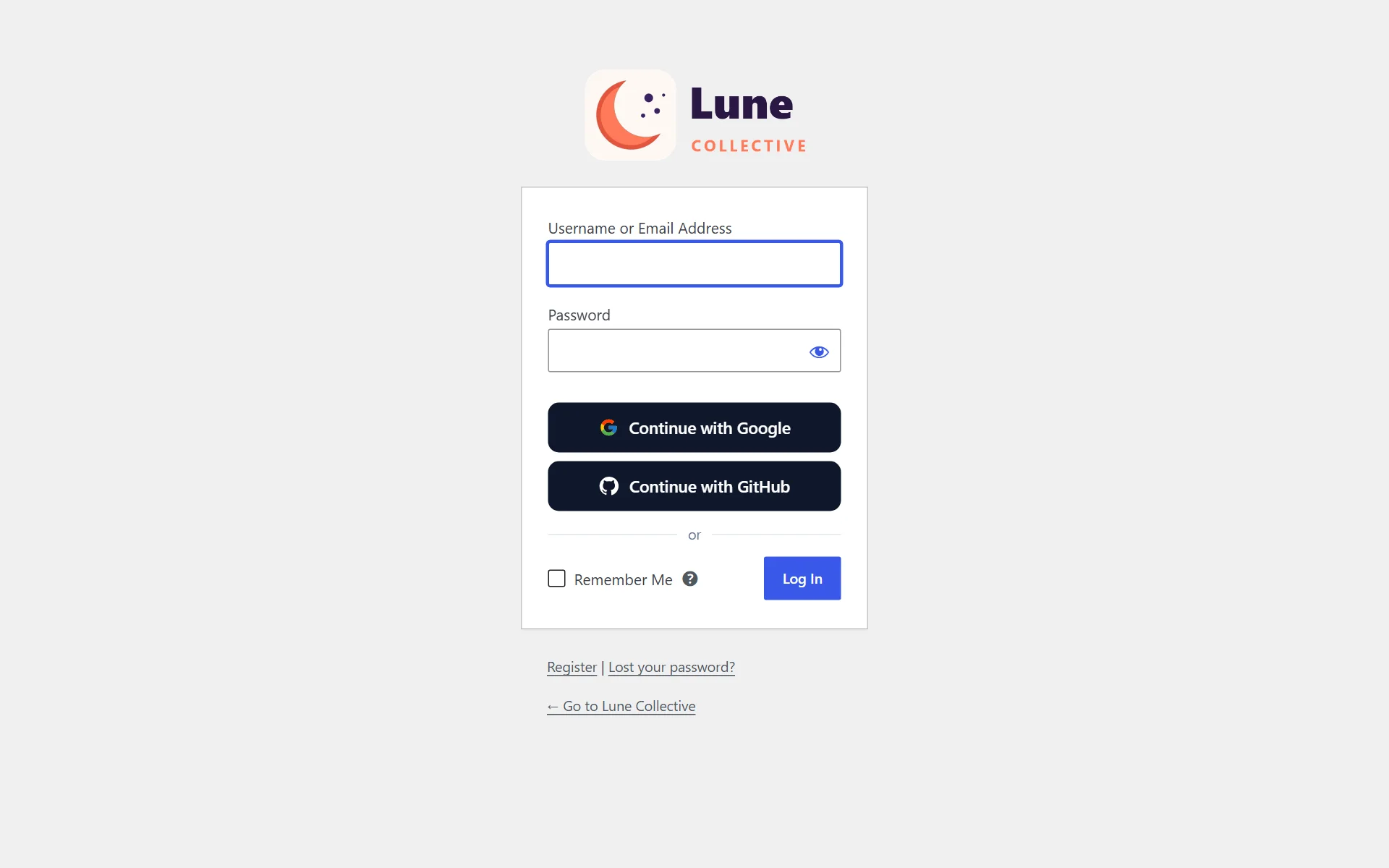
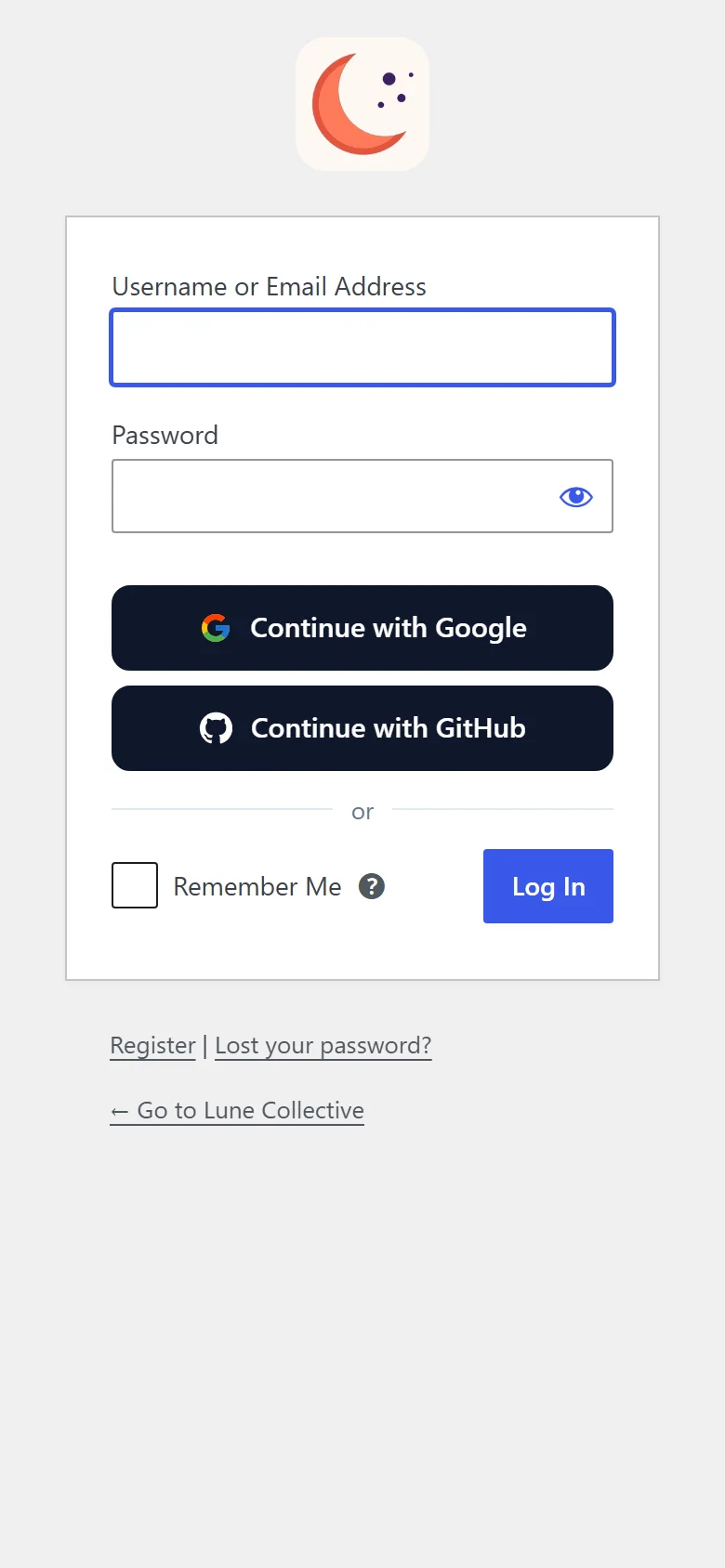
- 8
The dark style carries over to the account page
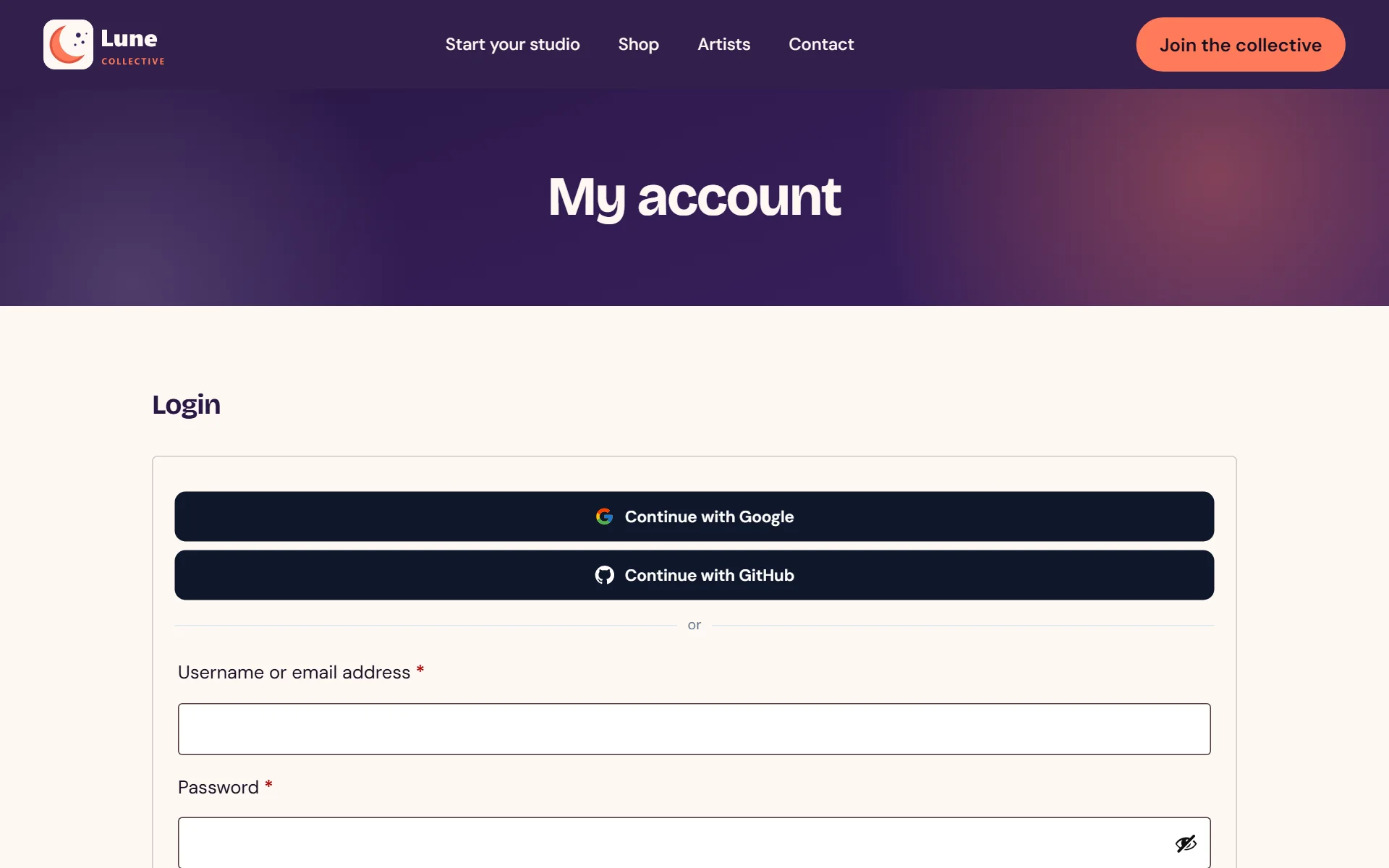
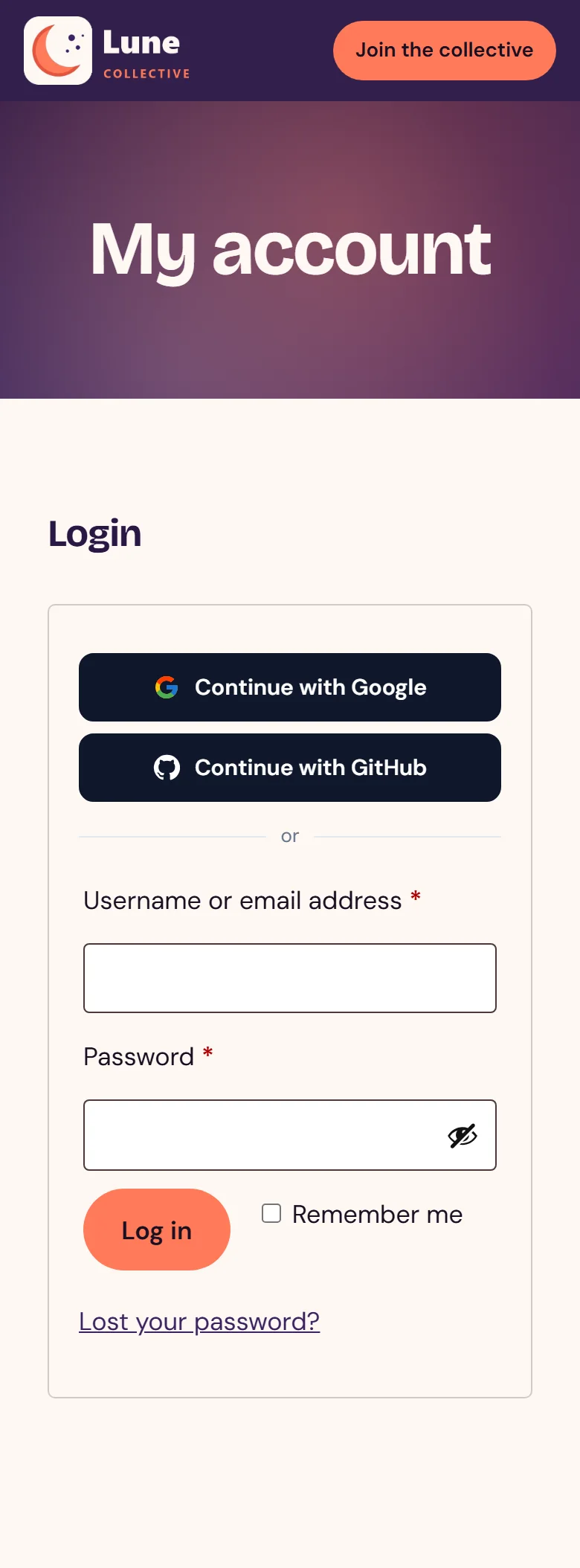
- 9
Signing up is one tap too
- 10
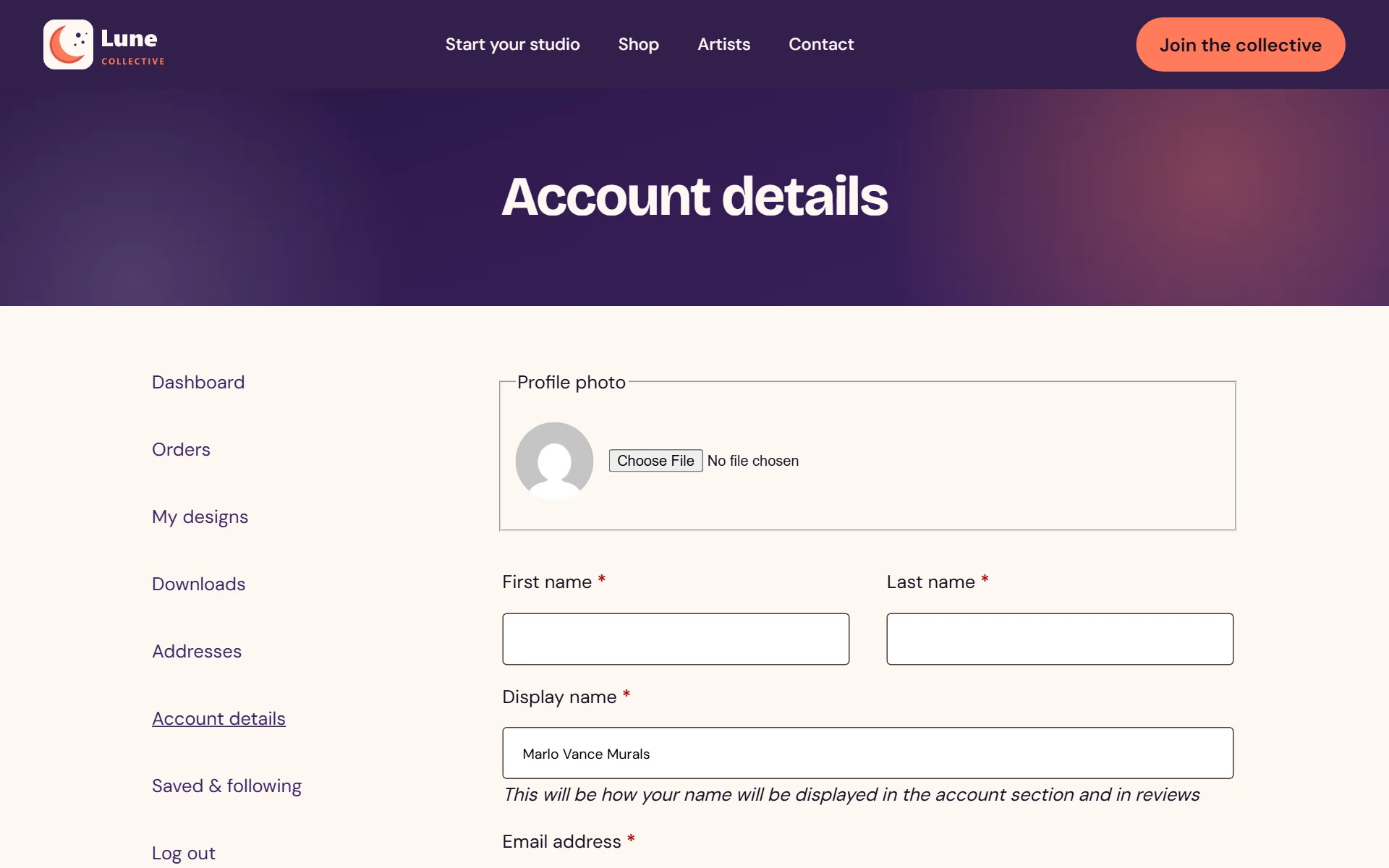
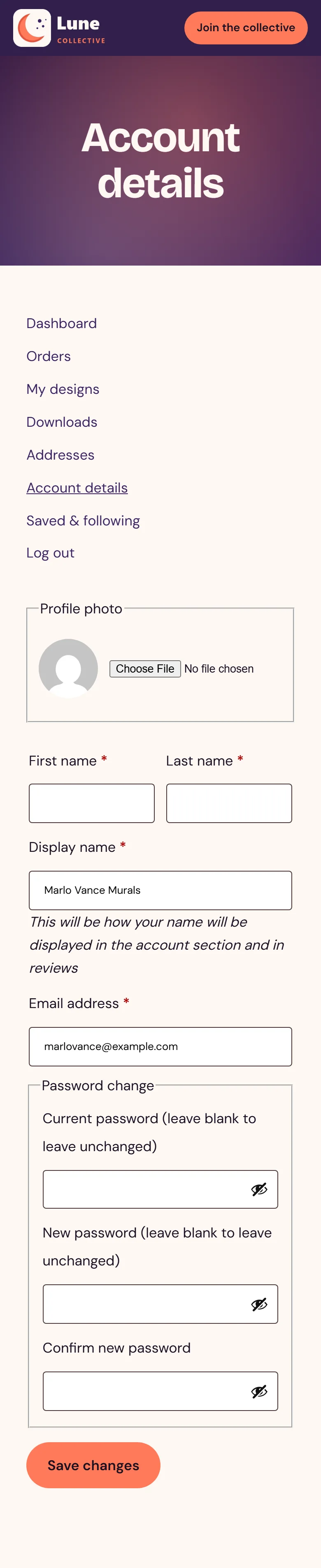
Members keep the photo they signed in with, or upload a new one
- 11
Installs and switches on like every other WordPress plugin
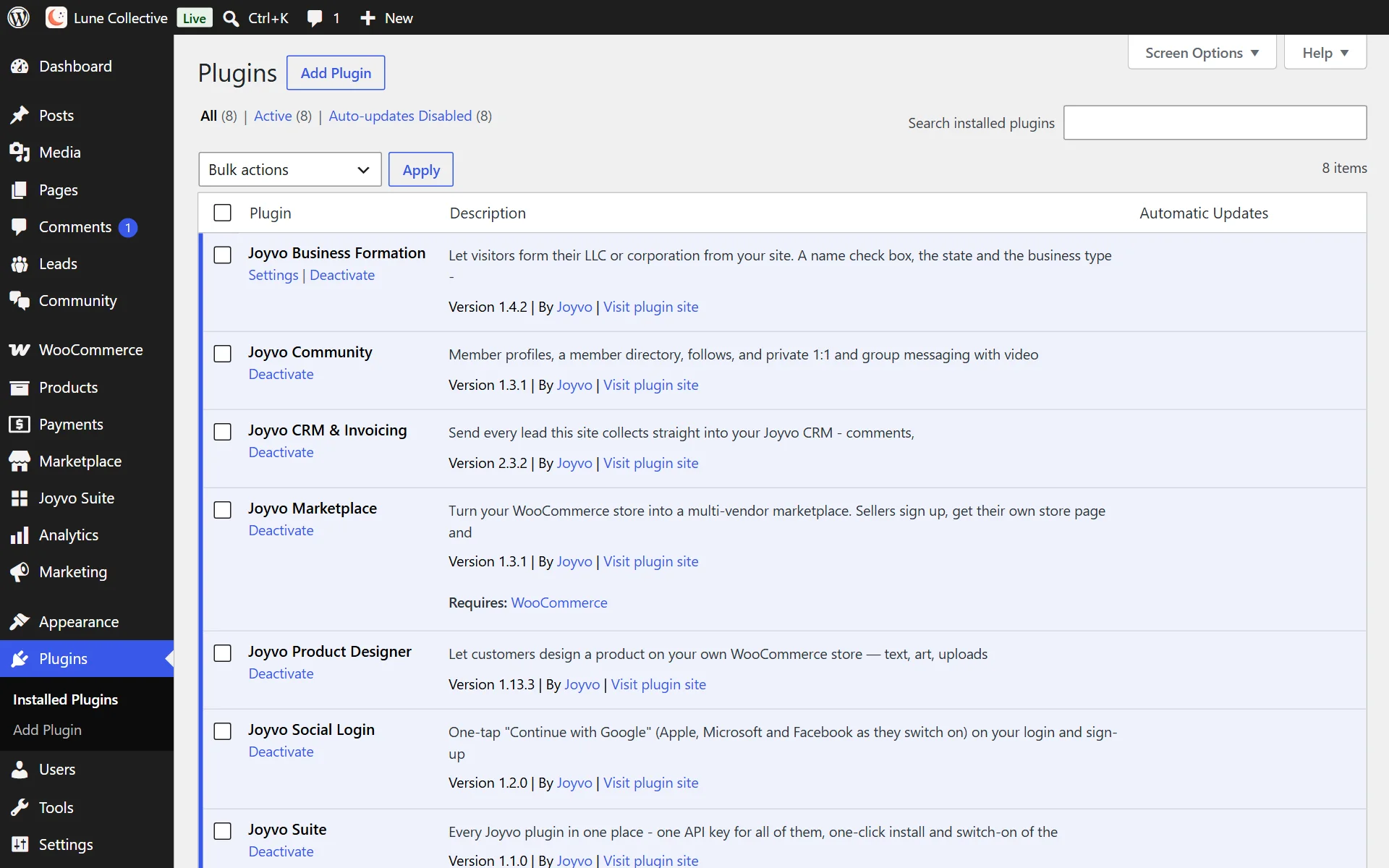
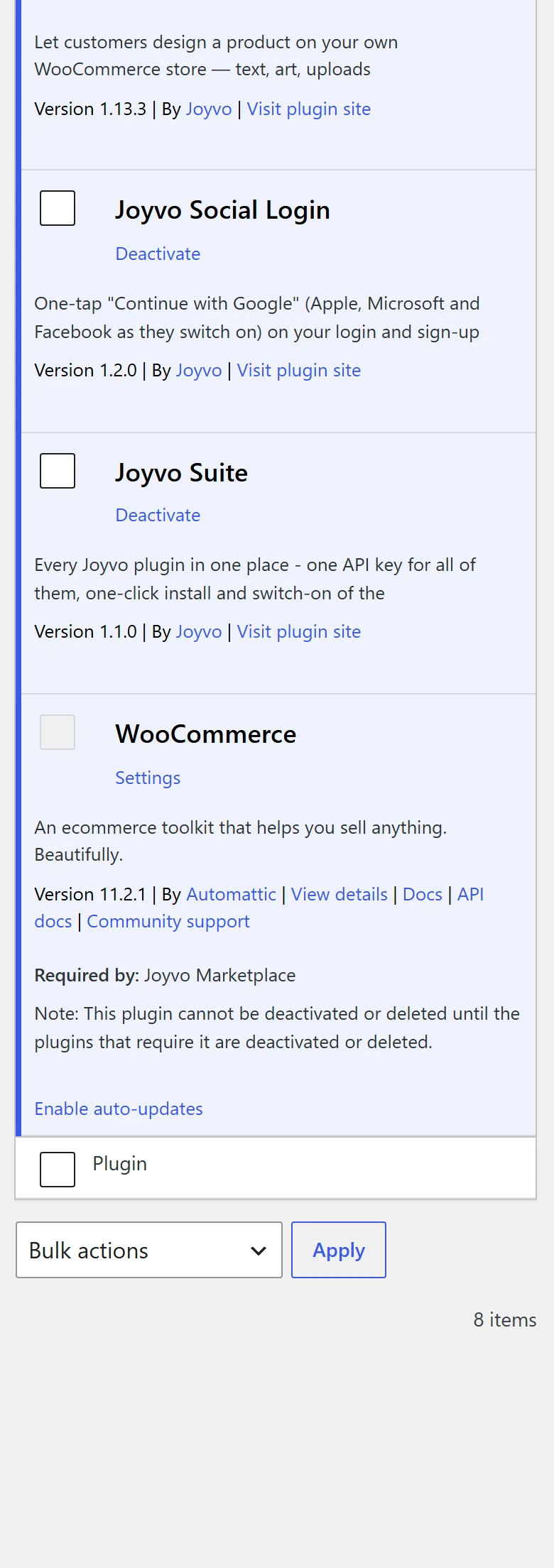
- 12
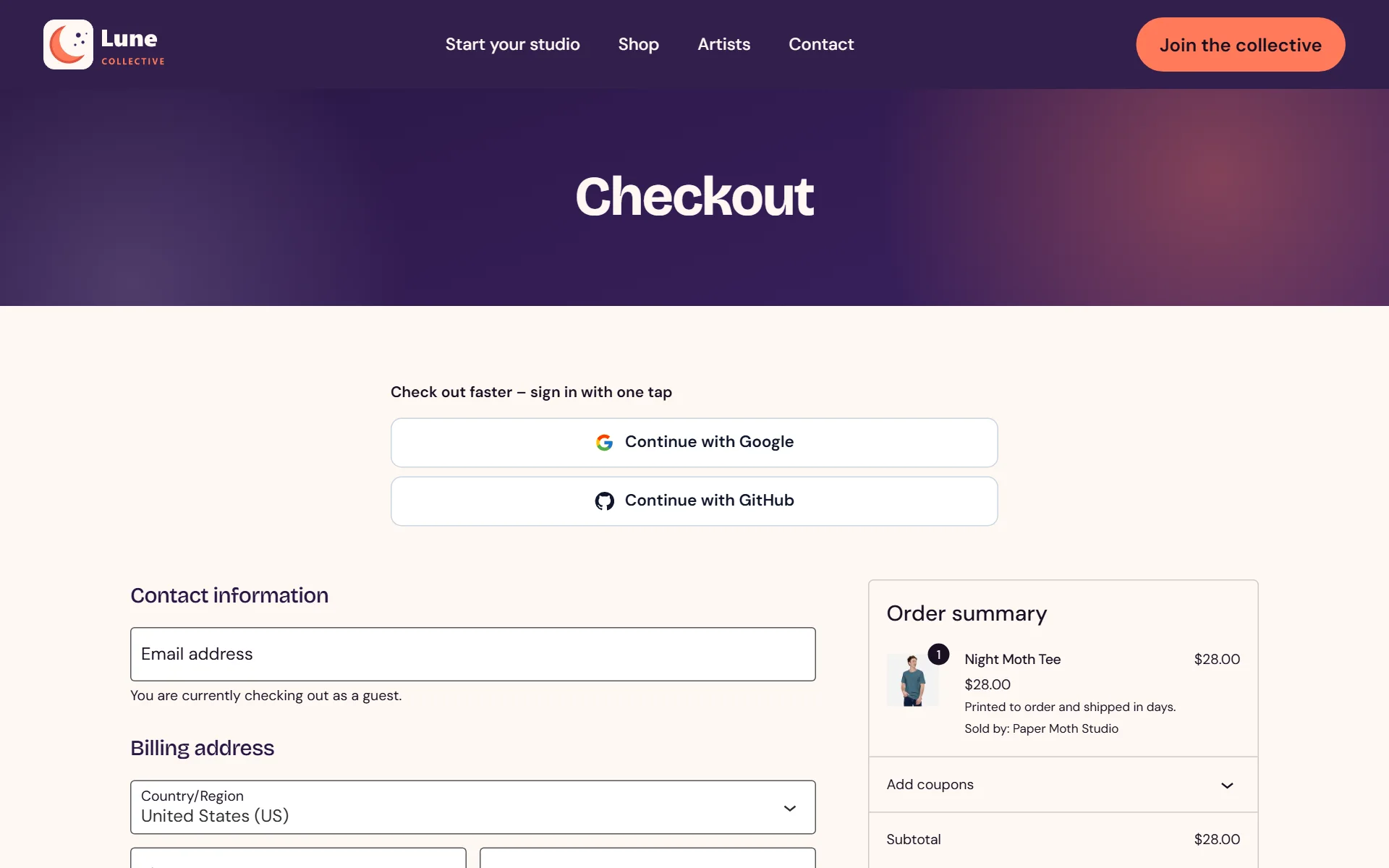
Faster checkout - sign in with one tap

Everything it does
16 features, all included
Sign-in 4
- One-tap "Continue with Google" - GitHub too; Apple, Microsoft and Facebook appear by themselves as they switch on
- No developer apps, redirect addresses or client secrets - Joyvo does the sign-in for you
- Lands people back on the exact page they started from
- Light or dark buttons with each provider's official mark
Where the buttons go 4
- Buttons on the WordPress login and sign-up forms
- Buttons on WooCommerce My Account (log in and register)
- "Check out faster - sign in with one tap" on WooCommerce checkout
- A shortcode for any page or popup, with your own heading and landing page
Accounts 3
- New people get an account on their first sign-in - or switch sign-ups off
- Existing members are matched by email, with their orders and history intact
- Account takeover protection: an unverified email never signs in to an existing account
Avatars 2
- Their sign-in photo becomes their avatar - everywhere WordPress shows one: comments, WooCommerce and Community
- Members upload their own profile photo in My Account > Account details, or go back to their sign-in photo
Security and developers 3
- One key for the whole Joyvo suite - reuses the key from Community or Product Designer
- Your API key never leaves your server; each sign-in code works once, for two minutes, in the browser that started it
- Hooks for developers: a buttons filter, and signed-in and new-user actions
Who it is for
Live in 0 steps
Version 1.2.0 · WordPress 6.0+ · PHP 7.4+
Questions people ask
Do I have to set up a Google developer account?
No. That is the point - Joyvo does the sign-in and hands your site a one-time code.
What happens on someone's first sign-in?
An account is created on your site with their name and photo (as a WooCommerce customer if WooCommerce is on). Sign-ups can be turned off.
Could someone hijack an account?
No. A sign-in only links to an existing account when the provider has verified the email.
Does it work with my other Joyvo plugins?
Yes - the same login covers your community, saved designs, creator stores and client records, and the buttons appear inside Community and the designer automatically.
Pick your plan
Every plugin is free with your Joyvo account. Give Pro a 14-day free try on any site - cancel any time.
Hosting with Joyvo? Every Pro feature is already on for your sites.
What's new
Current version 1.2.0
Version 1.2.02026-10-11Latest
- The WordPress login and sign-up screens show your logo (your site icon on phones) instead of the WordPress logo - or pick logo, icon or WordPress's own in Settings.
One tap to join - and a reason to stay.
Free with your account. Install it in minutes - your first result shows up today.