

Joyvo Product Designer for Shopify · Shopify
Your shoppers design it. Shopify sells it.
A Design it button on your Shopify product pages: shoppers add text, art and photos, approve a proof, and it goes in the cart at your own price.
- Free - Pro $99/mo, billed by Shopify
- Works with any theme
- Live in 4 steps
0
scripts loaded until a shopper taps
1 key
links your account
3
ways to get it printed
14 days
free on any plan
Why Shopify stores add it
Never breaks your theme
The designer opens in its own window - nothing loads into your store until a shopper taps Design it.
Your prices, untouched
Shoppers pay your Shopify price. The designer never touches checkout.
Printed your way
We print and ship, you print from the files, or orders go to your own Printful, Printify or Gelato account.
See it working
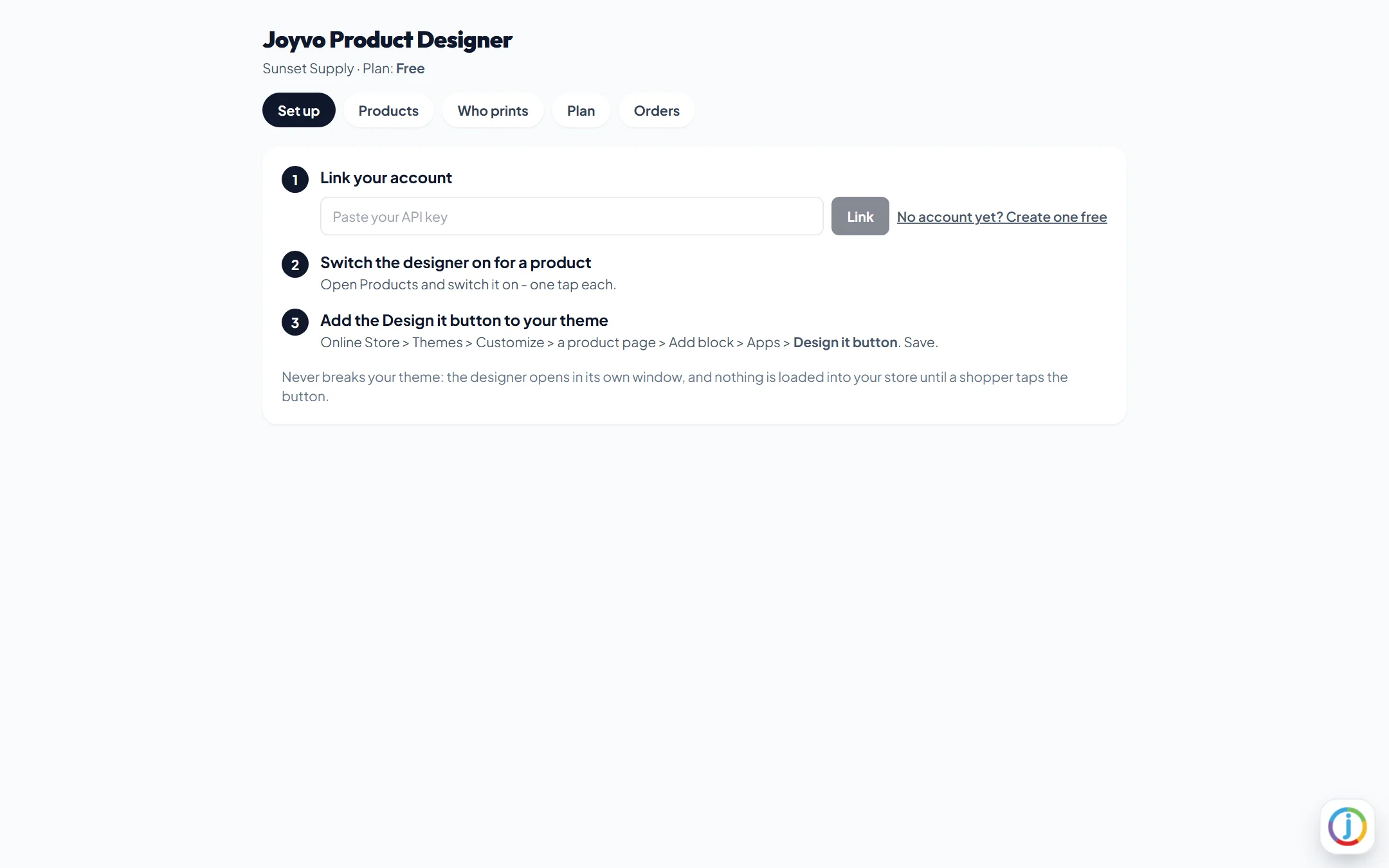
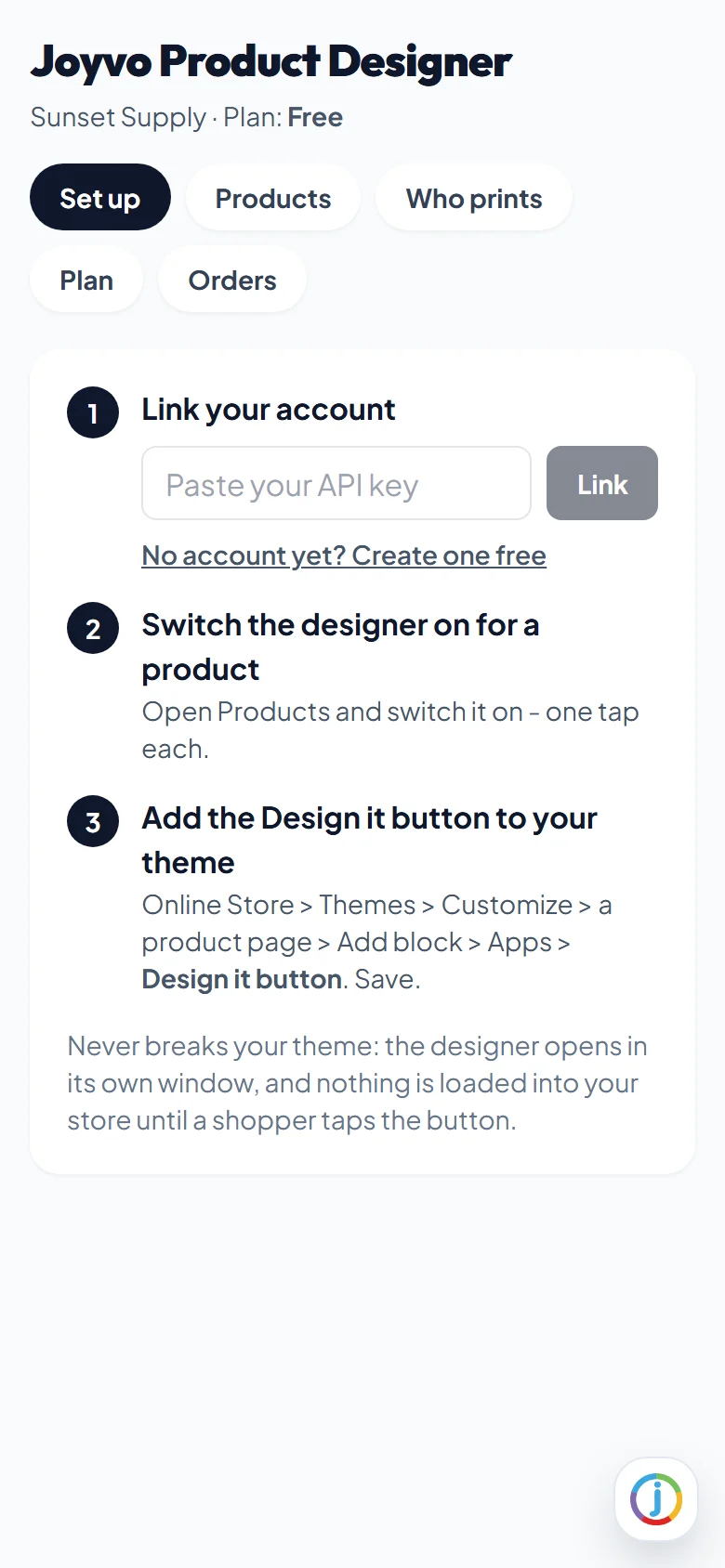
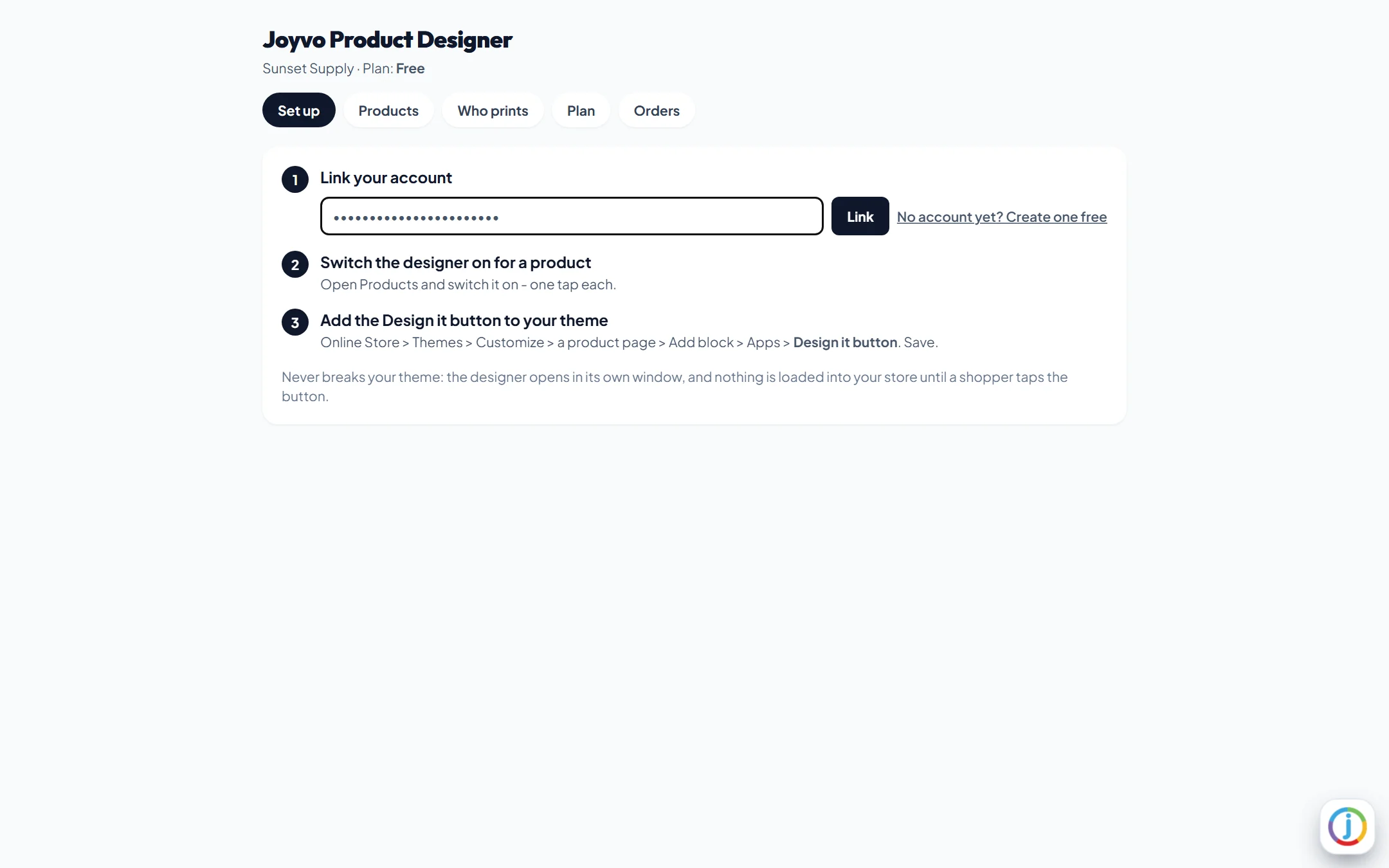
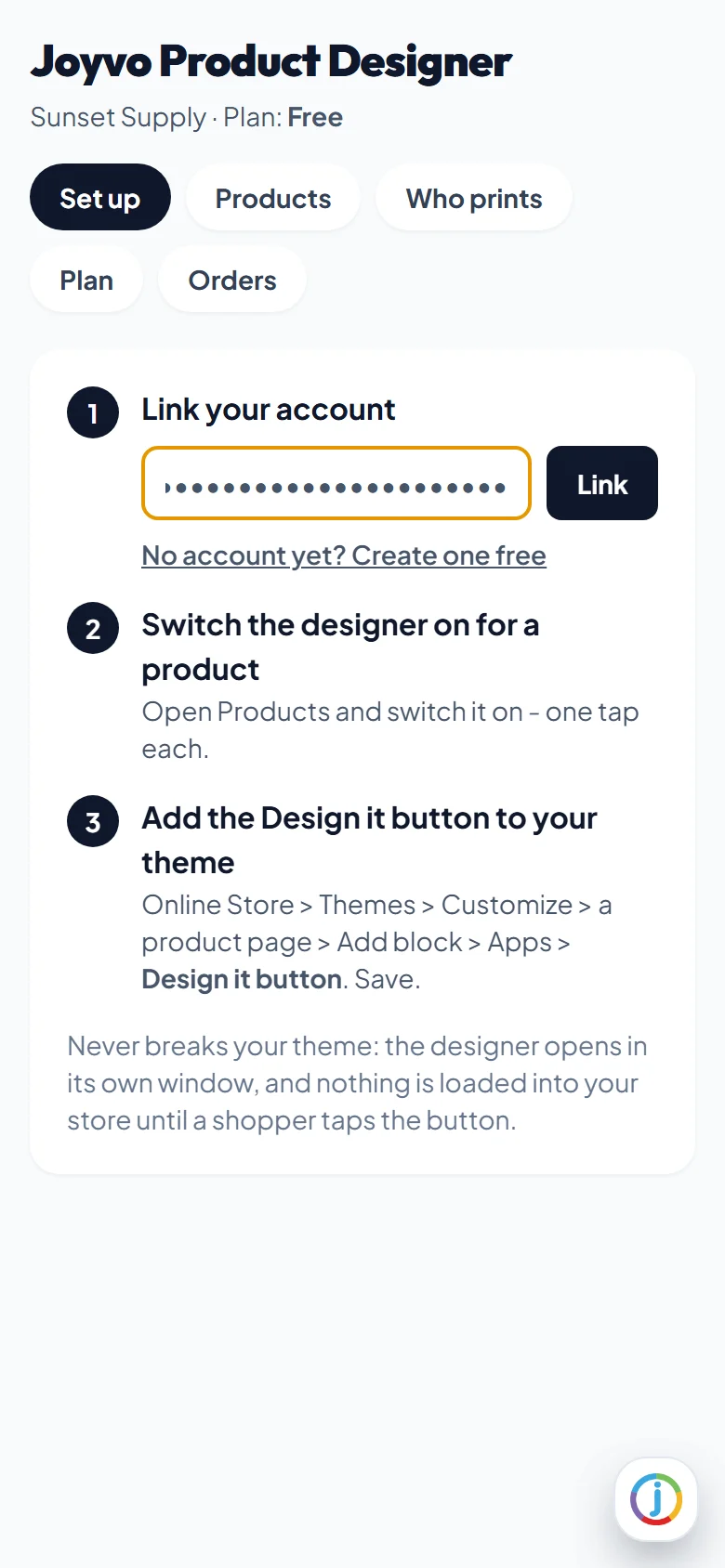
Real screens from a WordPress site running it - on a computer and on a phone, nothing mocked up. Tap any to look closer.
On a computer
On a phone
Swipe for more screens →
How it works
- 01
Add it to Shopify
Enter your store address, approve the app, paste your key.
- 02
Switch it on
One tap per product, then add the Design it button block in the theme editor.
- 03
Sell designed products
Shoppers design and approve; every order carries its design. You, we, or your own Printful, Printify or Gelato account prints it.
Step by step
Joyvo Product Designer for Shopify, one screen at a time
12 steps from first click to done - real screens on a computer and on a phone.
- 1
Set up in three steps, inside your Shopify admin
- 2
Link your account with one key
- 3
Linked - designs and orders go to your account
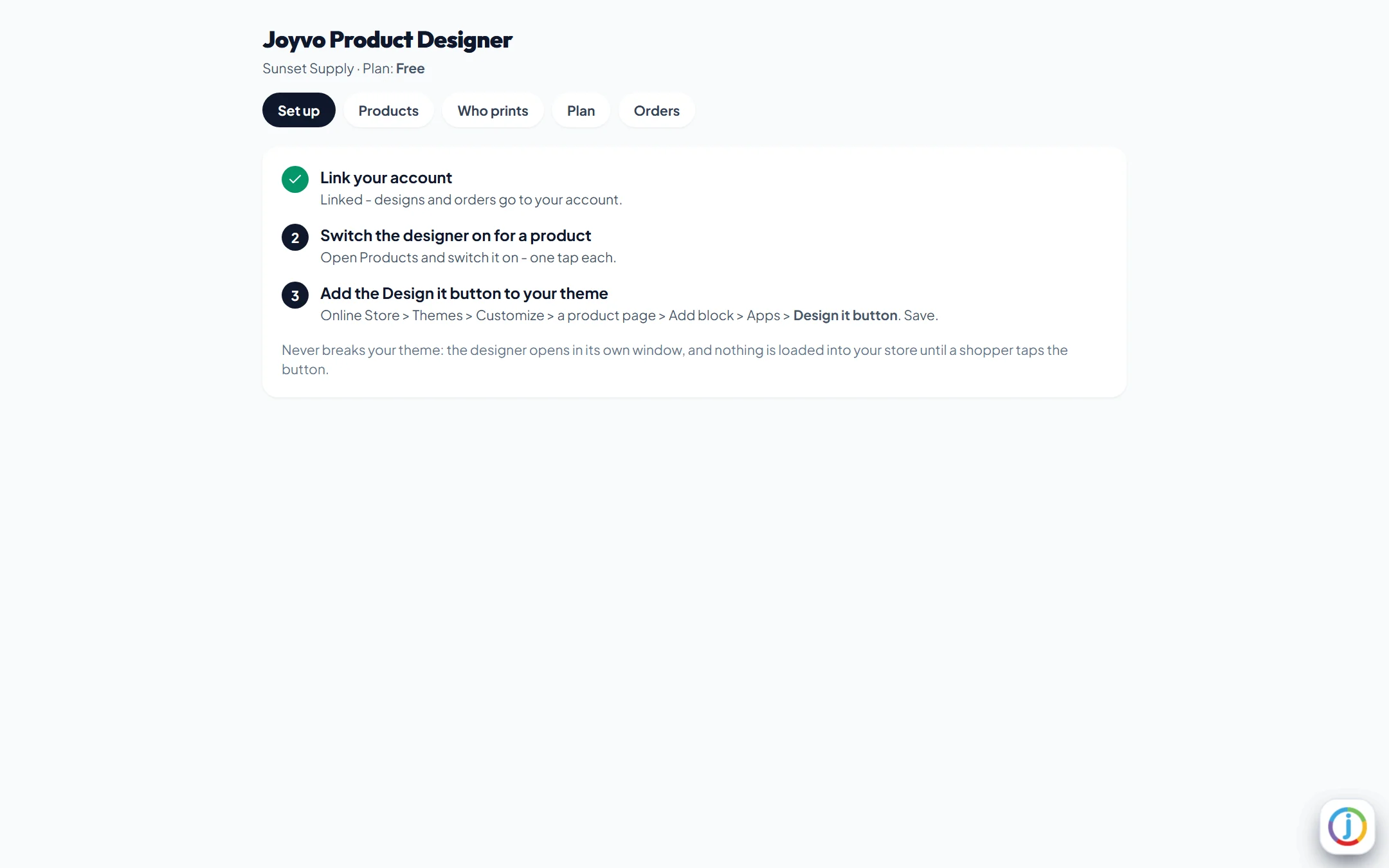
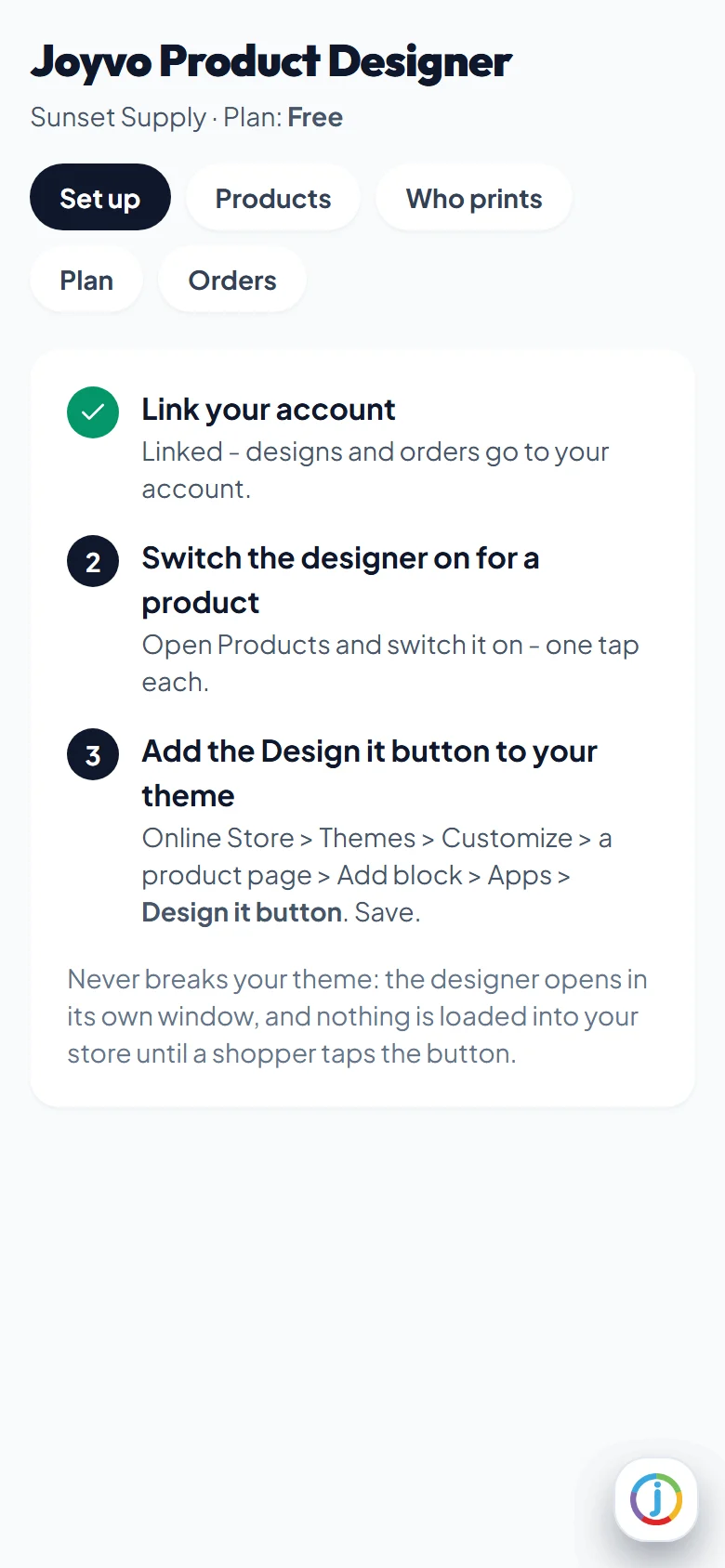
- 4
Switch the designer on per product - one tap each
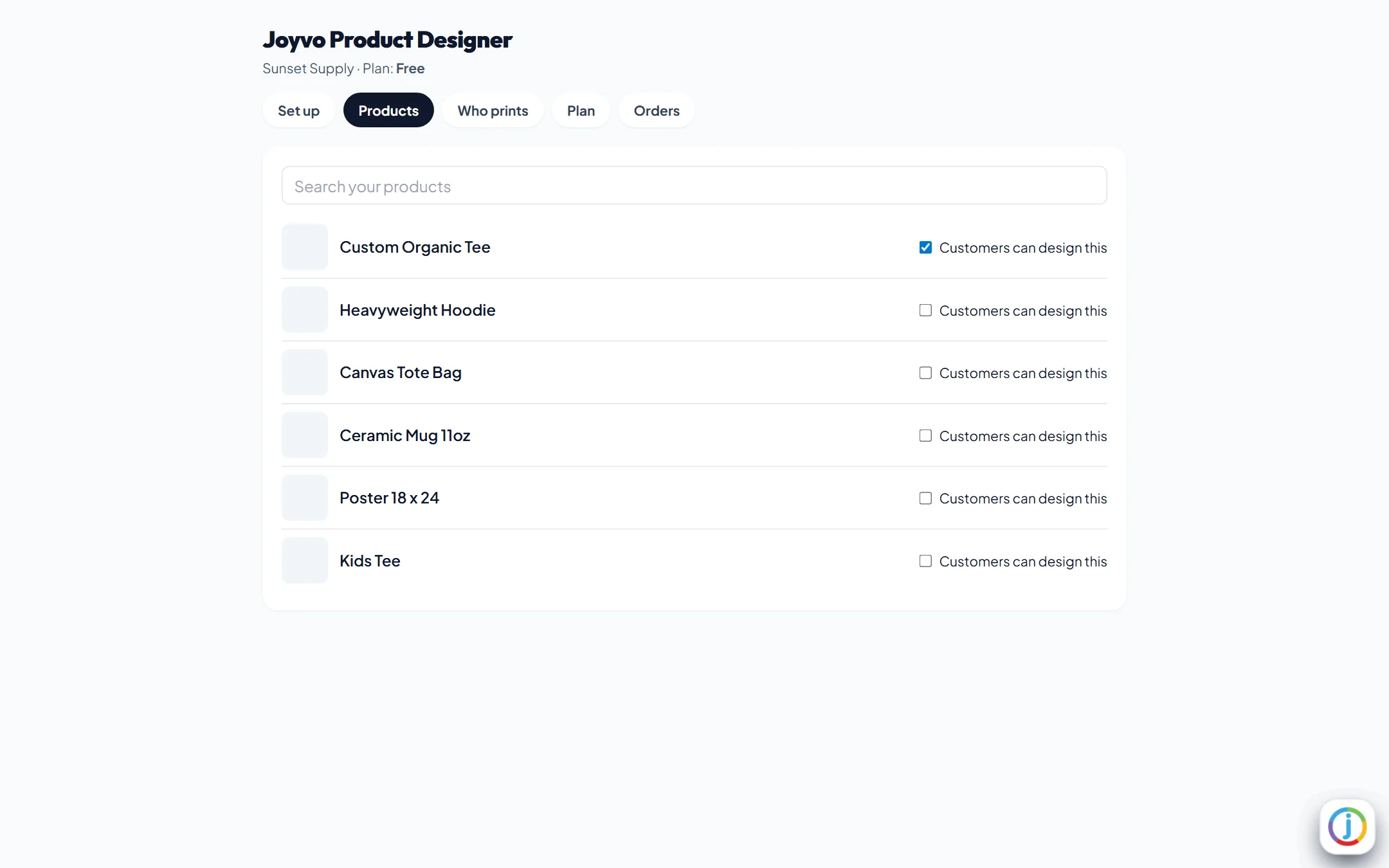
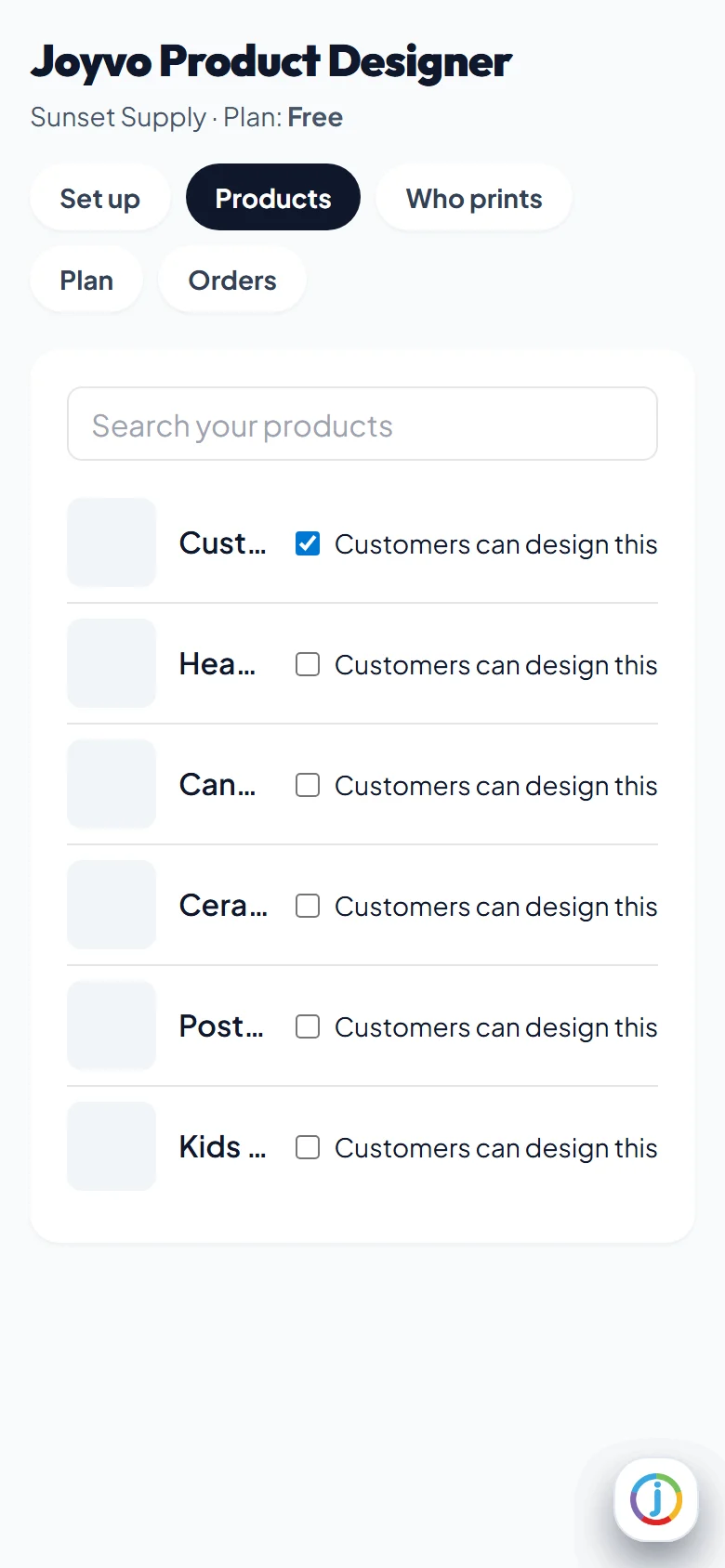
- 5
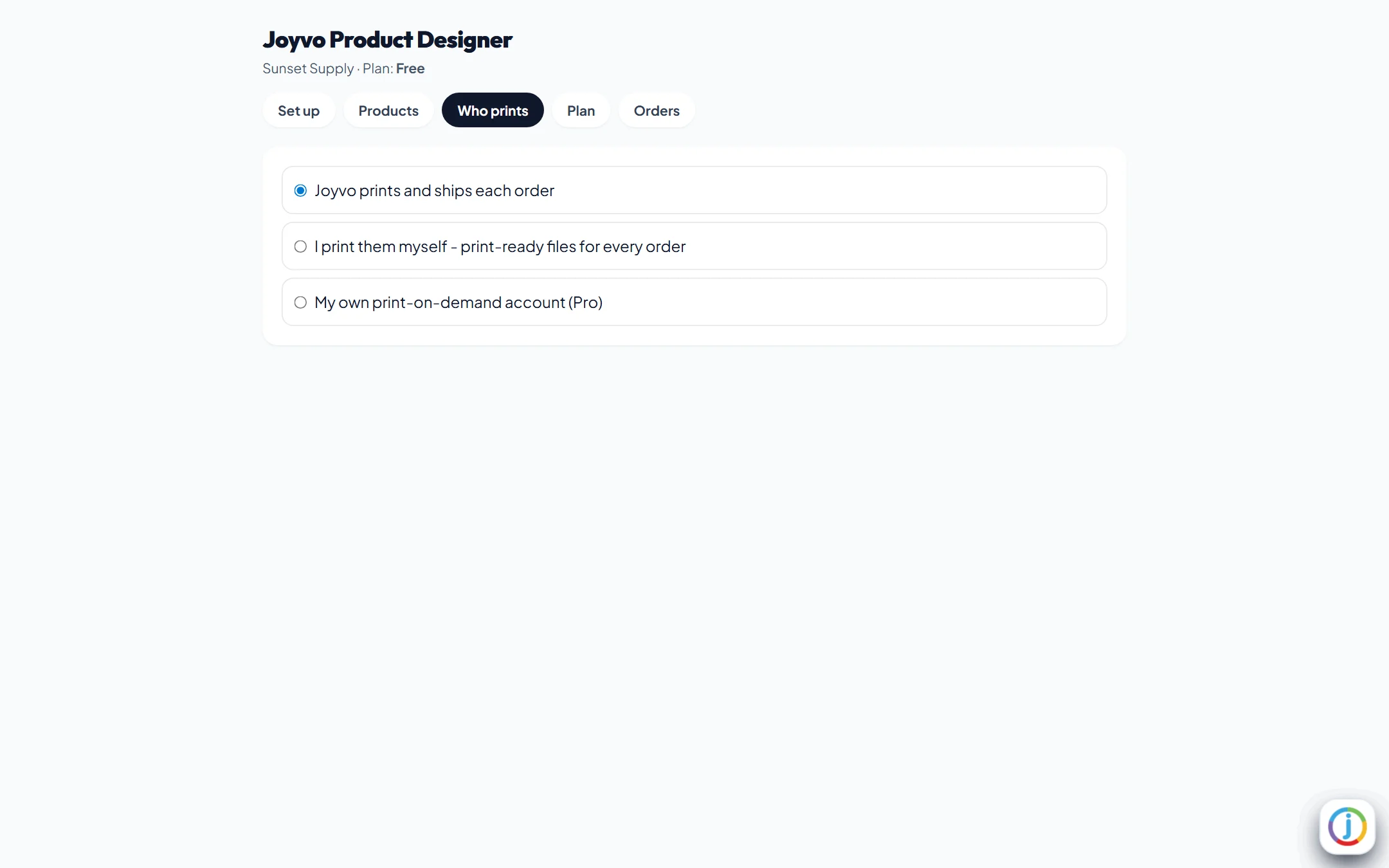
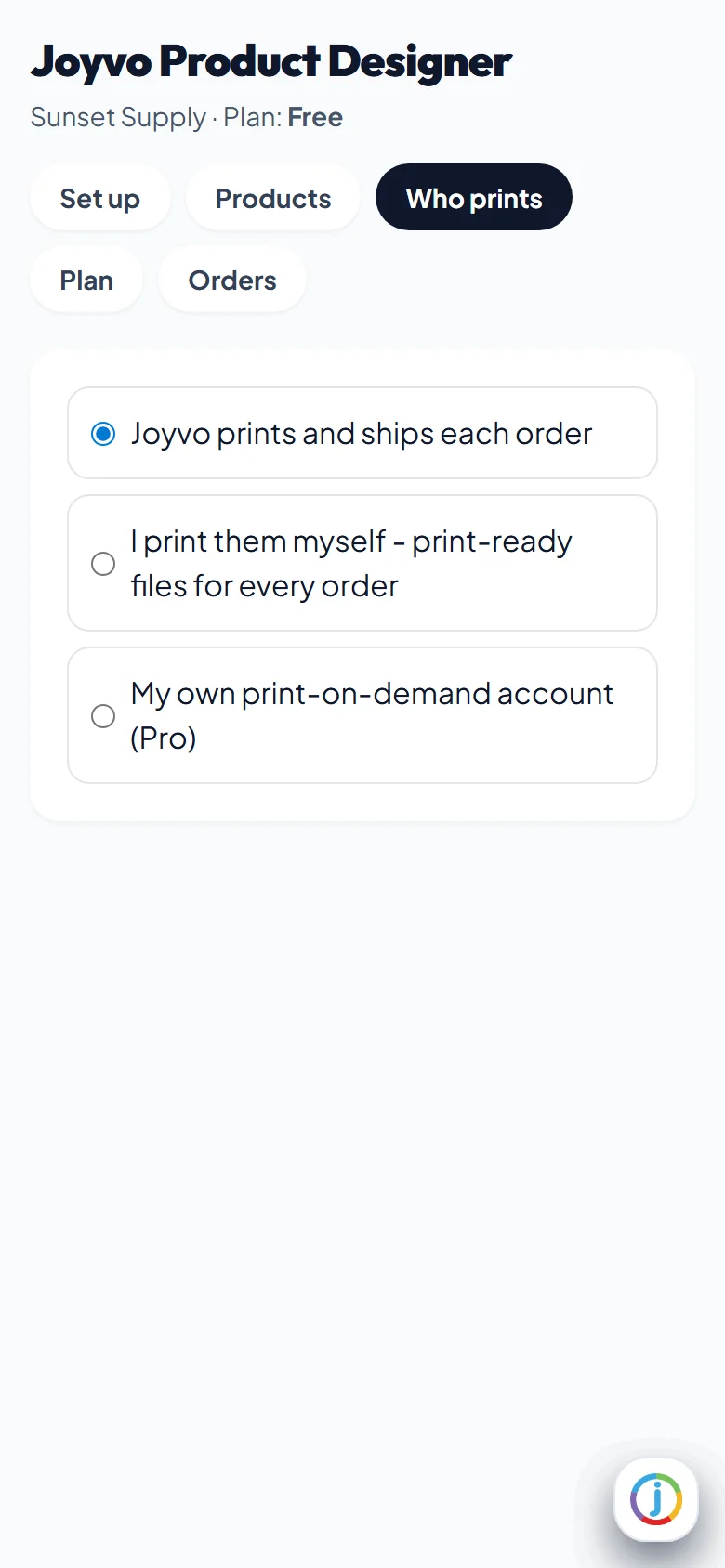
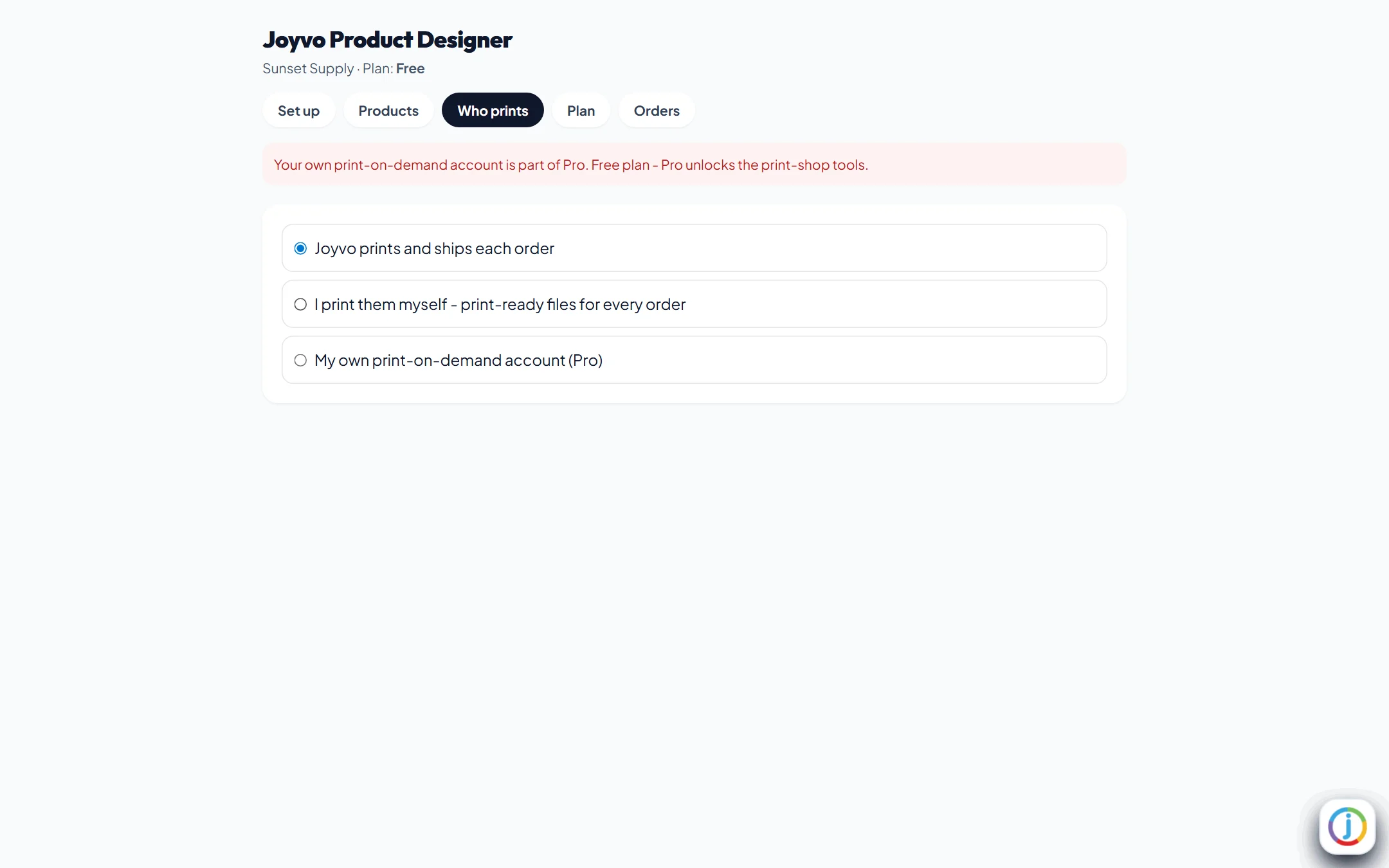
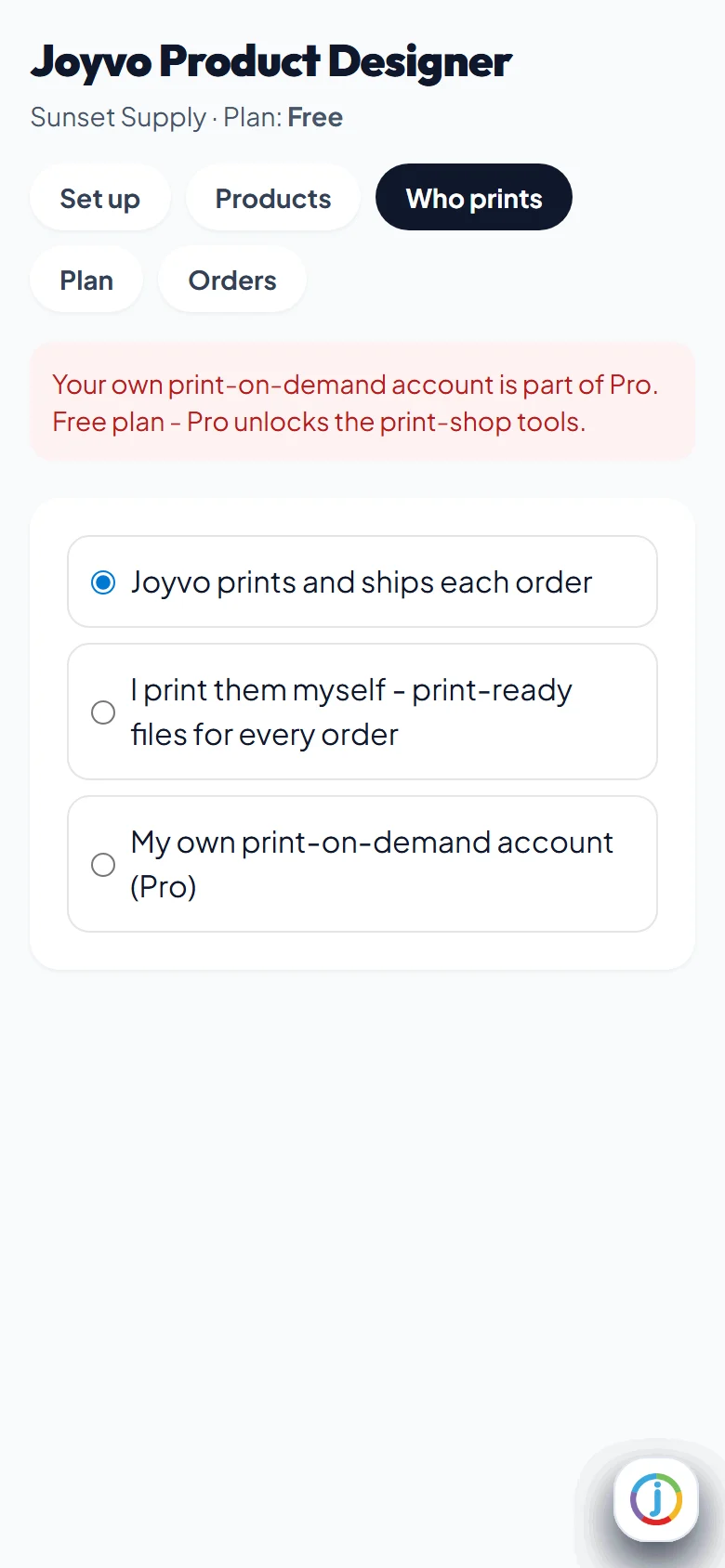
Who prints: us, you, or your own Printful, Printify or Gelato account
- 6
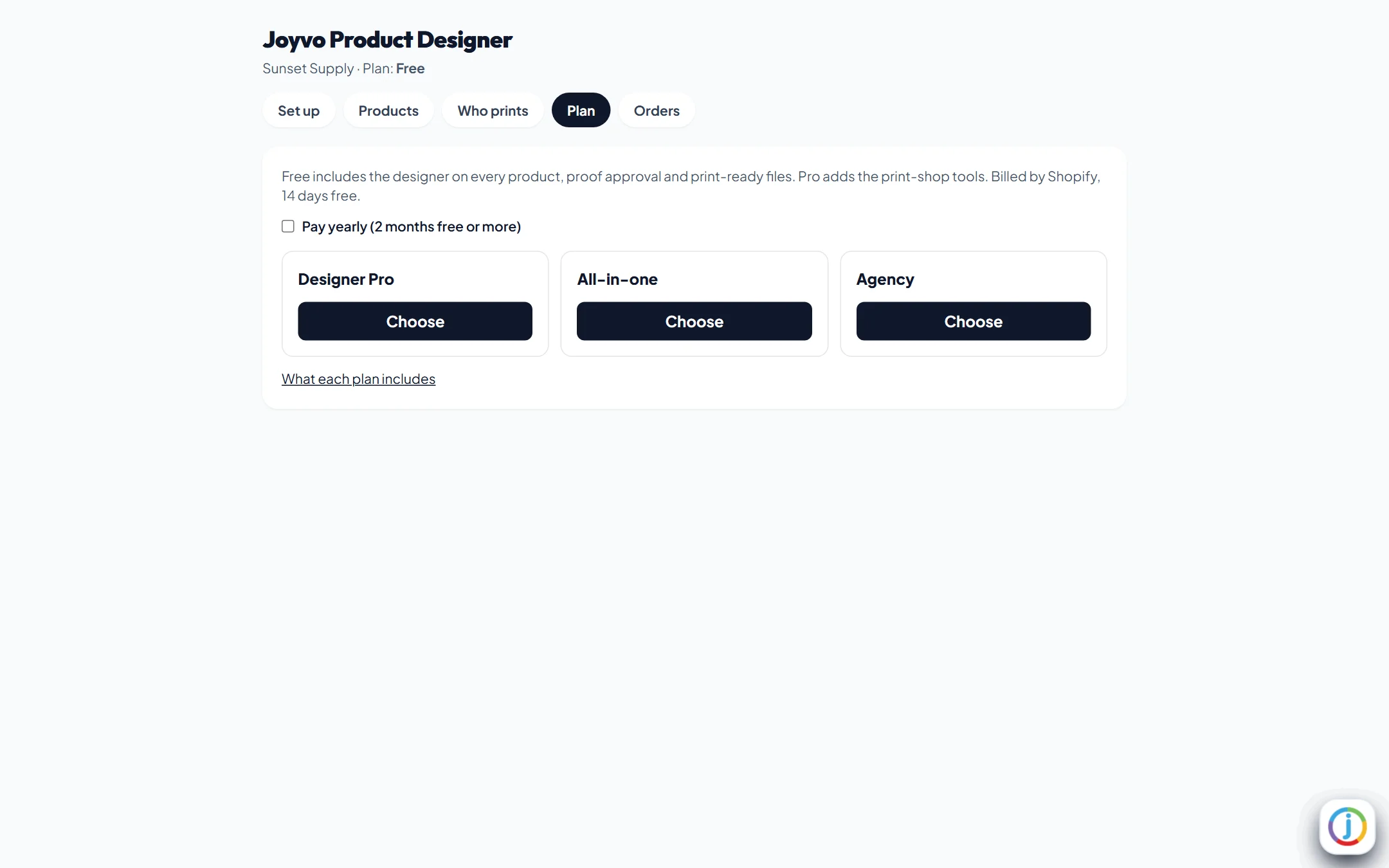
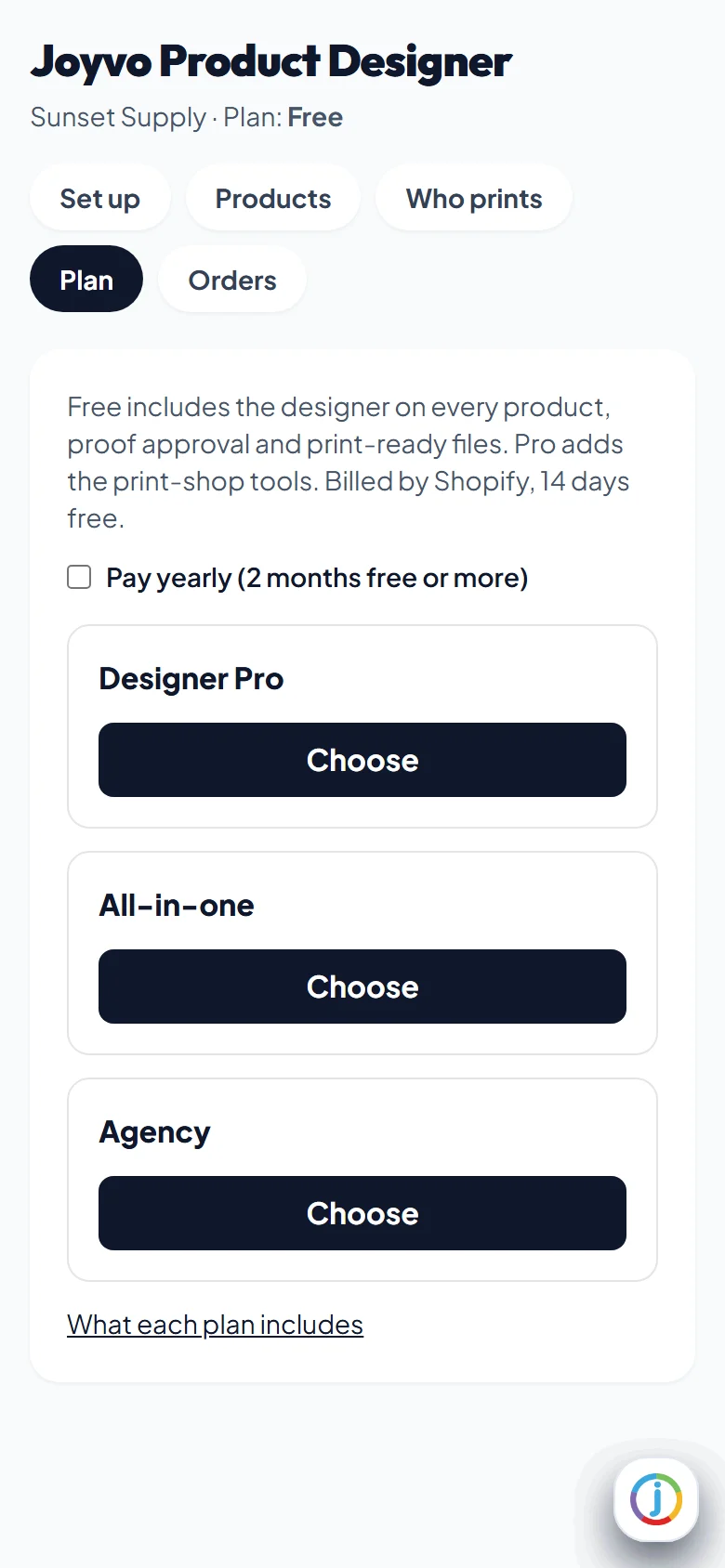
Plans billed by Shopify, 14 days free
- 7
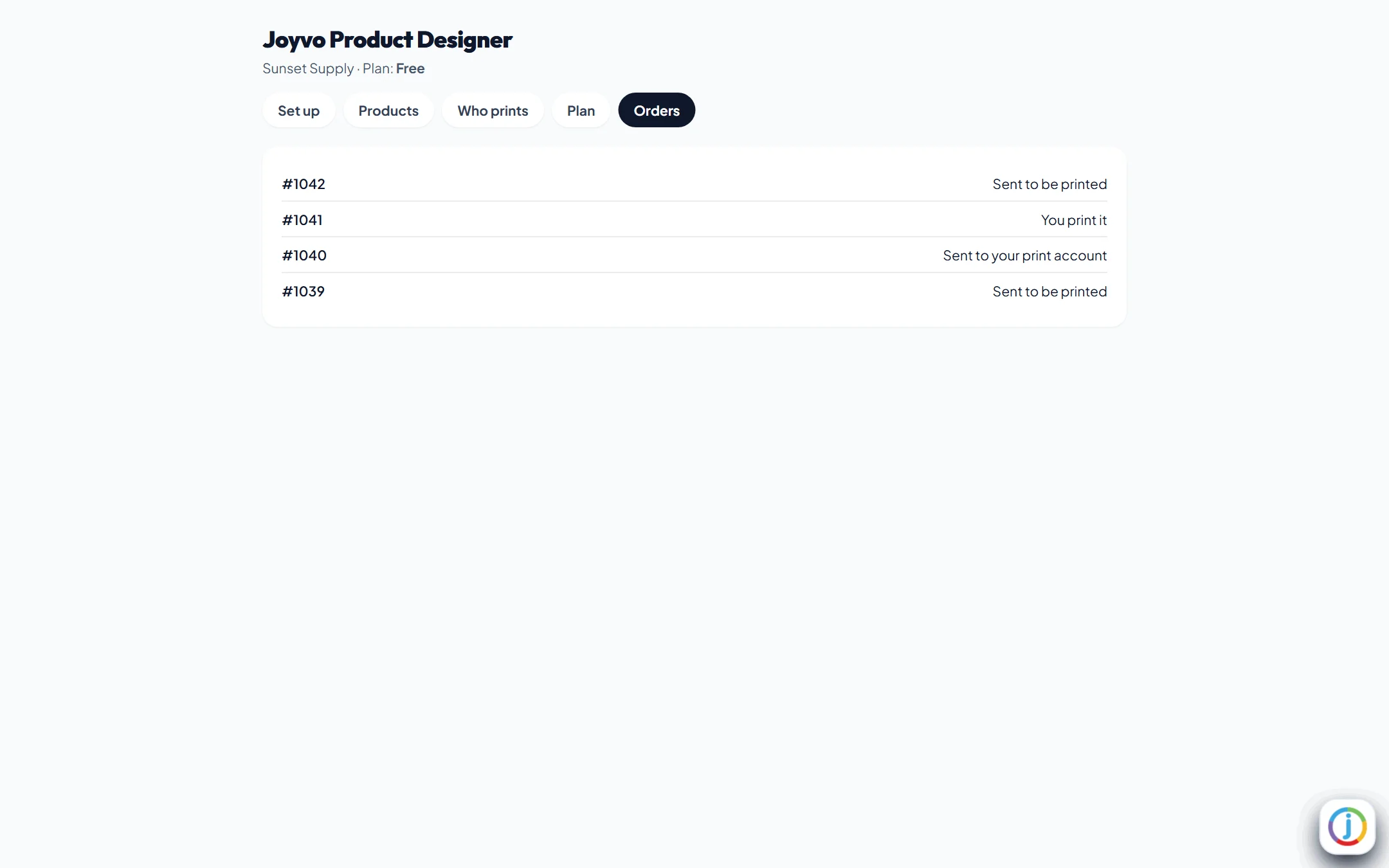
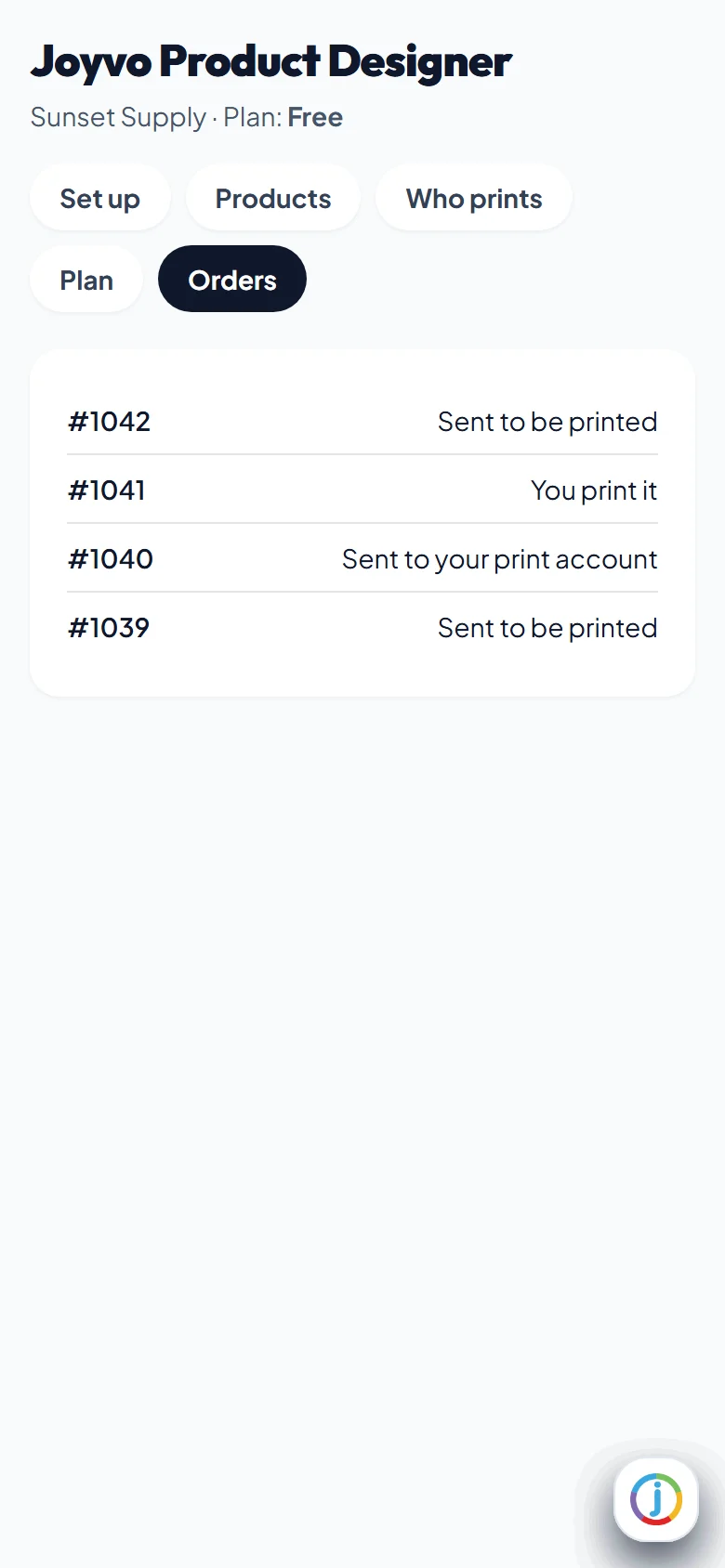
Designed orders and where each one went
- 8
Your own print account is Pro - it says so plainly
- 9
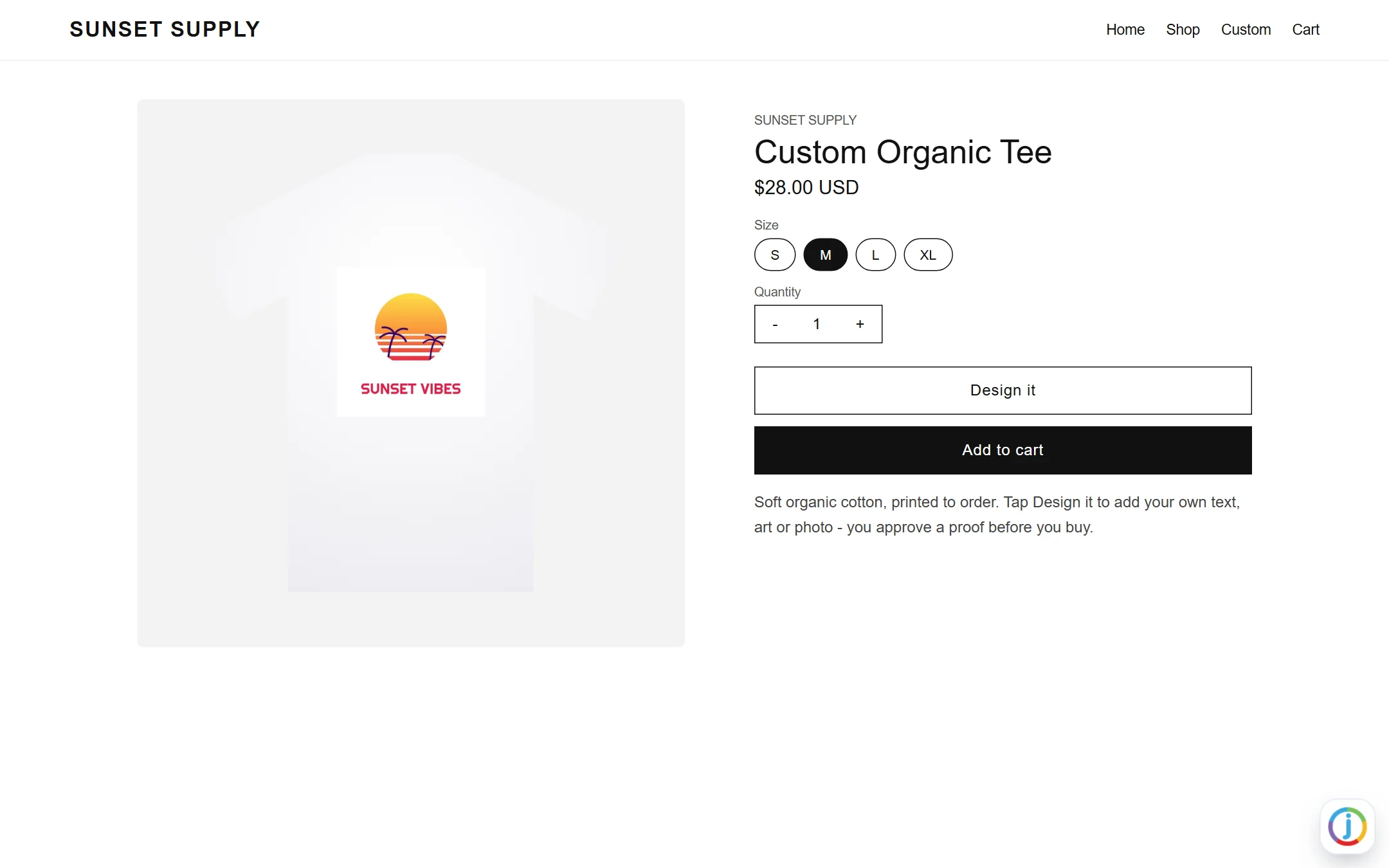
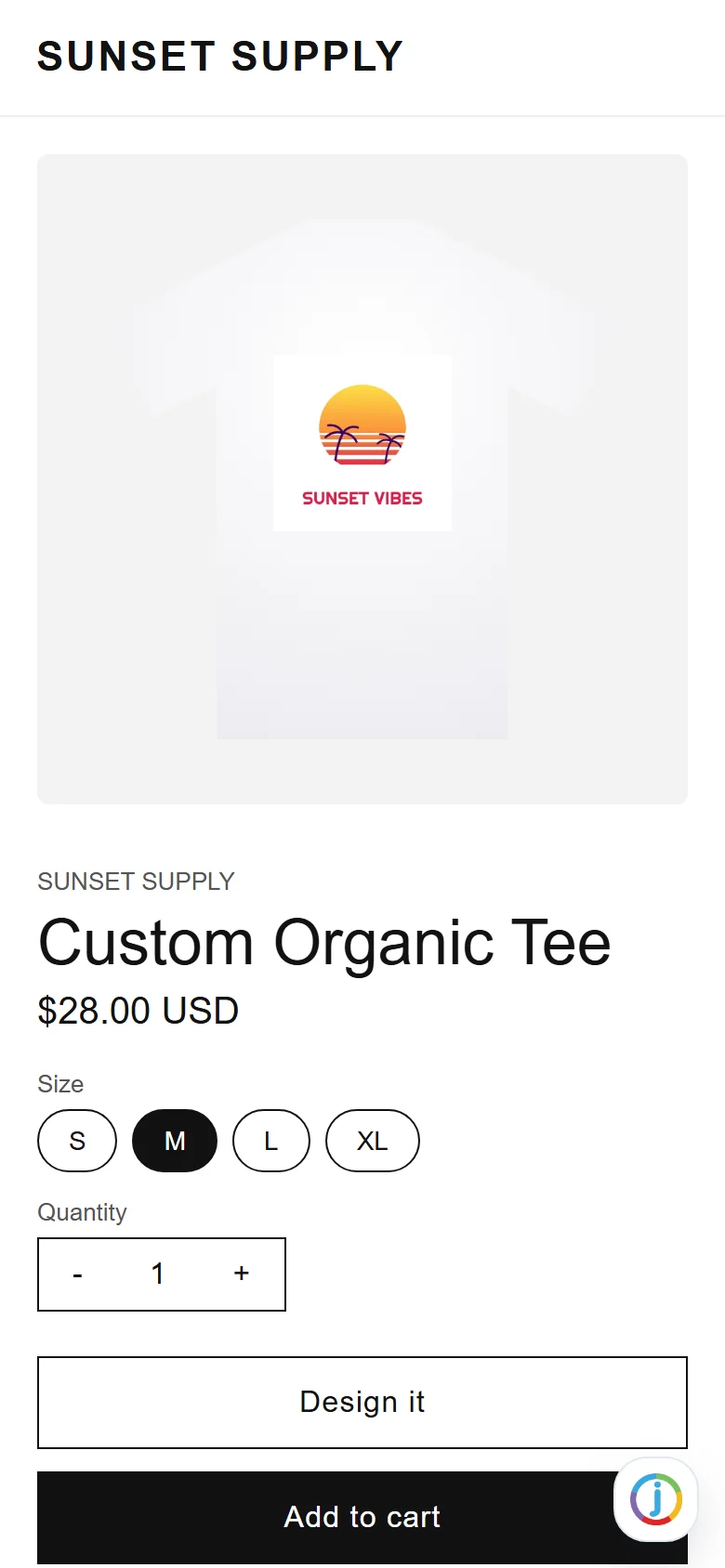
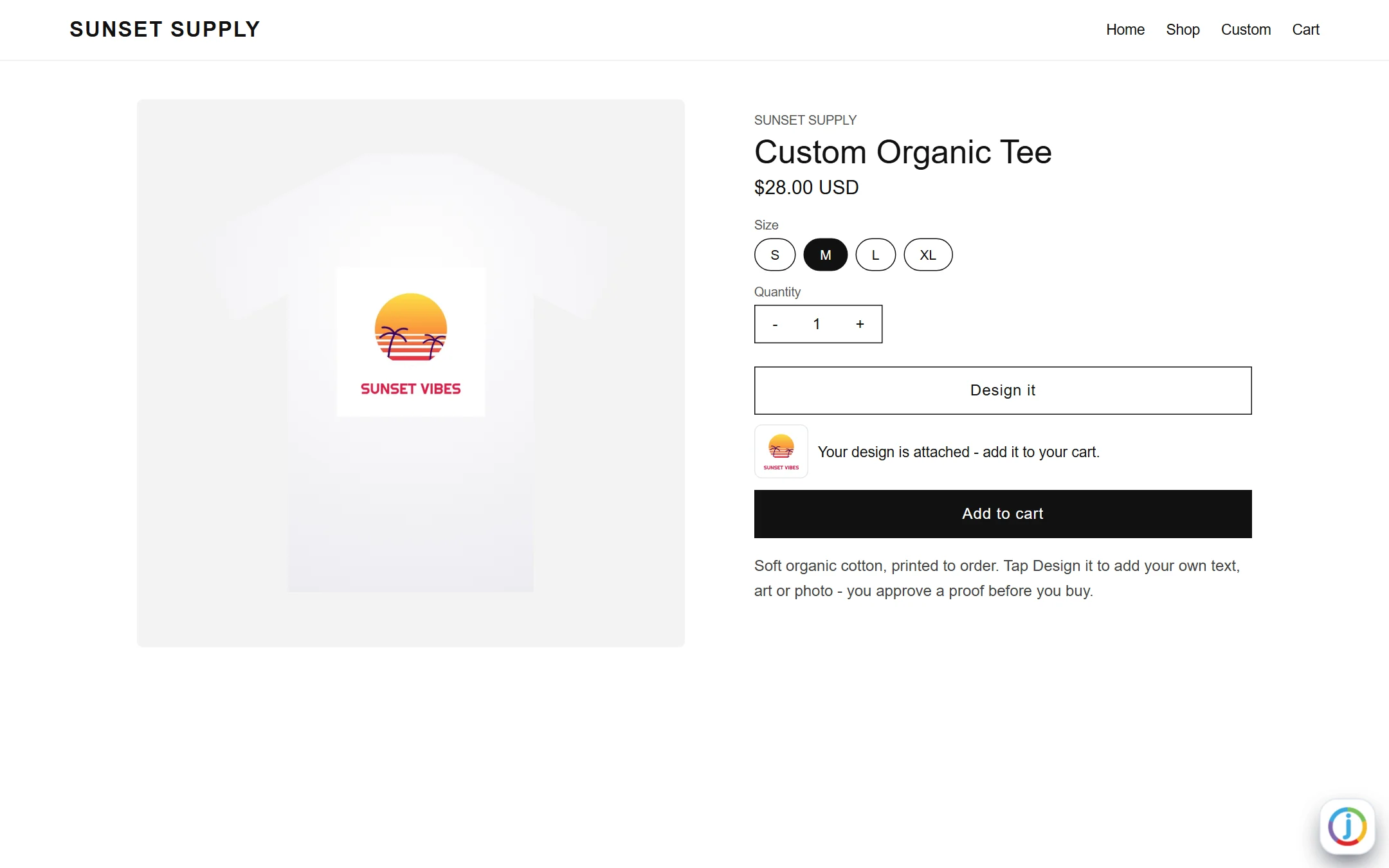
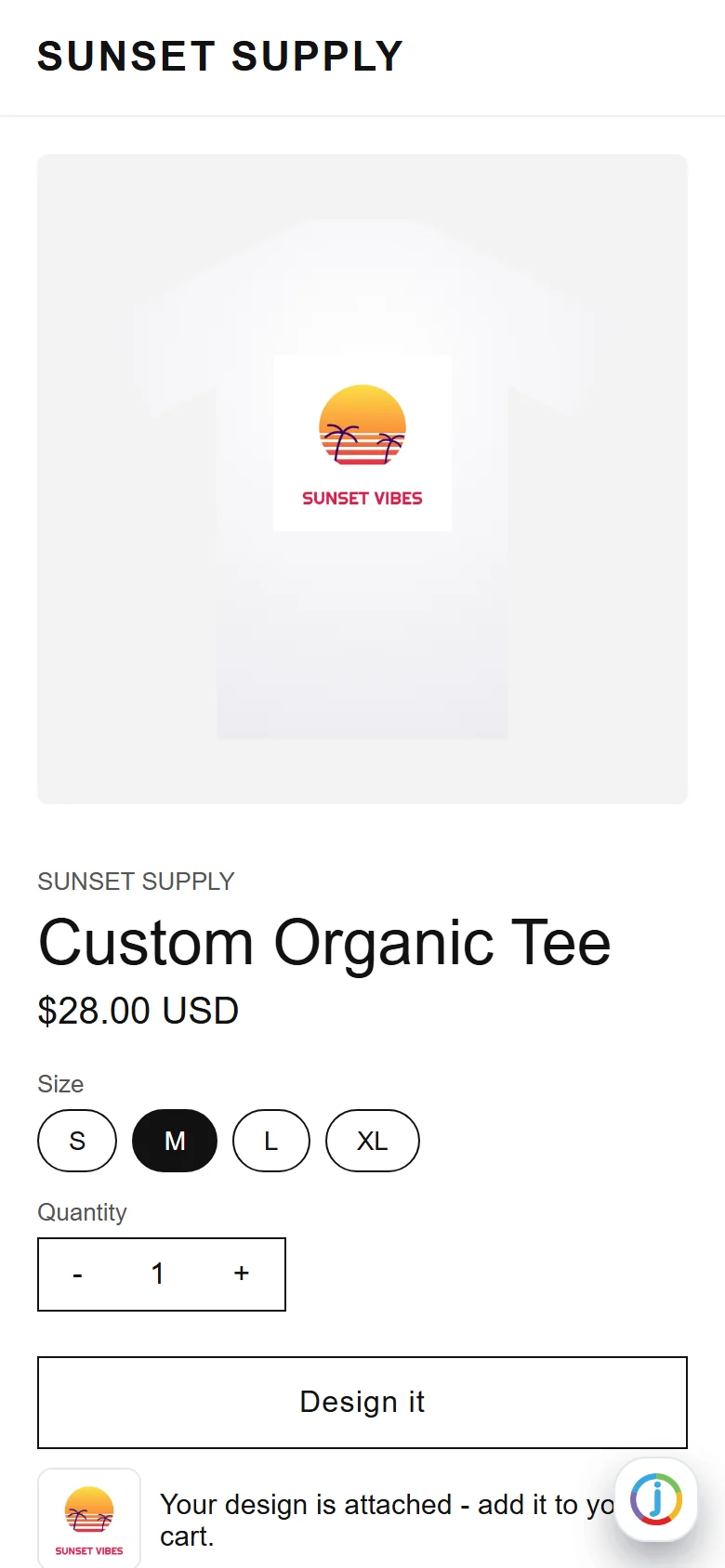
A Design it button on your product page - your theme, your price
- 10
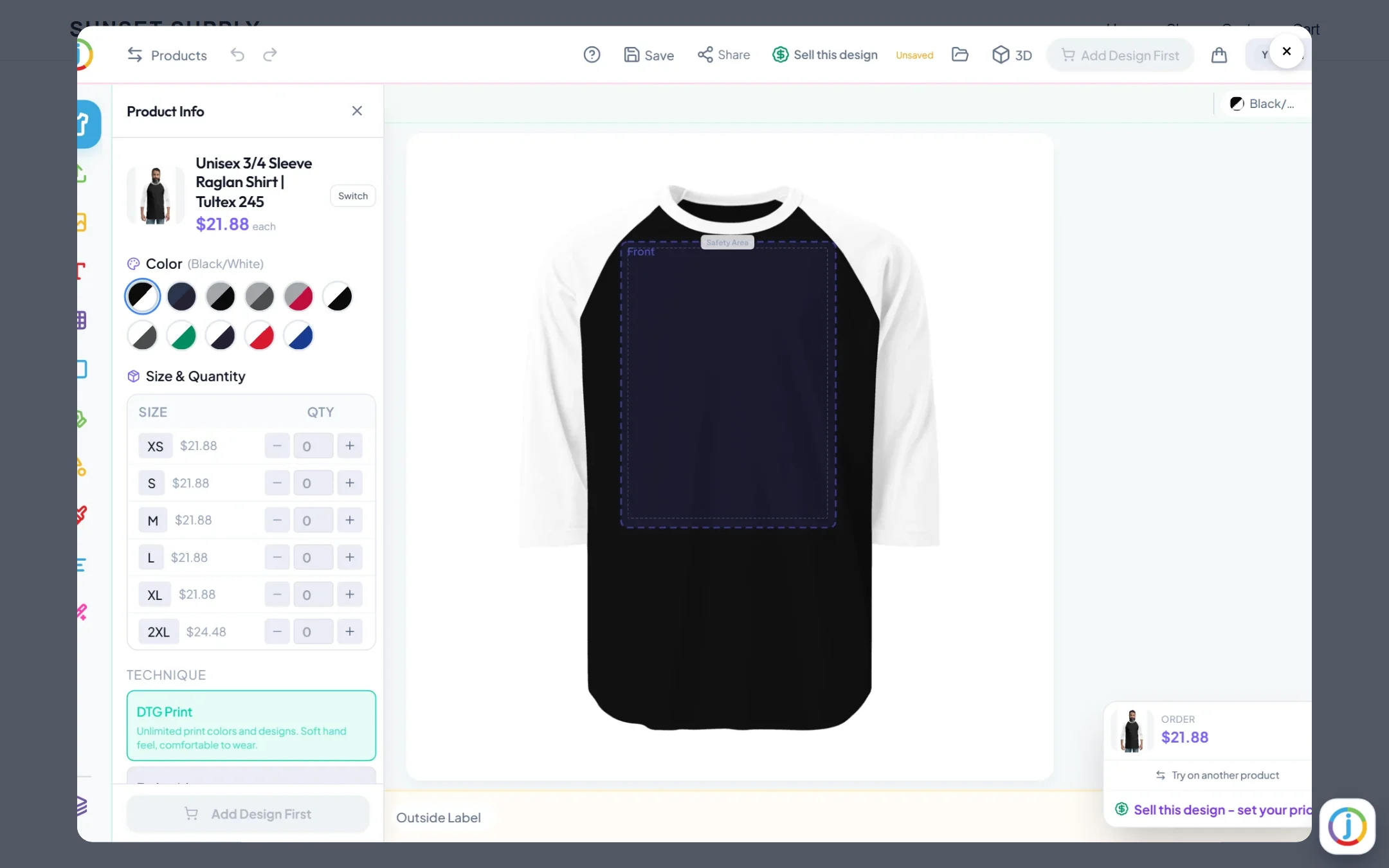
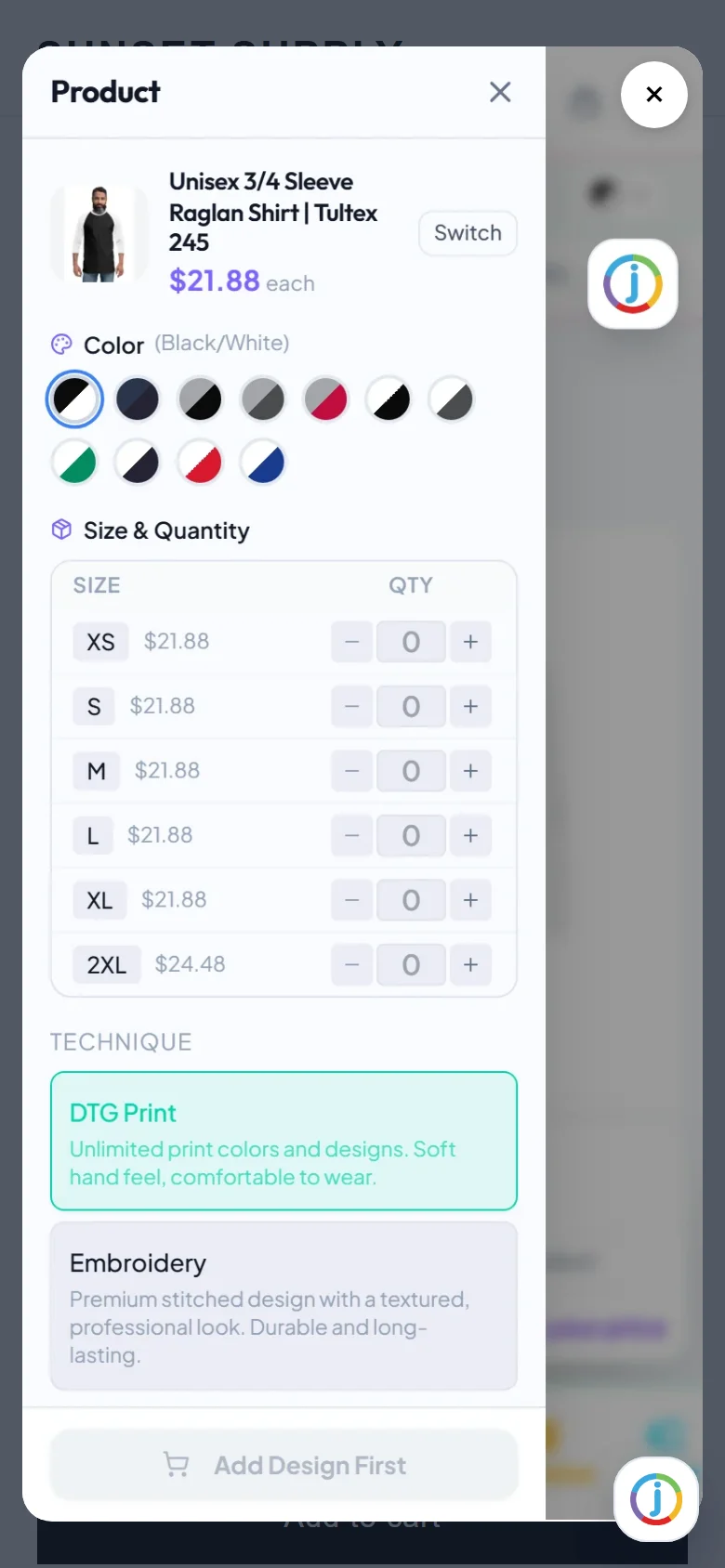
The designer opens over the page - nothing loads into your theme
- 11
Approved - the design rides on the cart line
- 12
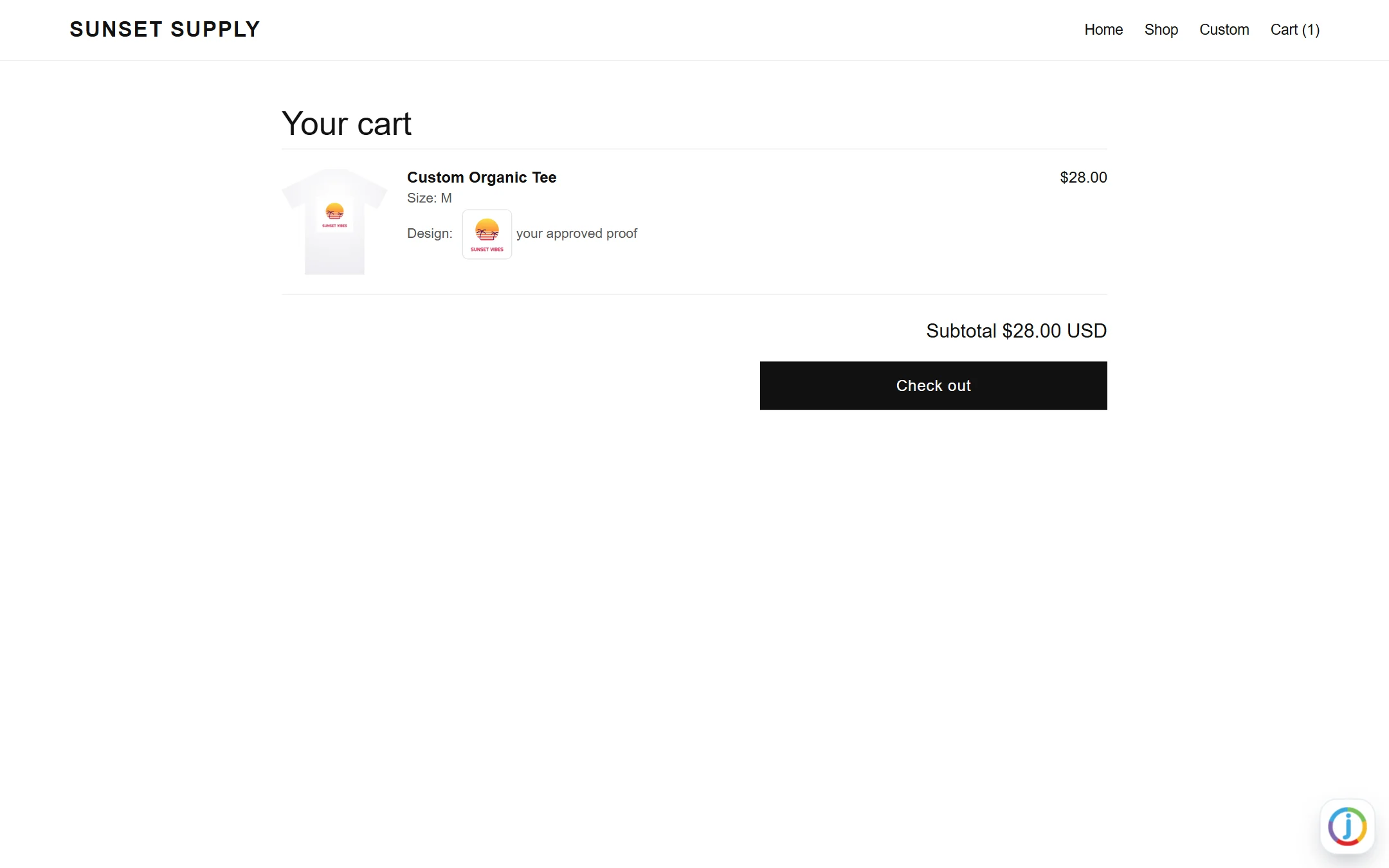
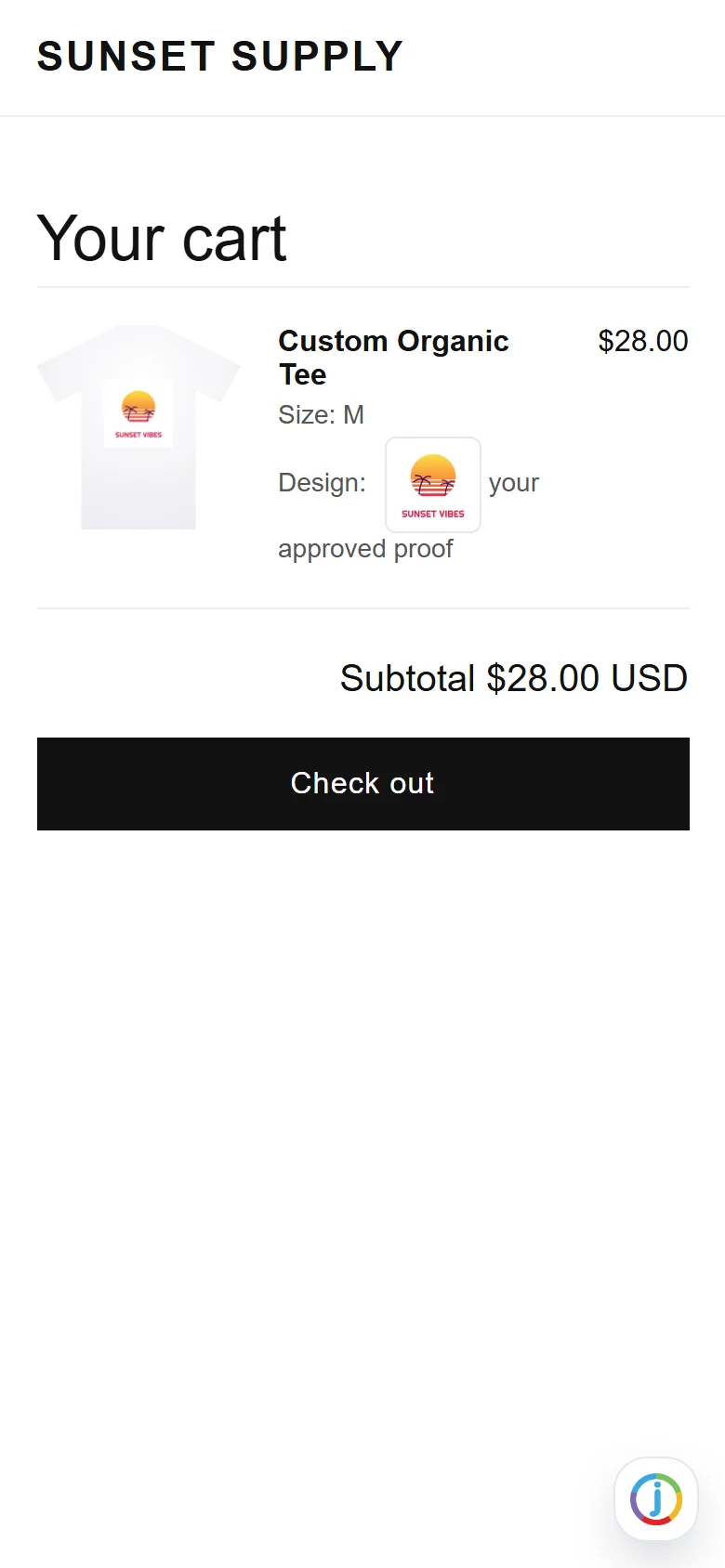
In the cart with its proof - you see the design on every order
Everything it does
16 features, all included
On your product pages 6
- A Design it button on any product page - added from the theme editor, no code
- The designer opens over the page in its own window - nothing loads into your theme until a shopper taps
- Text, art, uploads, templates, AI images, every printable side
- The shopper approves a proof before buying
- The approved design rides on the cart line - you see it on every order
- Your own Shopify prices - the designer never changes what a shopper pays
In your Shopify admin 4
- Set up in three steps inside Shopify
- Switch the designer on per product, one tap each, with search
- Choose who prints: we print and ship, you print from the files, or your own print-on-demand account (Pro)
- Designed orders and where each one went
Plans and billing 3
- Free to start - the full designer, 25 designed orders a month included
- Pro $99, Business $199 or Unlimited $299 a month, billed through Shopify - no surprise per-order fees inside your included orders
- 14 days free on any paid plan
Safe by design 3
- Every request from Shopify is signature-checked
- Your store's access is stored encrypted
- Customer privacy requests from Shopify are answered automatically
Who it is for
Shopify stores selling anything printable.
What it never does
- It never changes your prices or checkout.
- It never loads scripts into your theme until a shopper taps Design it.
Live in 4 steps
- 1Open the install page and enter your store address.
- 2Approve the app in Shopify.
- 3Paste your API key in the app and switch the designer on for a product.
- 4Theme editor: Add block > Apps > Design it button. Save.
Version 1.0.0
Questions people ask
Does it slow my store down?
No. Nothing loads until a shopper taps Design it.
Who bills me?
Shopify. Paid plans are added to your Shopify bill, with 14 days free.
Can I use my own print-on-demand account?
Yes, with Pro - Printful, Printify or Gelato. Orders go to your own account at your cost.
Free, and Pro when you want more
Free
- Free to start - the full designer, 25 designed orders a month included
- A Design it button on any product page - added from the theme editor, no code
- The designer opens over the page in its own window - nothing loads into your theme until a shopper taps
- Text, art, uploads, templates, AI images, every printable side
- The shopper approves a proof before buying
- The approved design rides on the cart line - you see it on every order
Pro - Designer Pro, All-in-one or Agency
- Your own print-on-demand account
- 500 designed orders a month on Pro, 2,500 on Business, unlimited on Unlimited
- White label on Business and Unlimited
- Billed by Shopify, 14 days free
Pick your plan
Every plugin is free with your Joyvo account. Give Pro a 14-day free try on any site - cancel any time.
Hosting with Joyvo? Every Pro feature is already on for your sites.
What's new
Current version 1.0.0
Version 1.0.02026-10-07Latest
- First release: Design it button, admin screen, who prints, plans billed by Shopify.
Put a designer on your Shopify store.
Free - Pro $99/mo, billed by Shopify. Install it in minutes - your first result shows up today.