

Joyvo CRM & Invoicing · WordPress
Fans, buyers and collaborators - all in one place.
Every message, commission request and order from your WordPress site lands in your Joyvo CRM, ready to quote, invoice and follow up - so creative work gets paid.
- Free - CRM Team in All-in-one
- Works with any theme
- Live in 4 steps
0%
fee from us on your invoices
$12
monthly for the CRM - the plugin itself is free
8
tools from first enquiry to payment
2
copies of each enquiry - in the CRM and in WordPress
Why creators switch to it
Every request, caught
Commission requests, comments and chats become contacts the moment they arrive - with an hourly retry if anything blips.
Get paid for the work
Quote it, invoice it, take card payments - and 0% platform fee on every plan.
Follow up without the awkward
Follow-ups send themselves, so no client goes quiet on you.
See it working
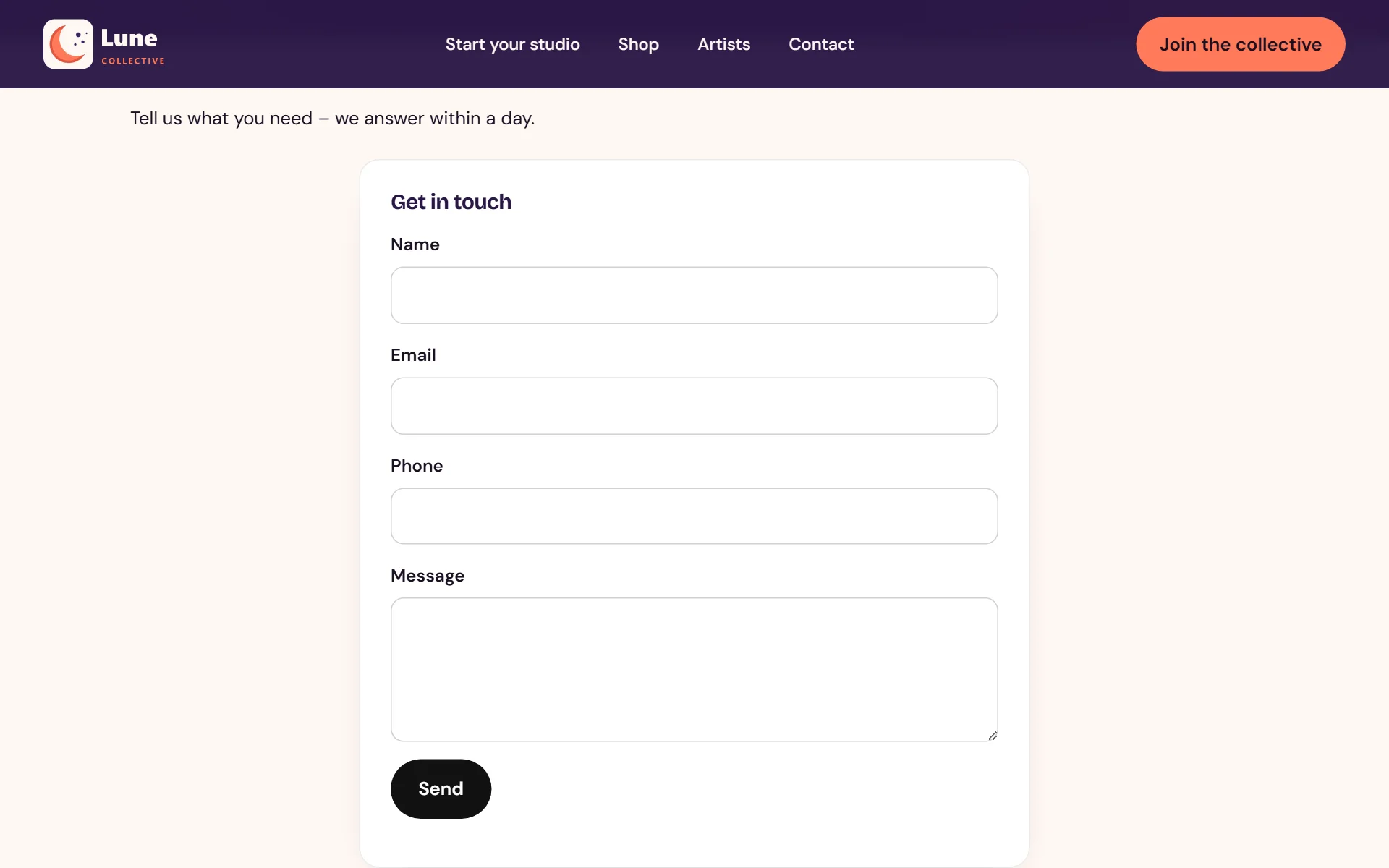
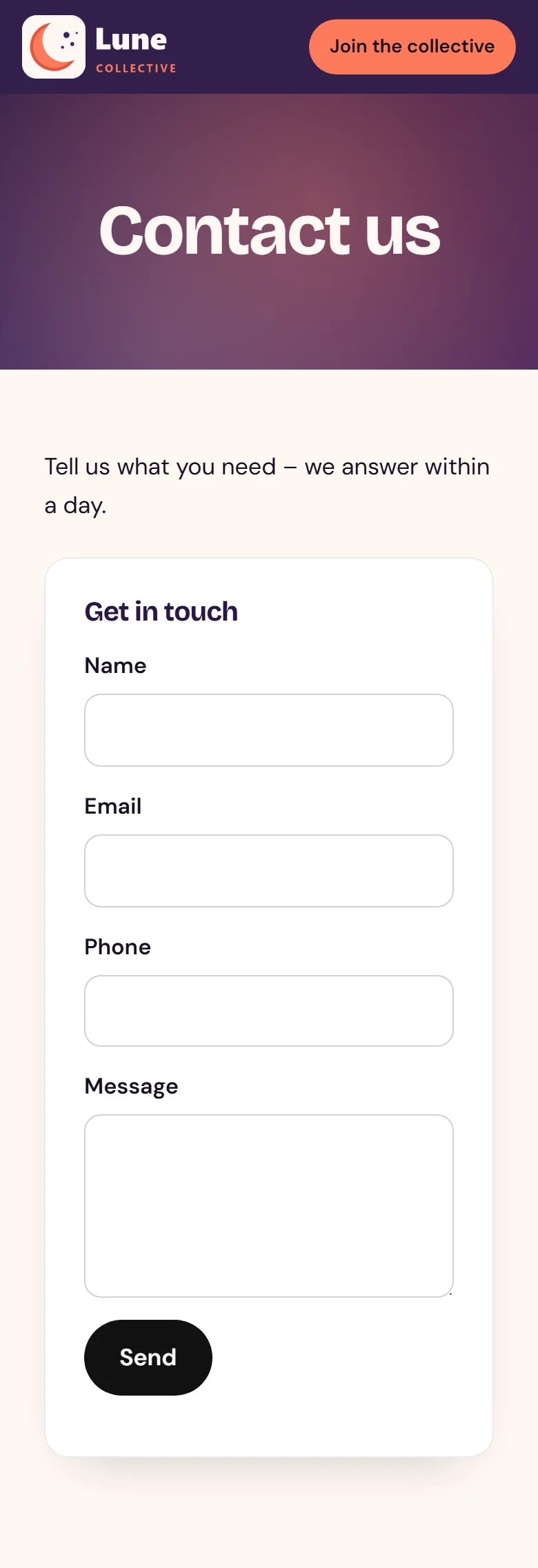
Real screens from a WordPress site running it - on a computer and on a phone, nothing mocked up. Tap any to look closer.
On a computer
On a phone
Swipe for more screens →
How it works
- 01
Add it and enter your key
Install the plugin, enter your Joyvo API key and it links up immediately.
- 02
Enquiries arrive on their own
Each form, comment and chat on your site turns into a client with a project in the CRM - and WordPress keeps its own copy.
- 03
Quote it, bill it, get paid
Send a quote clients accept online, convert it to an invoice and take card payment - we add no fee on any plan.
Step by step
Joyvo CRM & Invoicing, one screen at a time
12 steps from first click to done - real screens on a computer and on a phone.
- 1
A contact form that wears your theme - each note turns into a lead
- 2
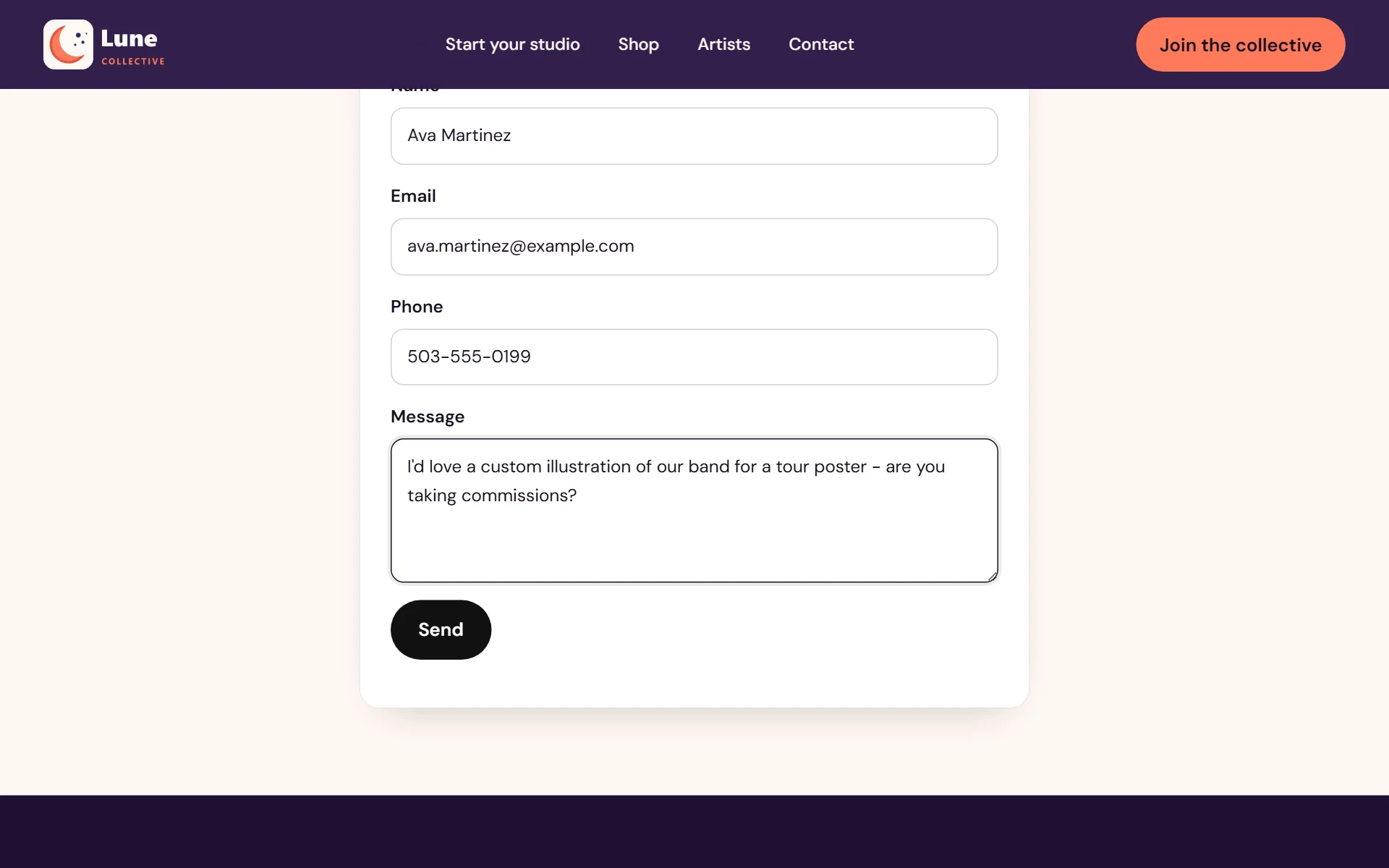
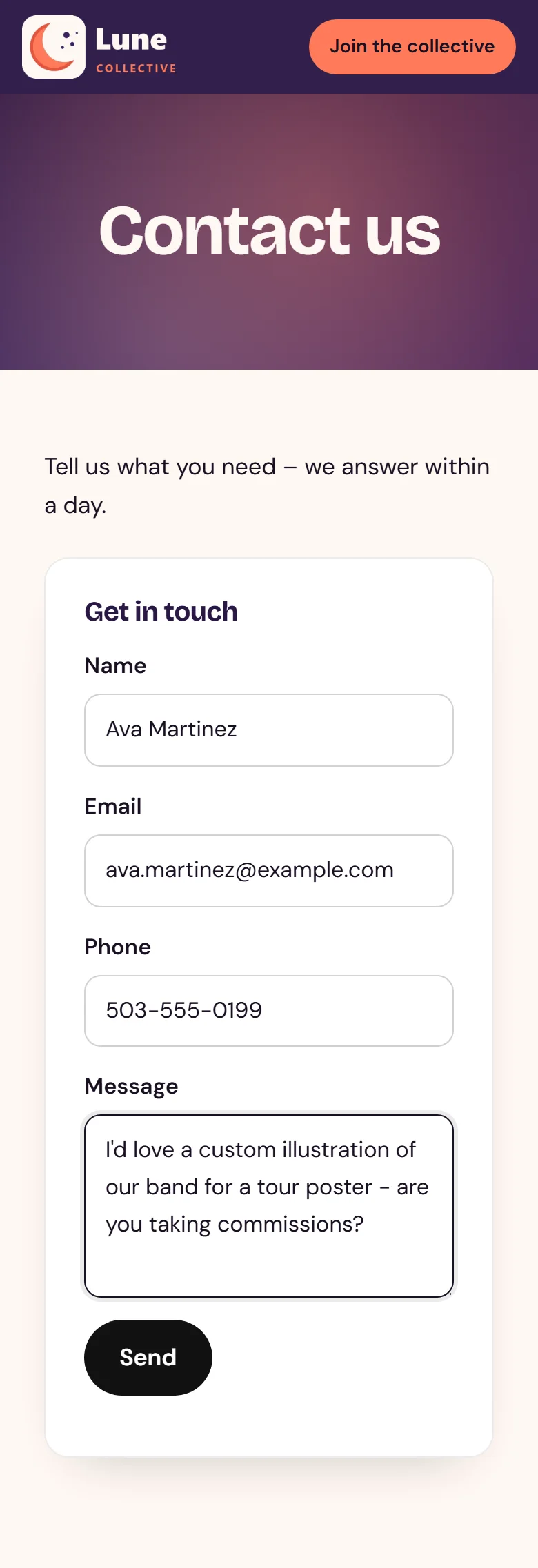
Fans and clients type their message right there
- 3
Hit send - it's in your CRM straight away
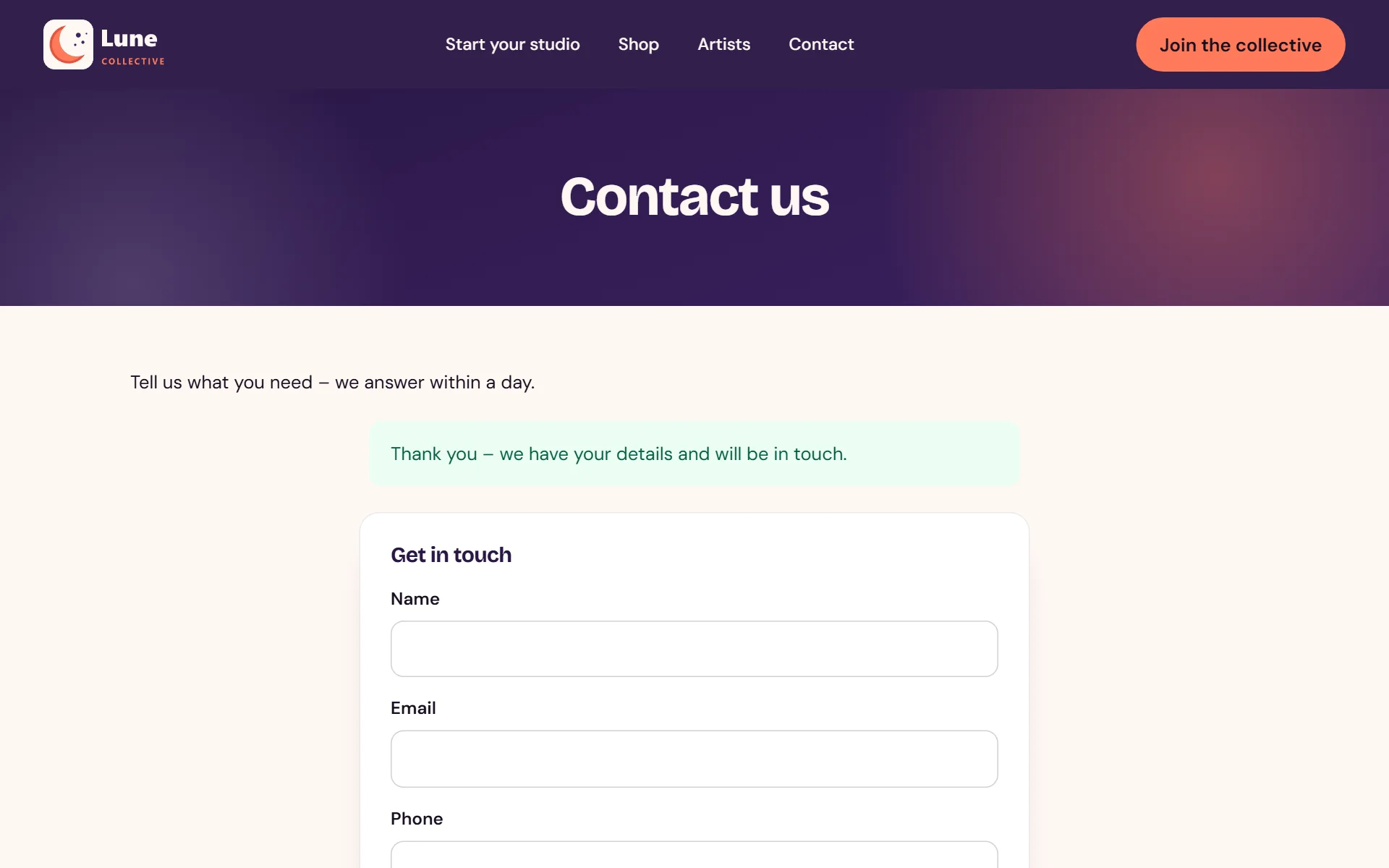
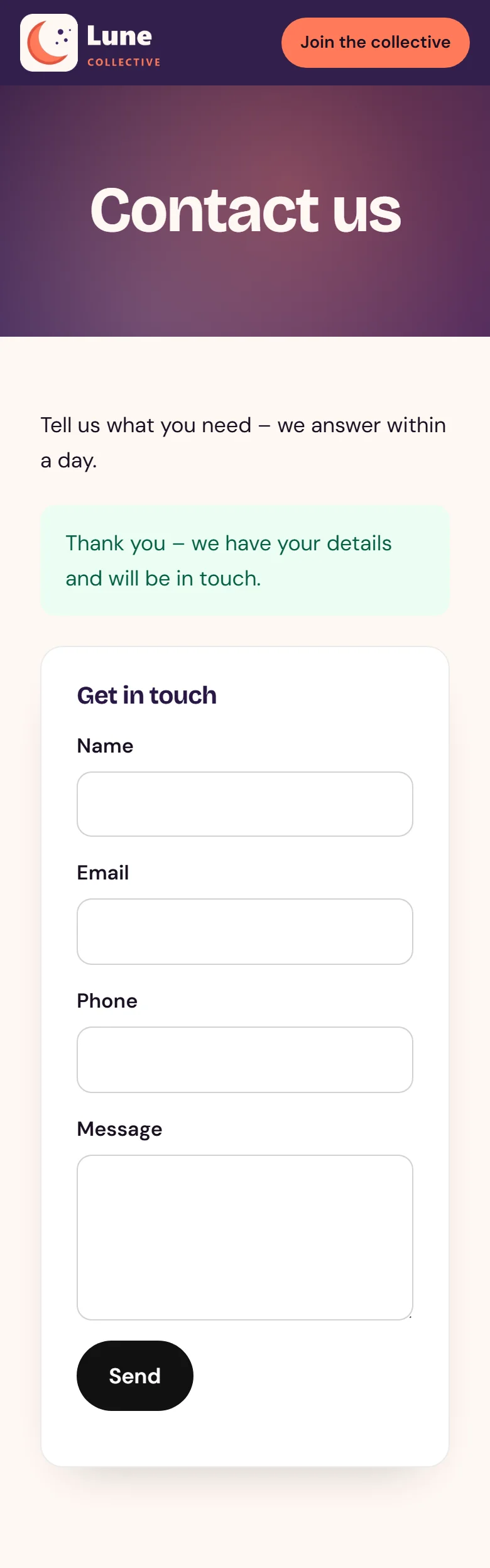
- 4
Someone buys from your WooCommerce shop
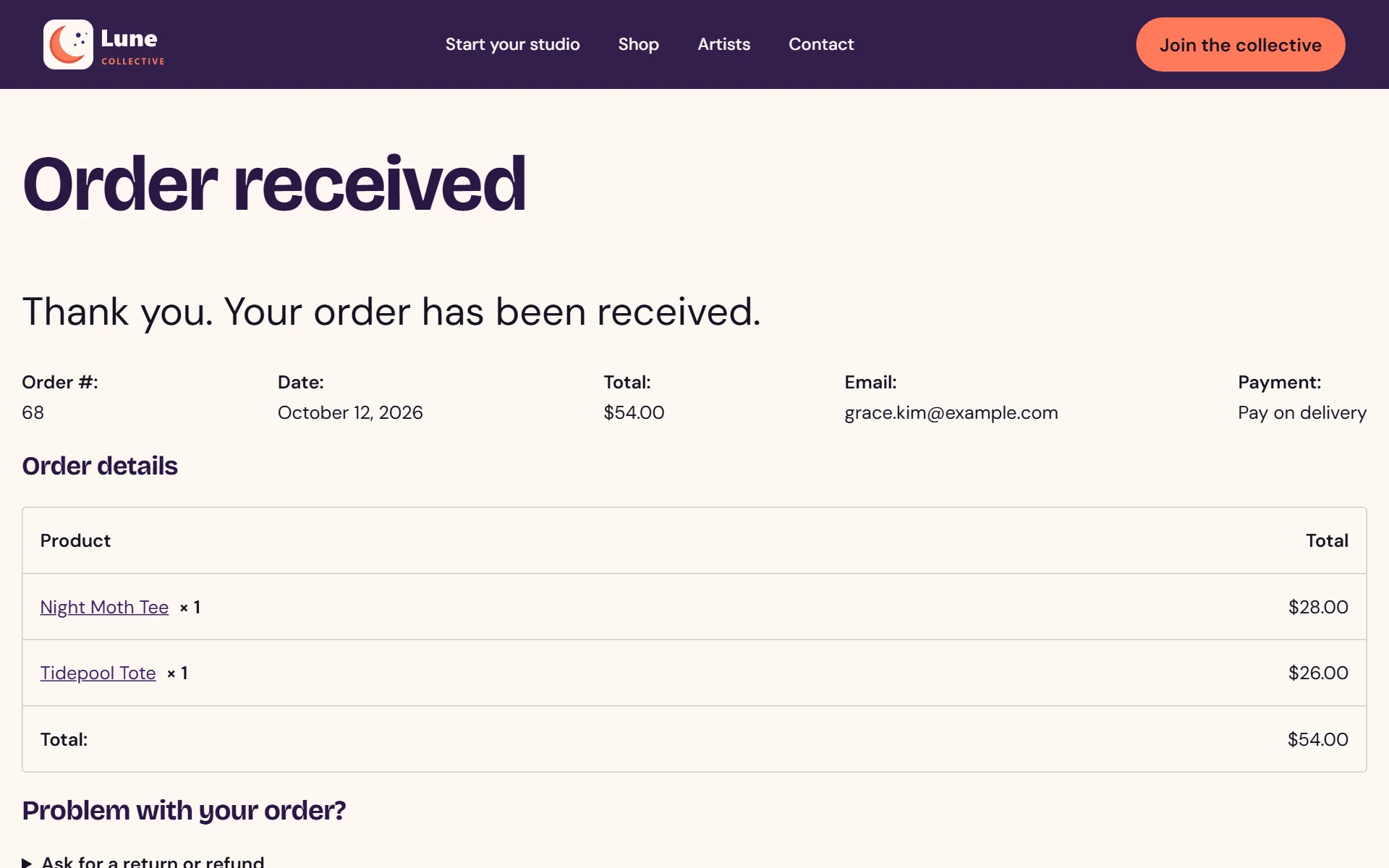
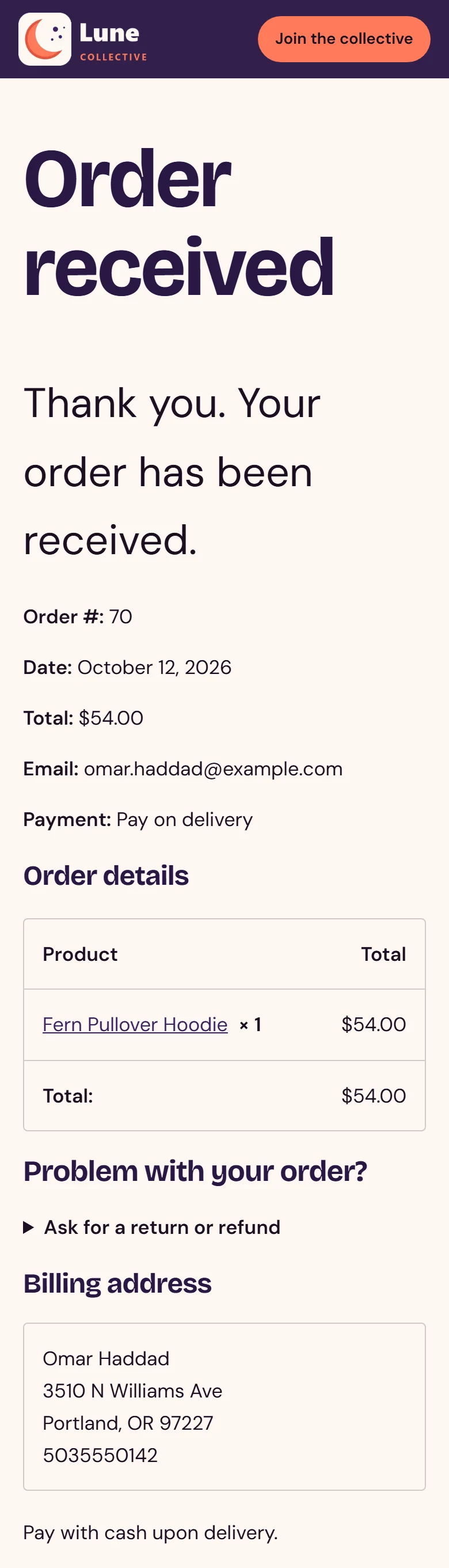
- 5
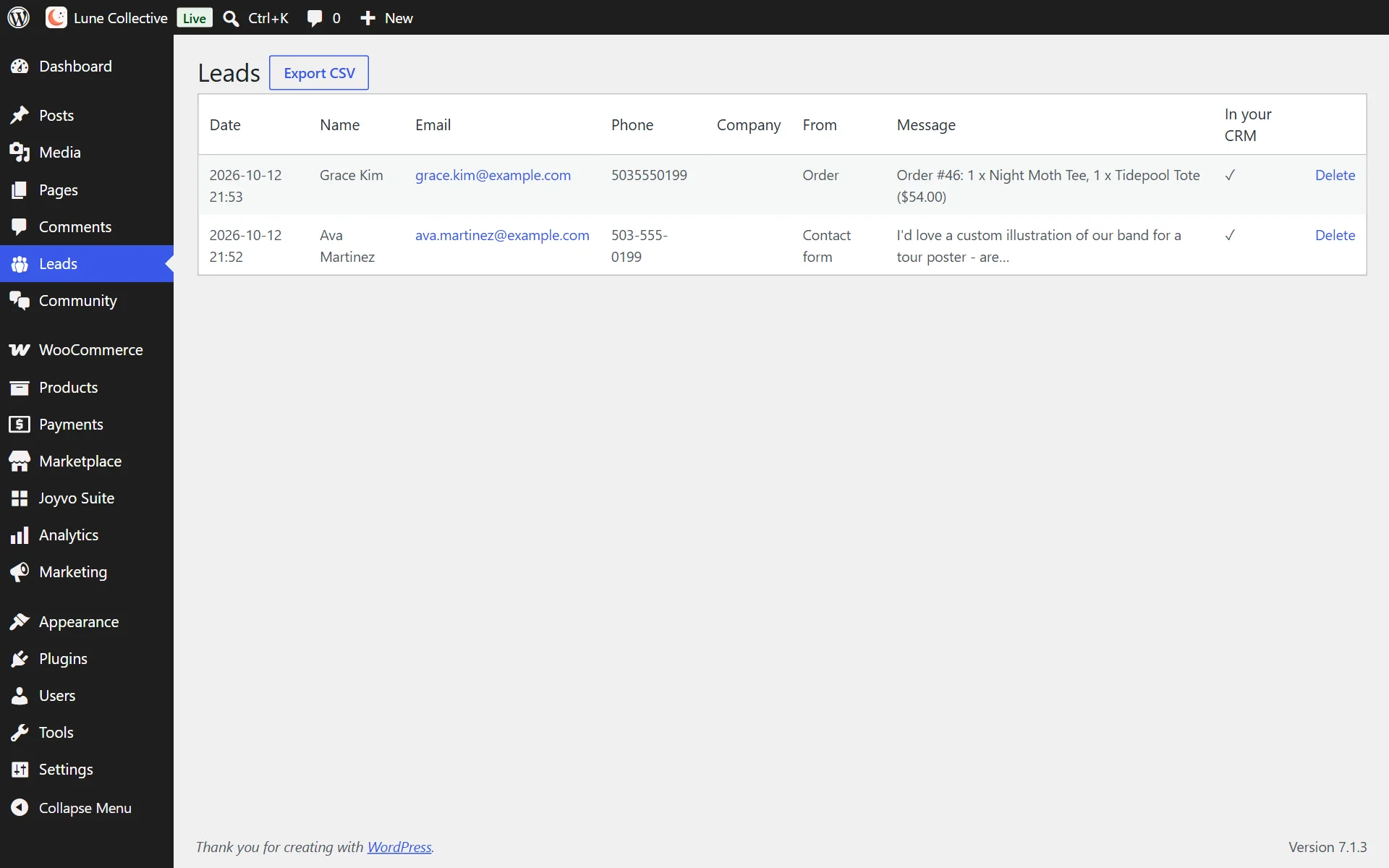
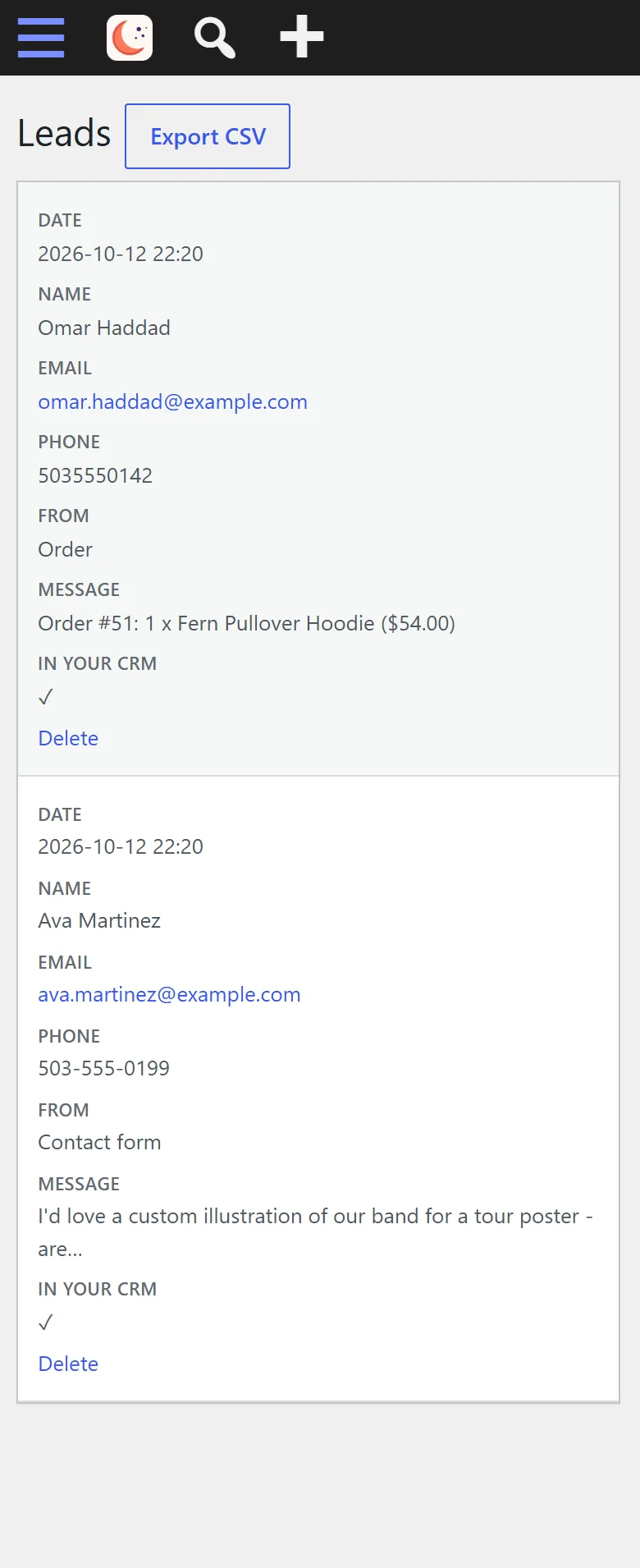
...and shows up as a lead with their order - kept in WordPress as well
- 6
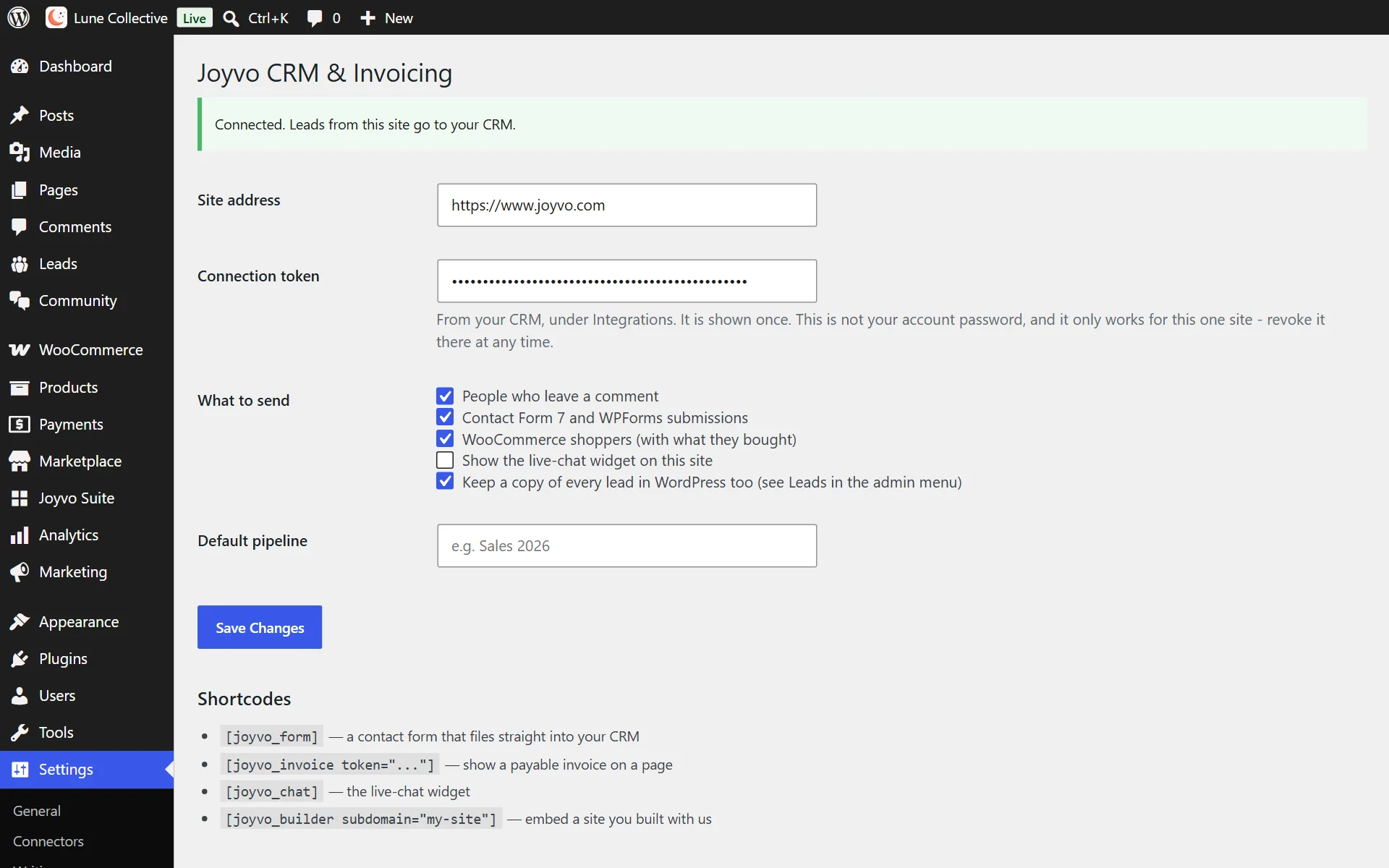
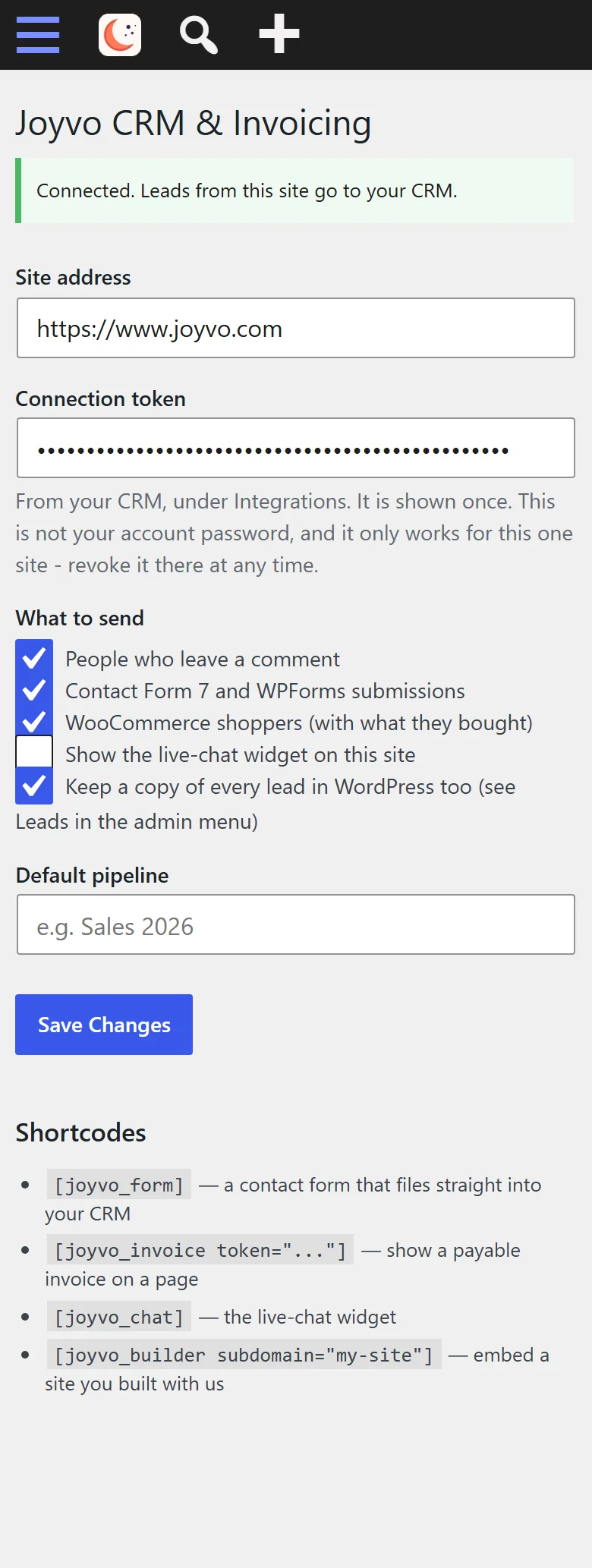
One connection code pasted in, and you're set up
- 7
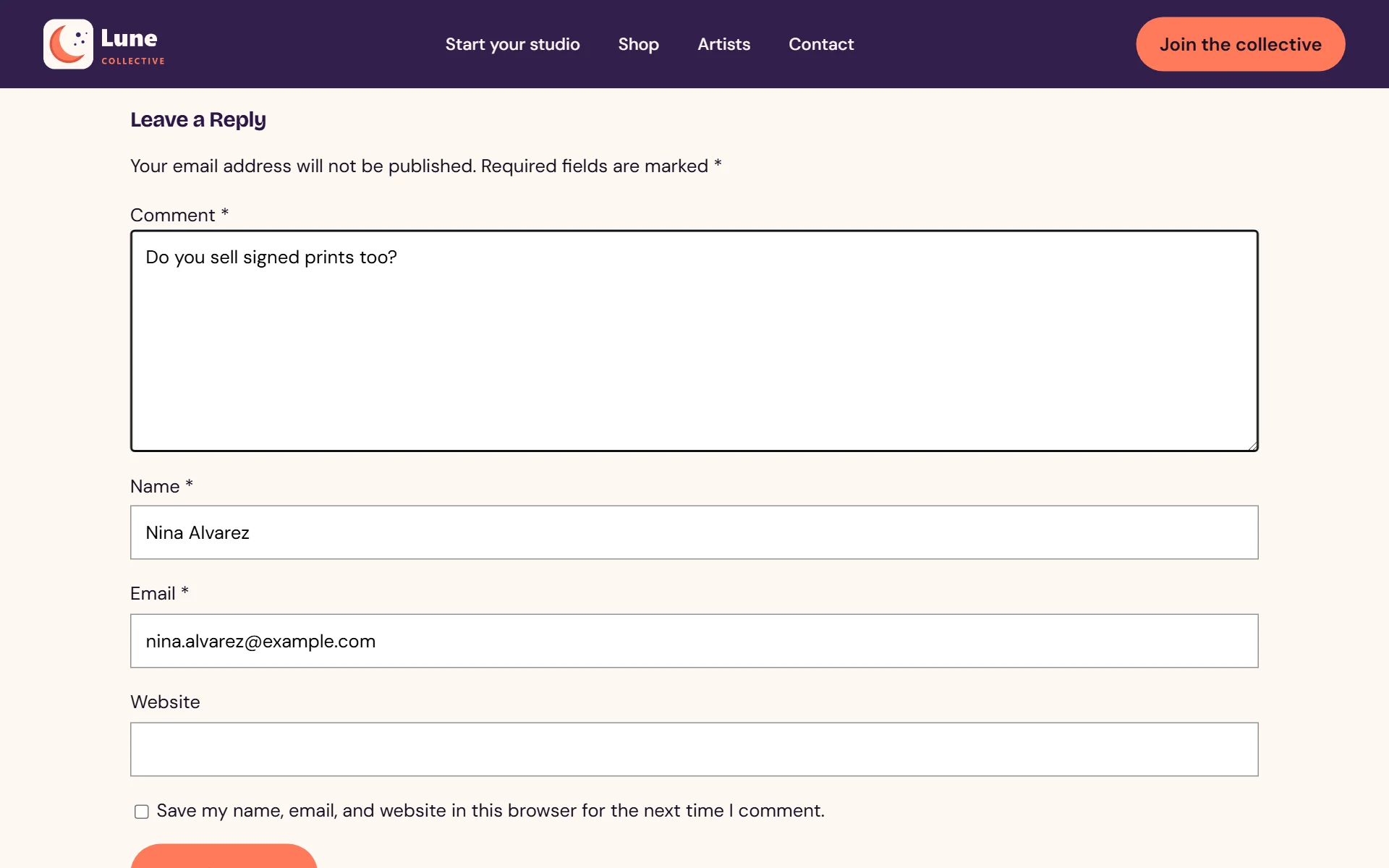
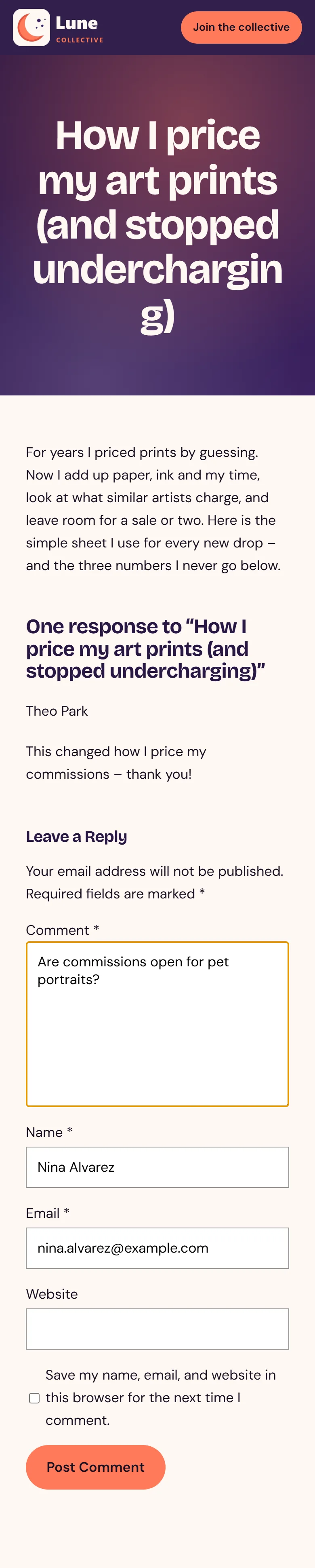
A follower asks something under your post...
- 8
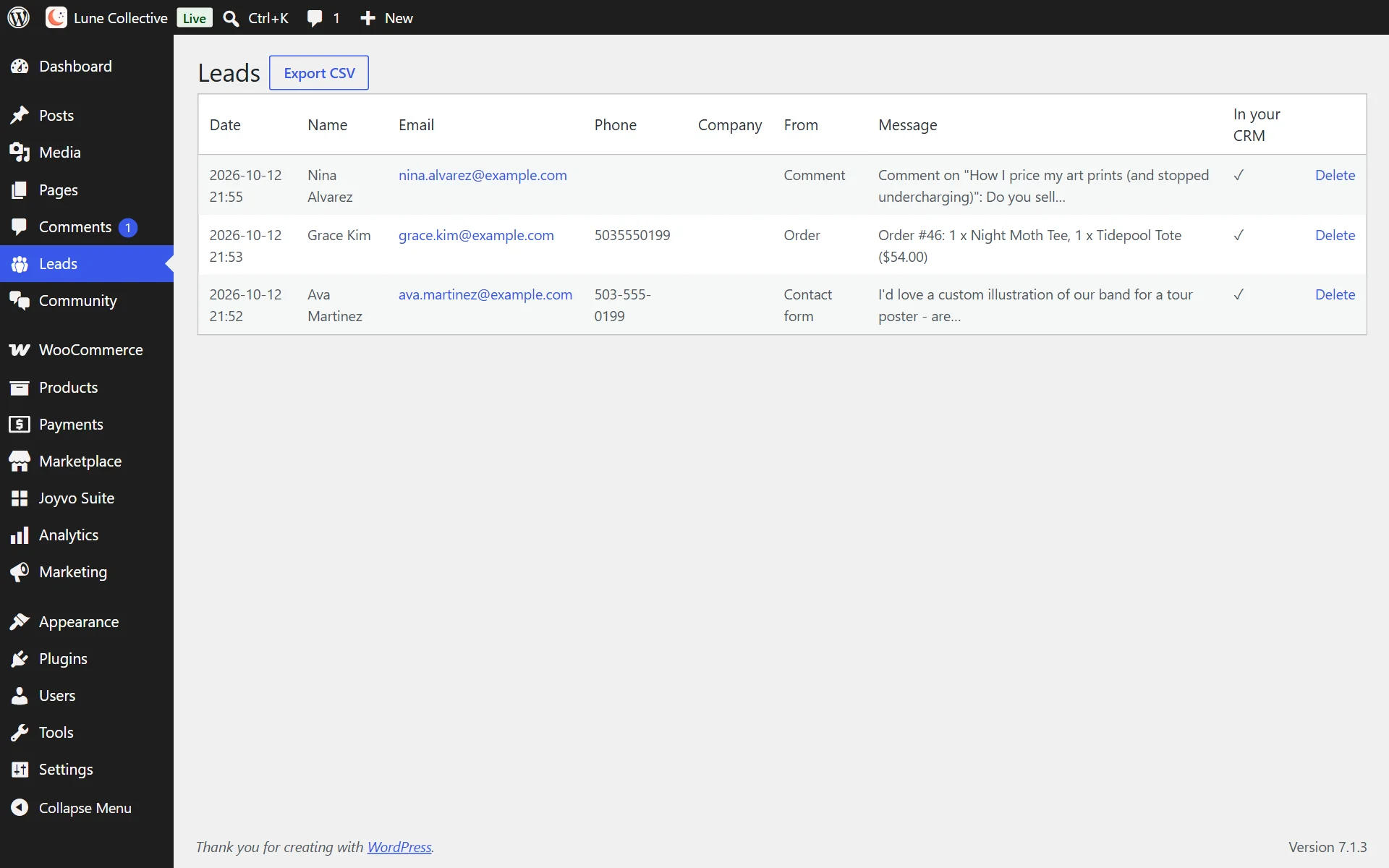
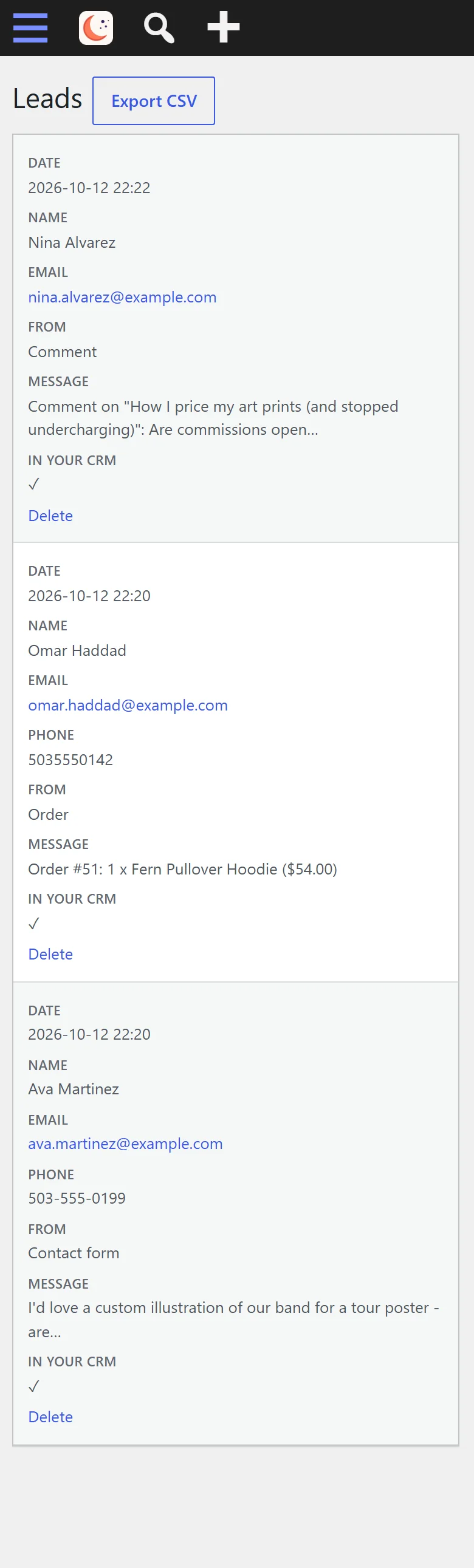
...and it becomes a lead - comments, orders and messages side by side
- 9
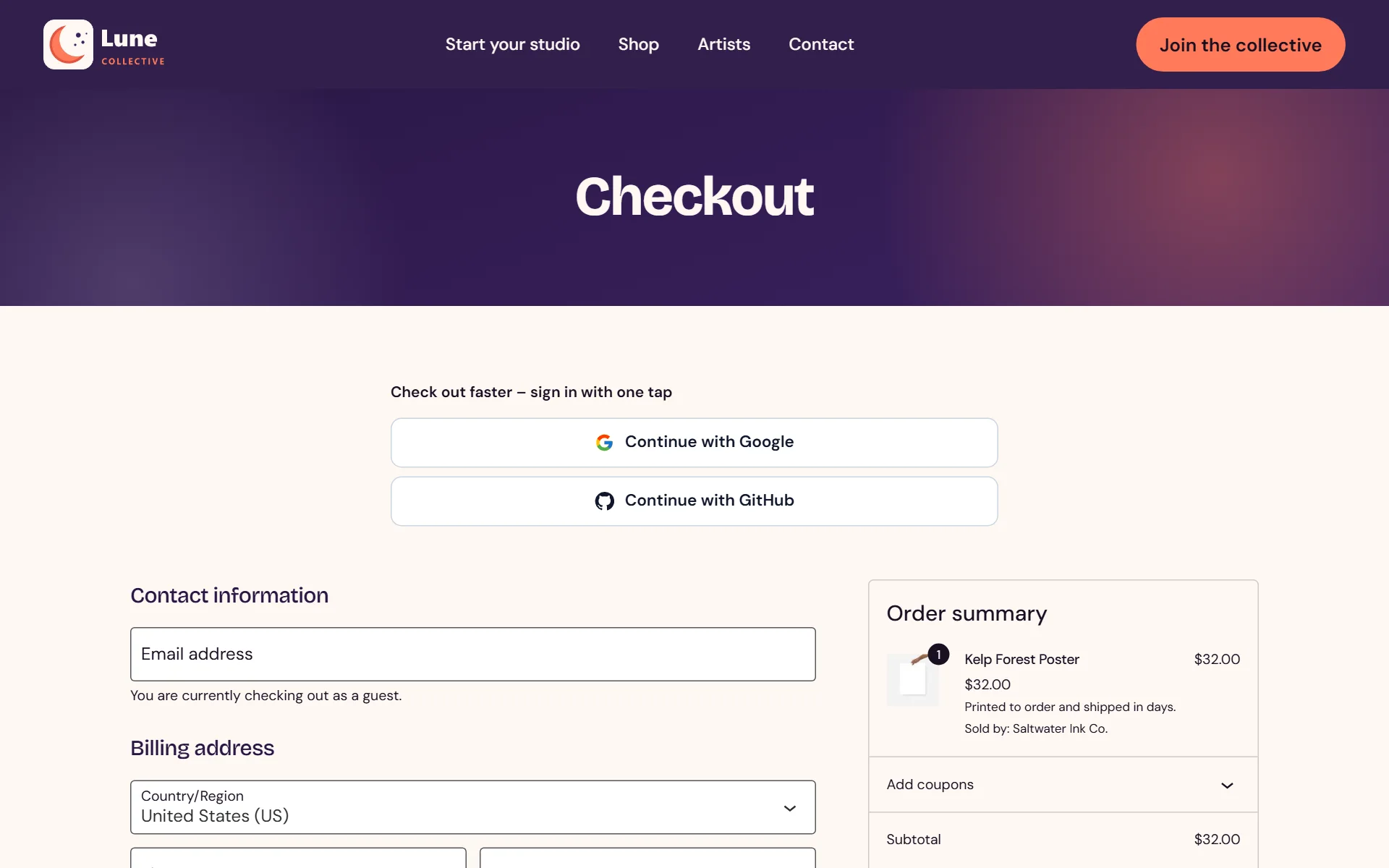
Shoppers at checkout become leads as well

- 10
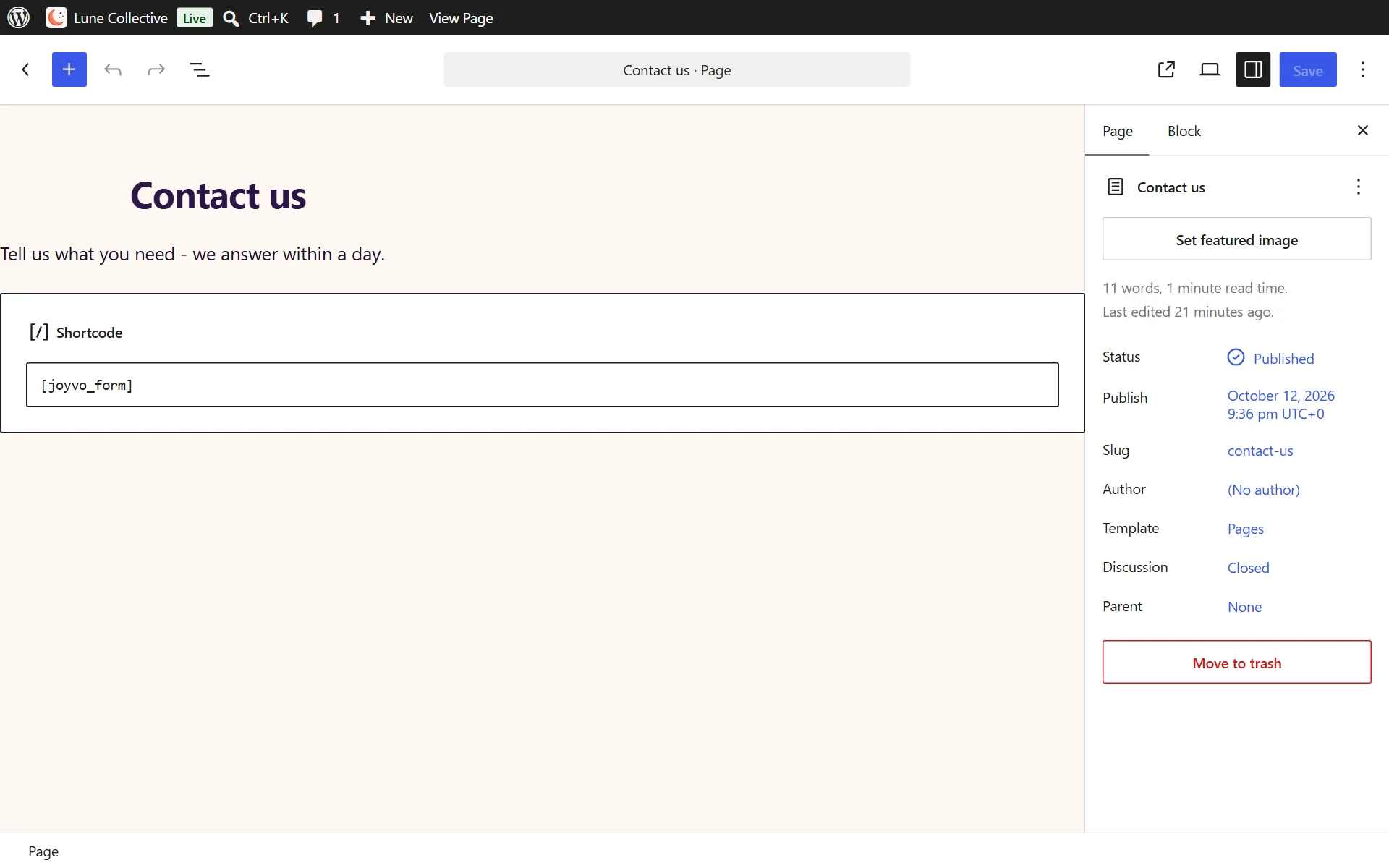
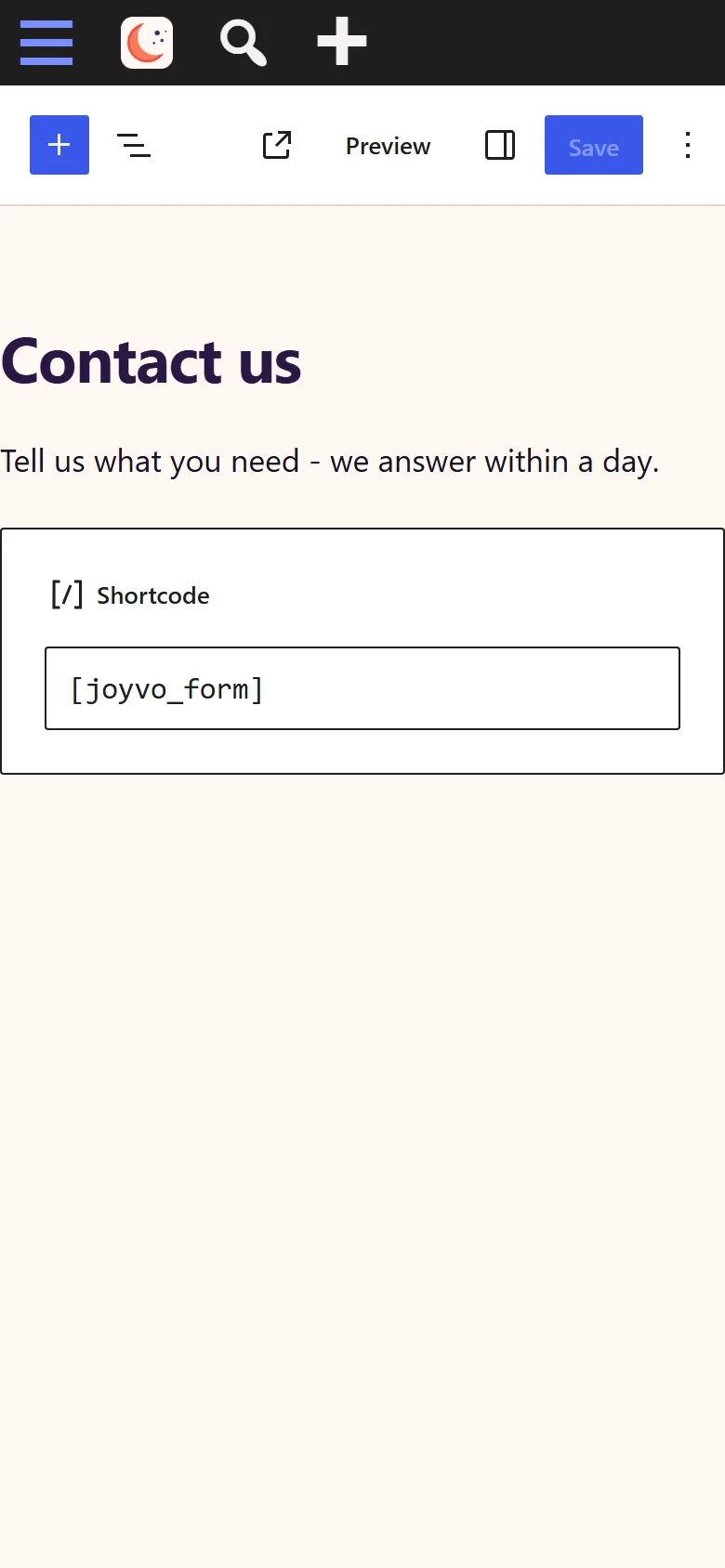
Drop the form on any page with a single shortcode block
- 11
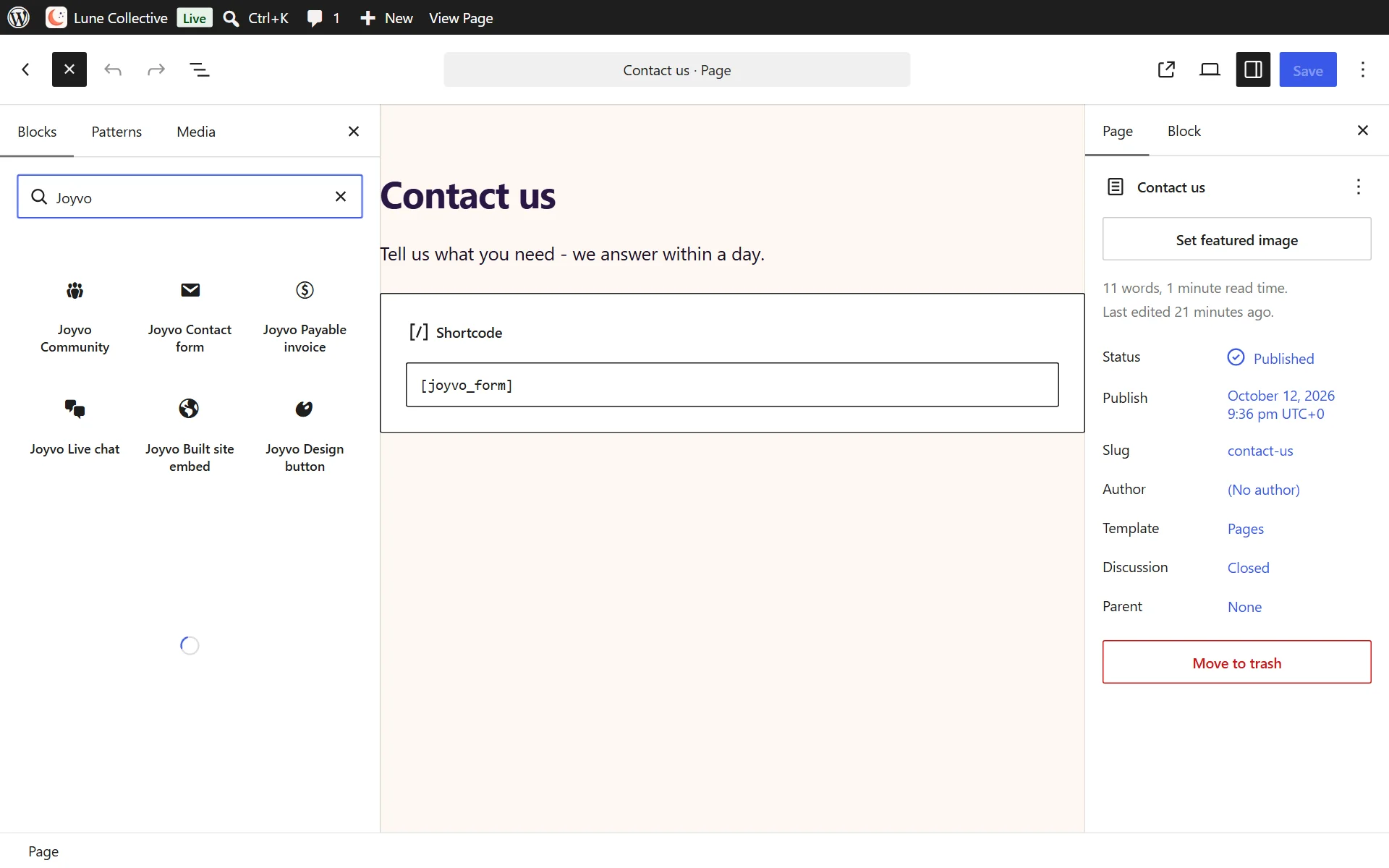
Type Joyvo in the block search to add a form, invoice or chat
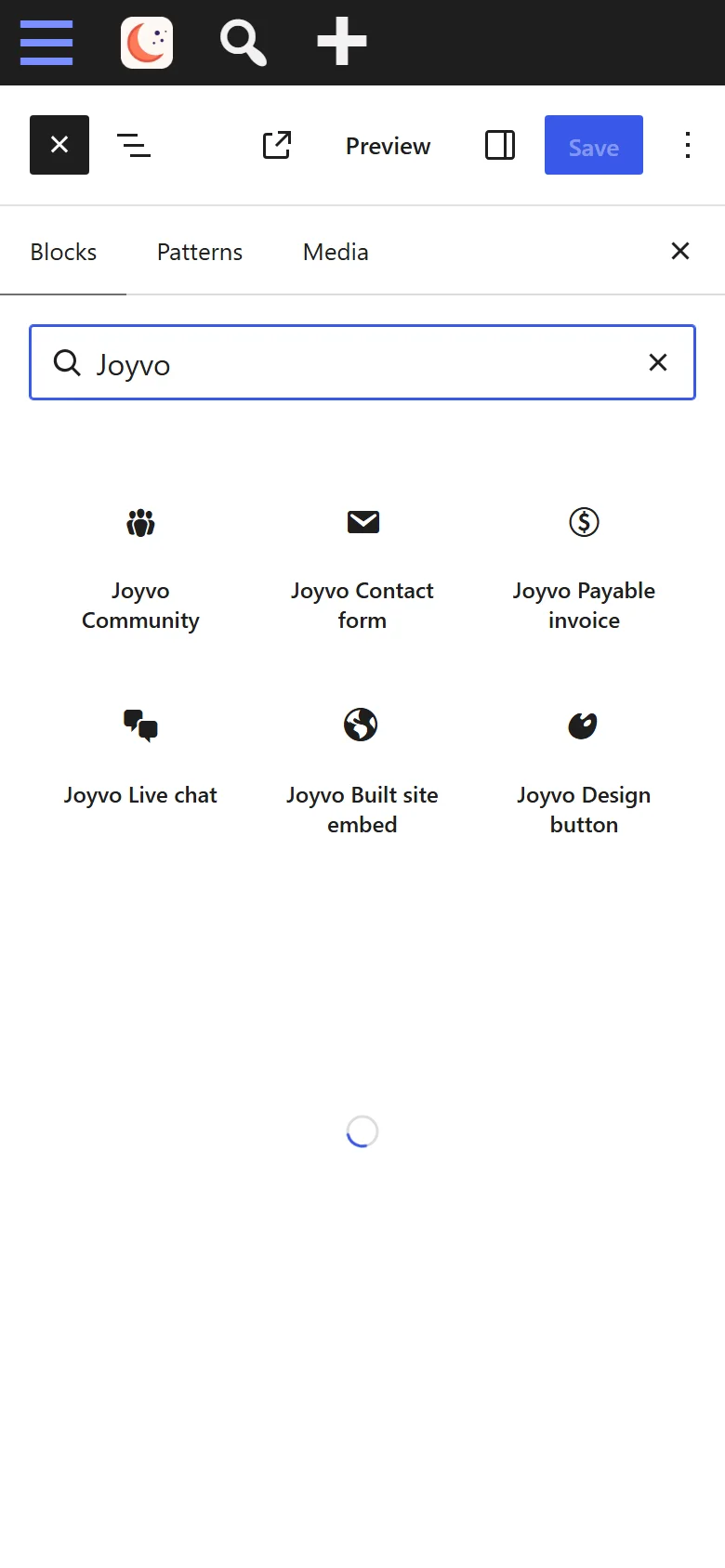
- 12
Installs and switches on like every other WordPress plugin
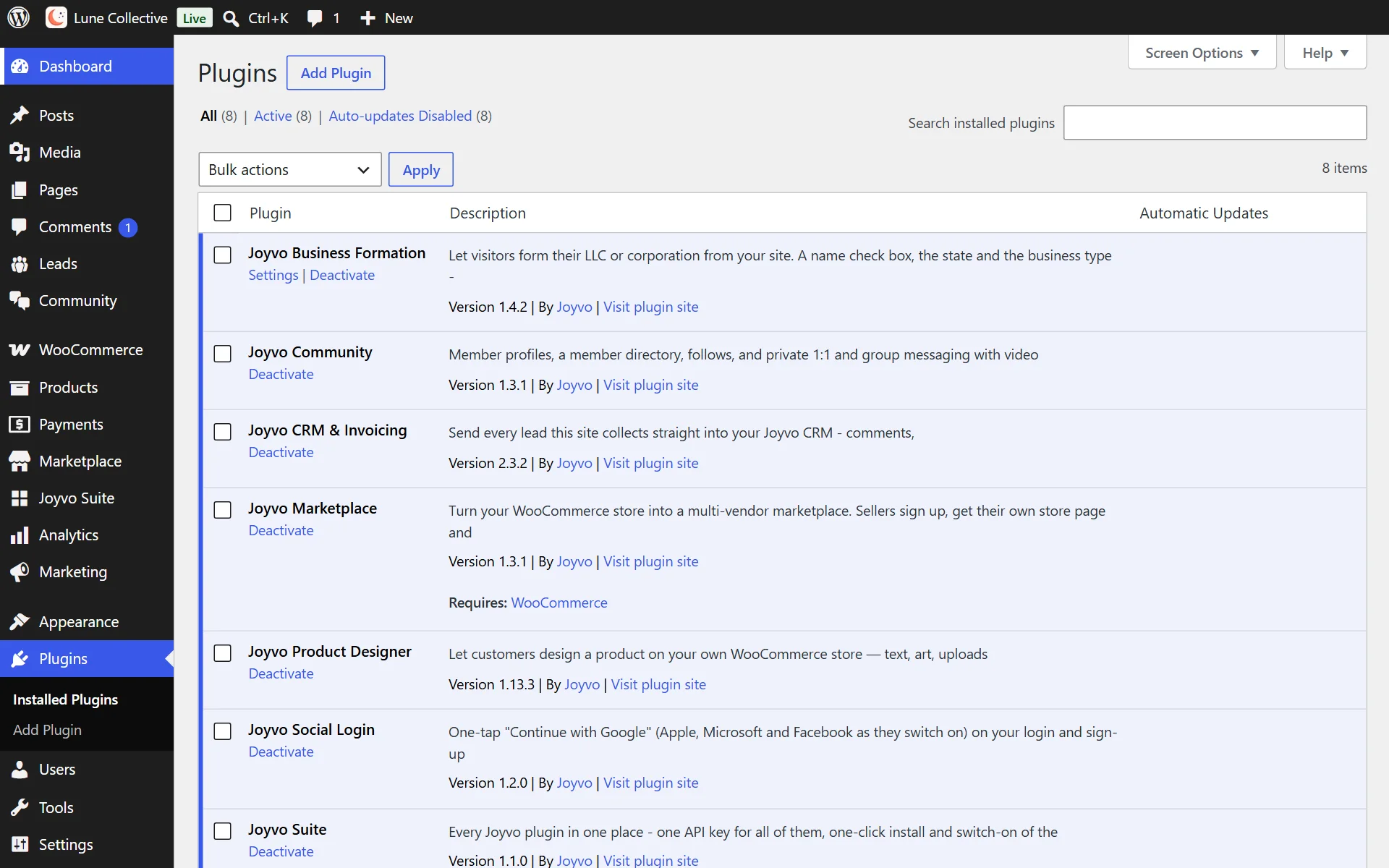

Everything it does
30 features, all included
Leads come in by themselves 5
- Every lead in one place: website forms, comments, Contact Form 7 and WPForms entries become contacts by themselves
- A contact form shortcode that files straight into the CRM
- A live-chat widget for your site, if you want one
- Blocks for the block editor and widgets for Elementor - drop a form, an invoice or chat on a page with no code
- Every lead also shows in WordPress - a private Leads screen with CSV export (switch it off any time)
Contacts 7
- Contacts with source, status, tags and owner; search and filter them all
- Hot, warm and cold lead scores, so you call the right people first
- A full history on every contact: every email (who sent it, clearly marked), call, note, form and booking
- Find duplicates and merge them in one tap
- Import and export contacts by spreadsheet, and delete in bulk
- Saved segments - email a whole segment at once
- Tasks on any contact, ticked off when done
Email 4
- Your own mailbox connected - Gmail, Outlook, iCloud or any provider - so emails go from you, not a no-reply
- Write from the contact's page with From, To, Cc and Bcc - pick which of your addresses it comes from
- Replies land on the contact's history by themselves
- Follow-up emails that send themselves, so no lead goes cold - and stop the moment they reply
Sales 3
- Deals on a pipeline you drag from stage to stage, with values and close dates
- Your own pipeline stages
- Quotes your customers accept online - add a personal note, email yourself a preview, then send or re-send
Money 4
- Invoices paid by card, with automatic reminders until they are paid
- An invoice shortcode that shows a payable invoice on any page
- Recurring billing for retainers and memberships, on autopilot
- Card payments on the spot, from your phone
Scheduling 1
- A calendar and a public booking page, with invites sent to both sides
Reports and AI 3
- Your whole business at a glance: new leads, open deals, money owed and paid, on one overview
- Reports that show where your money comes from - by source, by month and by service
- An AI assistant on every contact: summarise them, suggest the next step, draft the email
Safe by design 3
- Works on a phone as well as a computer
- Connects with a token scoped to this one site - revoke it any time without touching anything else
- Only your site's administrators ever see your leads
Who it is for
Artists, designers, musicians and studios who take commissions, sell work or get hired from their own site.
What it never does
- It does not show your leads to anyone but your site's administrators - in WordPress and in your account.
- It does not read or change anything else on your site.
- It does not need your account password. It connects with a token scoped to this one site, which you can revoke at any time without affecting anything else.
Live in 4 steps
- 1Install and activate the plugin.
- 2Open your CRM and add a WordPress integration under Integrations.
- 3Paste the token it shows you into the plugin settings.
- 4Drop the contact-form shortcode on a page, or leave comment and form sync on.
Version 2.3.2 · WordPress 6.0+ · PHP 7.4+
Questions people ask
Do I pay per lead?
No. The plugin is free with your account and the CRM starts at $12 a month.
Is there a fee when clients pay?
No platform fee on any plan - only standard card processing.
Can I keep my leads in WordPress too?
Yes - a copy of every lead stays in your WordPress, with a CSV export.
Pick your plan
Every plugin is free with your Joyvo account. Give Pro a 14-day free try on any site - cancel any time.
Hosting with Joyvo? Every Pro feature is already on for your sites.
What's new
Current version 2.3.2
Version 2.3.22026-10-11Latest
- The Leads page fits a phone: each lead shows as a card with every detail labelled.
- 'From' says where a lead came from in words - Order, Contact form, Comment.
- Comments WordPress marks as spam are never sent as leads.
- A comment lead says what the person wrote and on which post, by title.
Every commission request, answered and paid.
Free - CRM Team in All-in-one. Install it in minutes - your first result shows up today.