

Joyvo Community · WordPress
Your own creator community, on your own site.
Give your fans and collaborators profiles, a directory and private messages with video calls - Discord-style community, without leaving your WordPress site.
- Free with your account
- Works with any theme
- Live in 4 steps
4
people per video call
1-tap
report and block
2
page builders supported: Gutenberg and Elementor
0
code to set up
Why creators switch to it
Fans become a crew
Profiles and a directory so your people find each other - and collaborate.
DMs and video, built in
Private messages and calls for up to four - right on your site.
Safe by default
One-tap report and block, with every report in your WordPress dashboard.
See it working
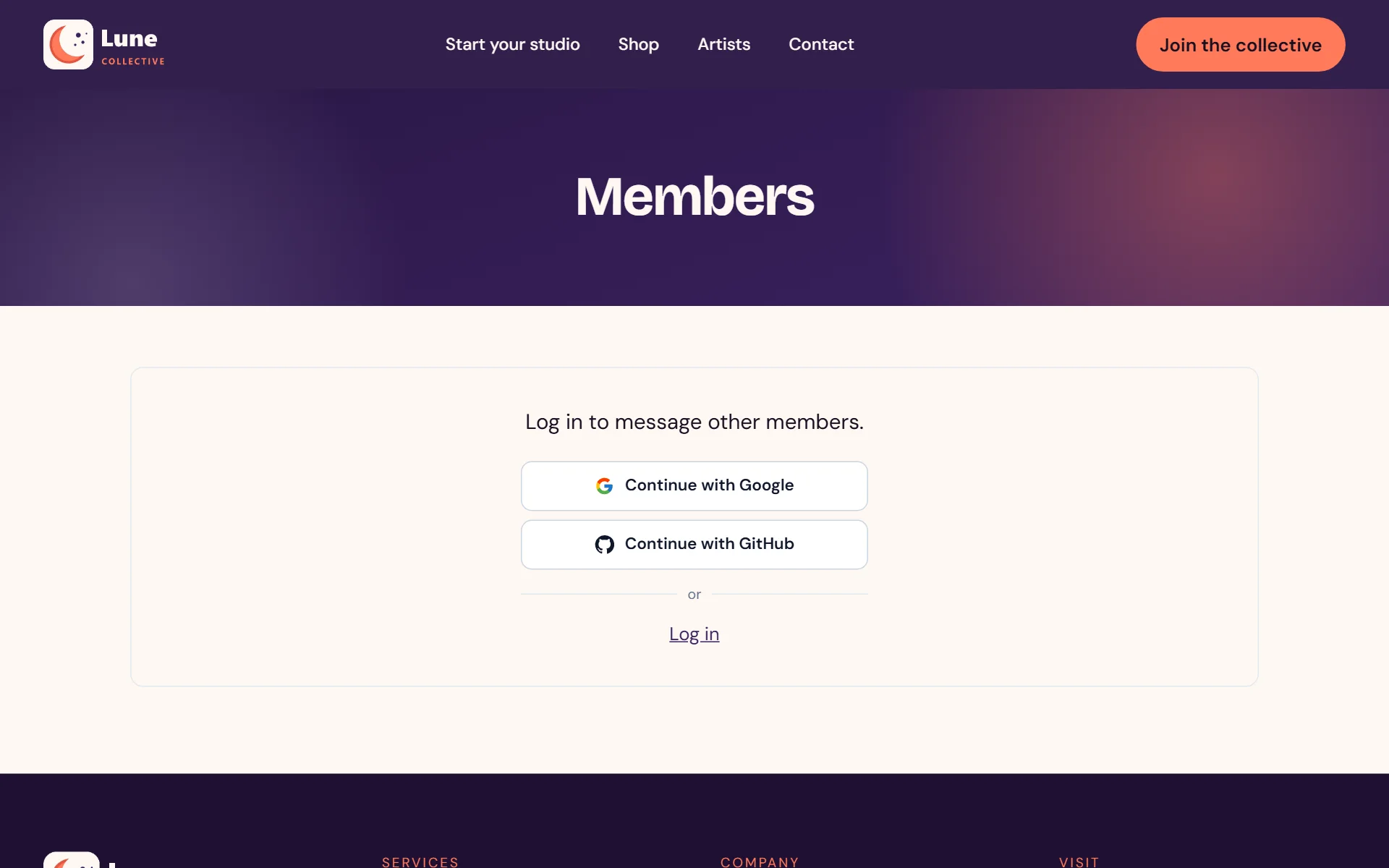
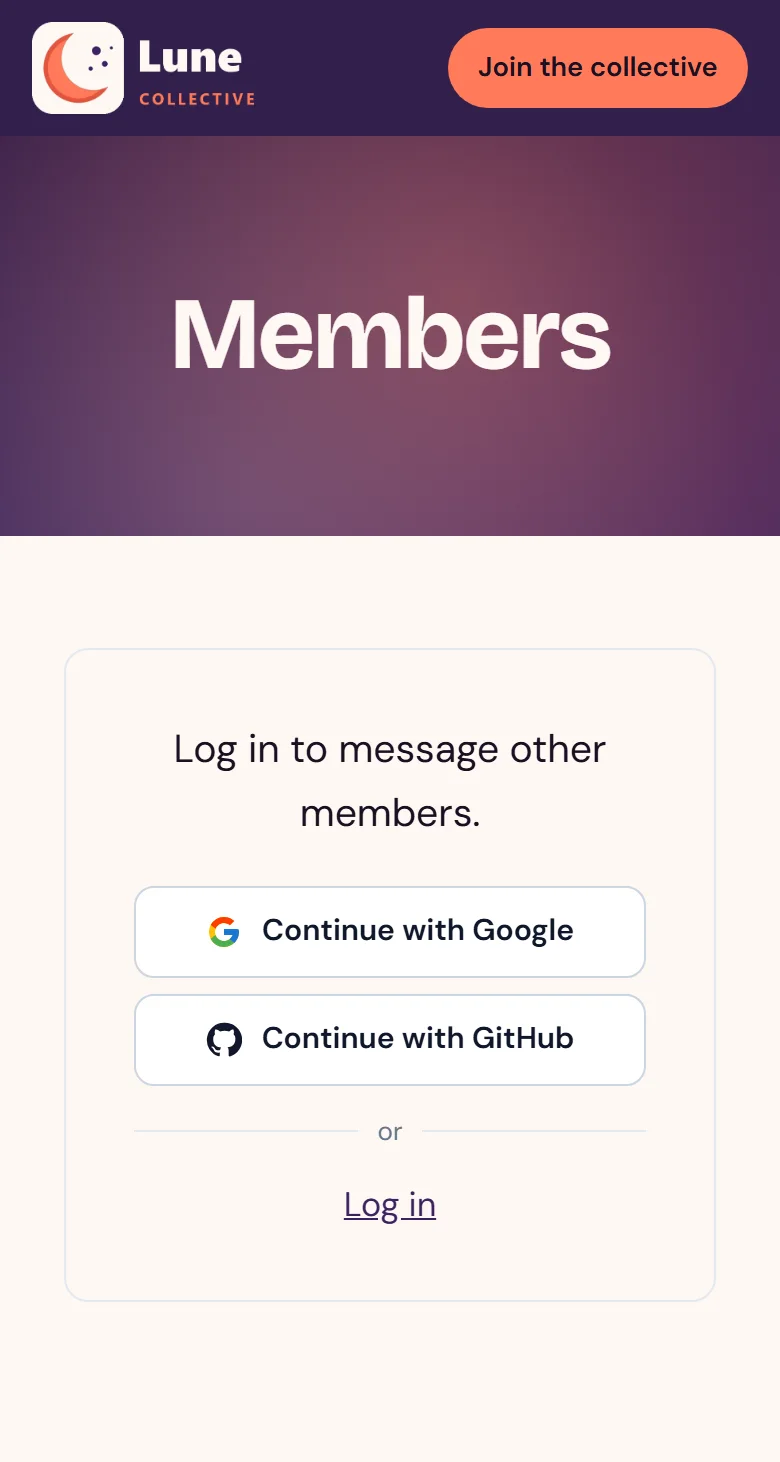
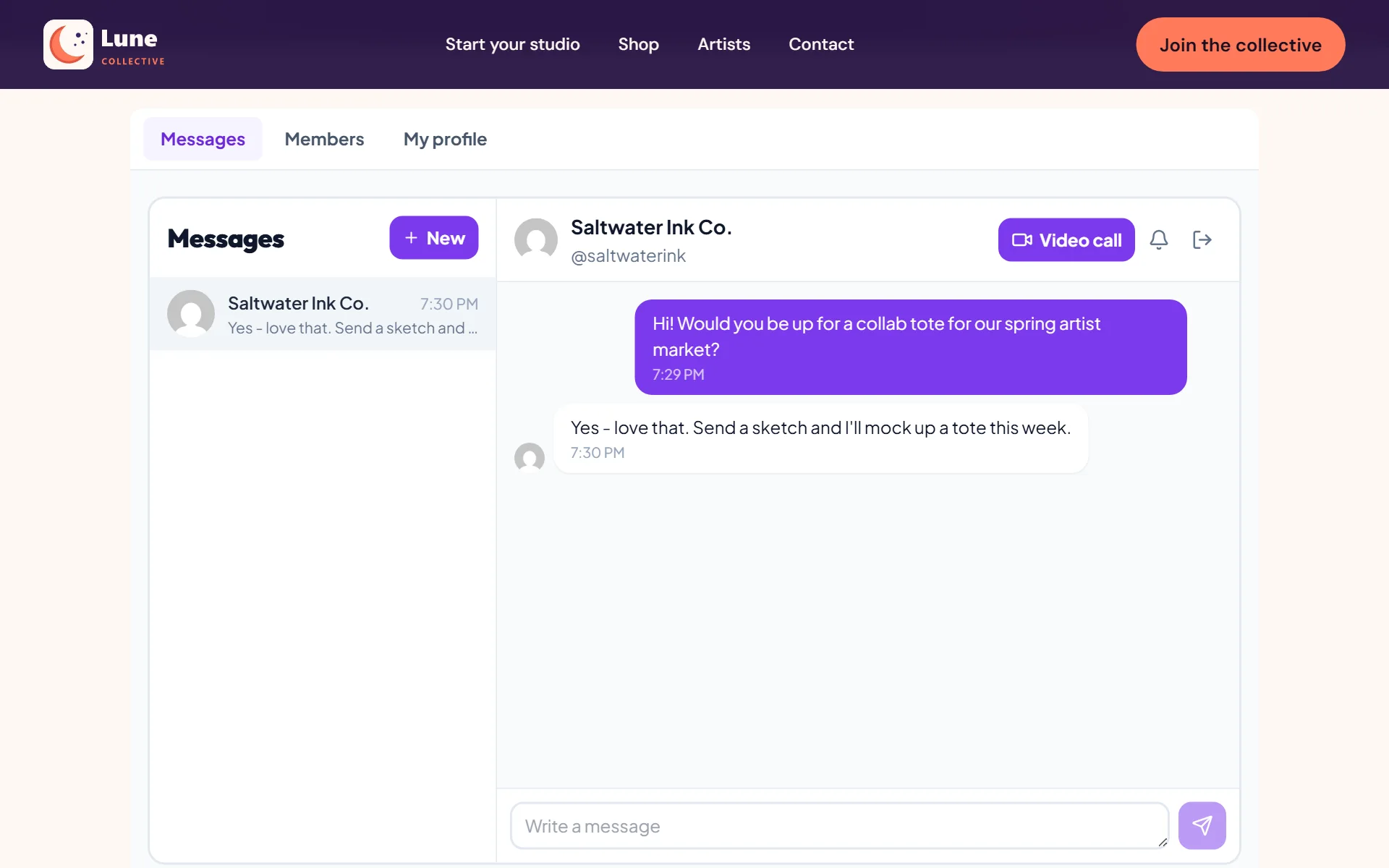
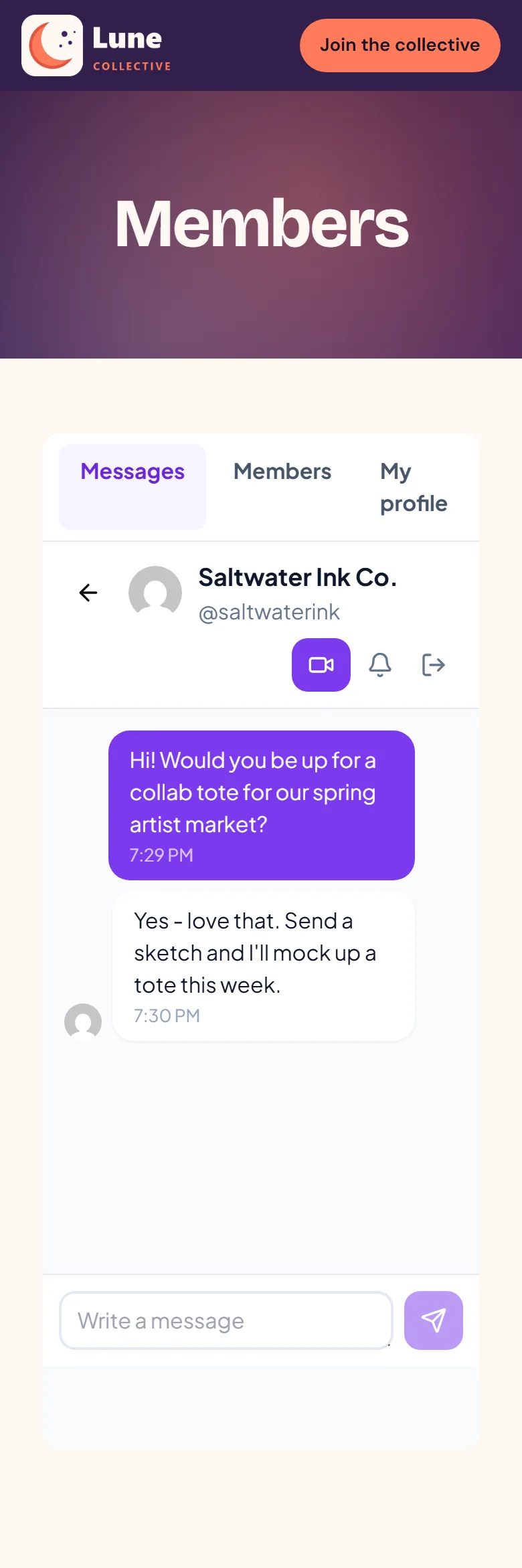
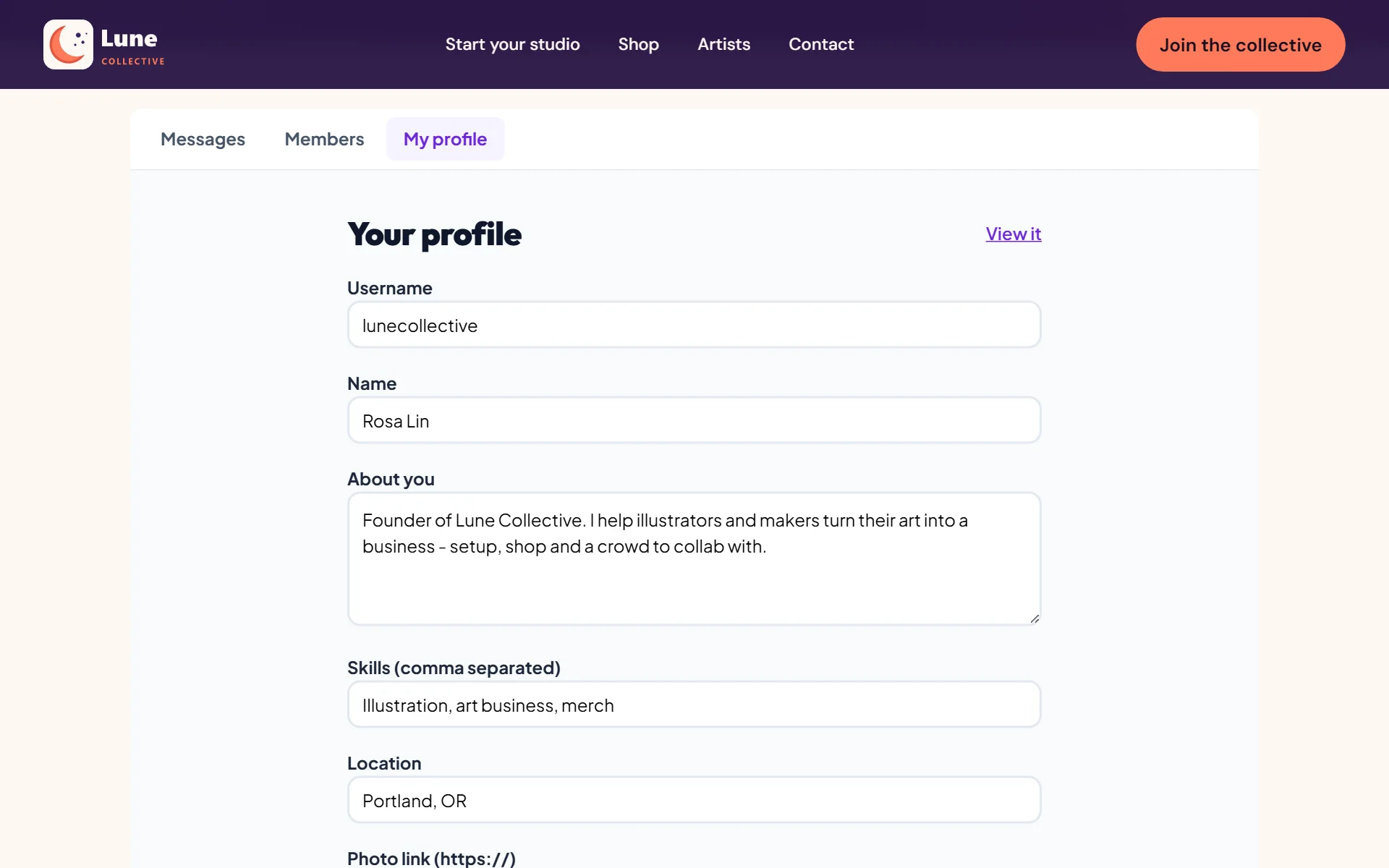
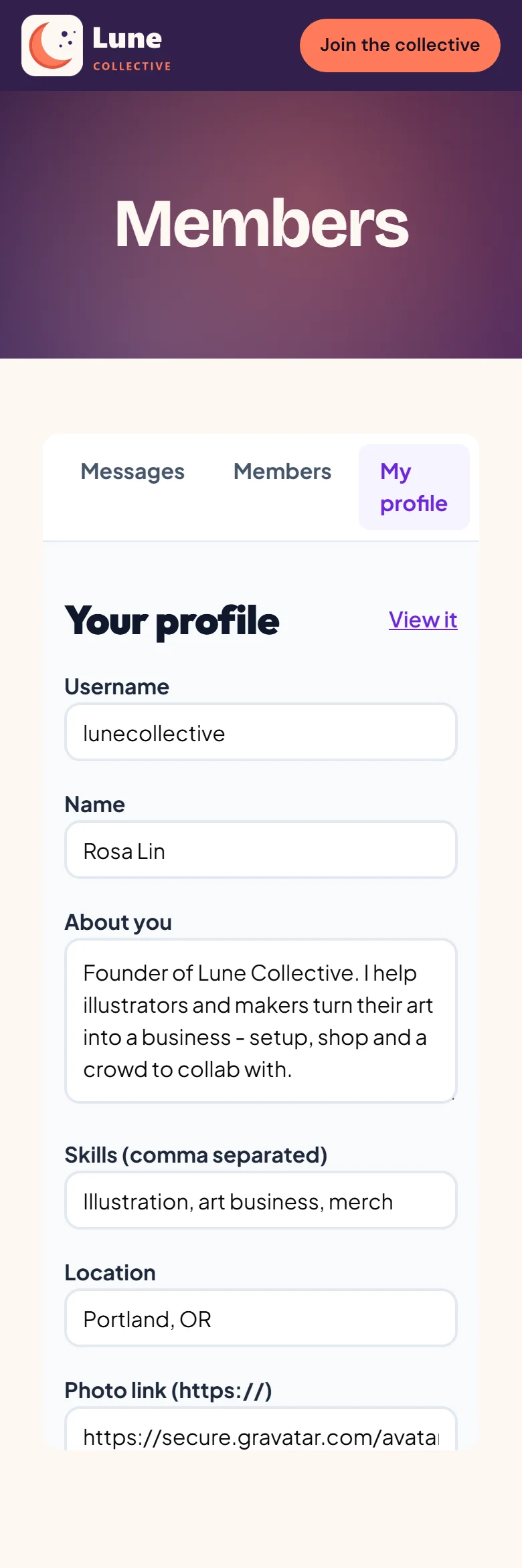
Real screens from a WordPress site running it - on a computer and on a phone, nothing mocked up. Tap any to look closer.
On a computer
On a phone
Swipe for more screens →
How it works
- 01
Add it and enter your key
Install it and enter your API key - every member's profile is ready straight away.
- 02
Drop in the blocks
Drop the full community - member directory, profiles and messaging - onto any page using a Gutenberg block, an Elementor widget or a shortcode.
- 03
Watch it come alive
Creators discover each other, chat and call, while you handle reports from the WordPress dashboard.
Step by step
Joyvo Community, one screen at a time
12 steps from first click to done - real screens on a computer and on a phone.
- 1
Joining takes one tap
- 2
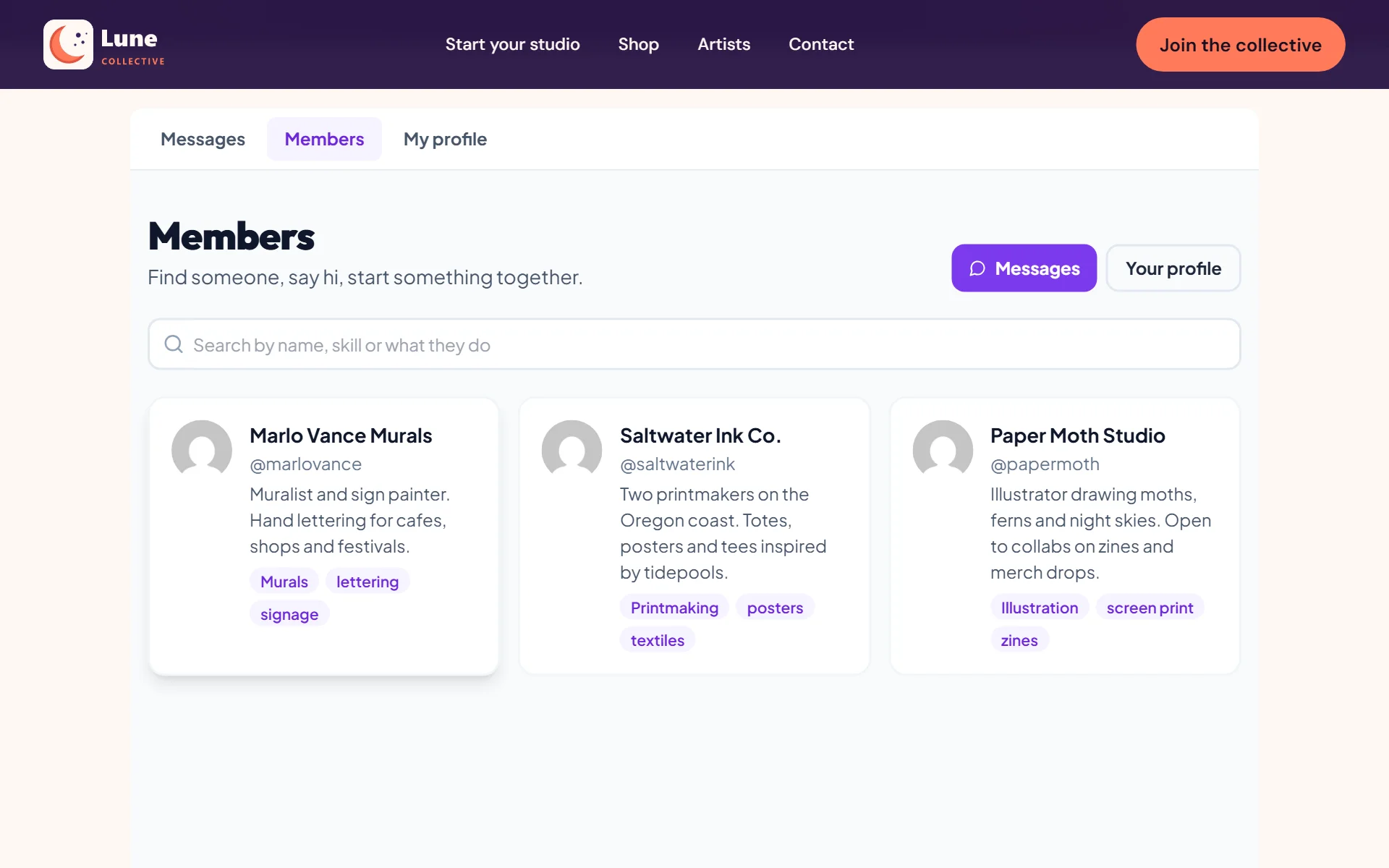
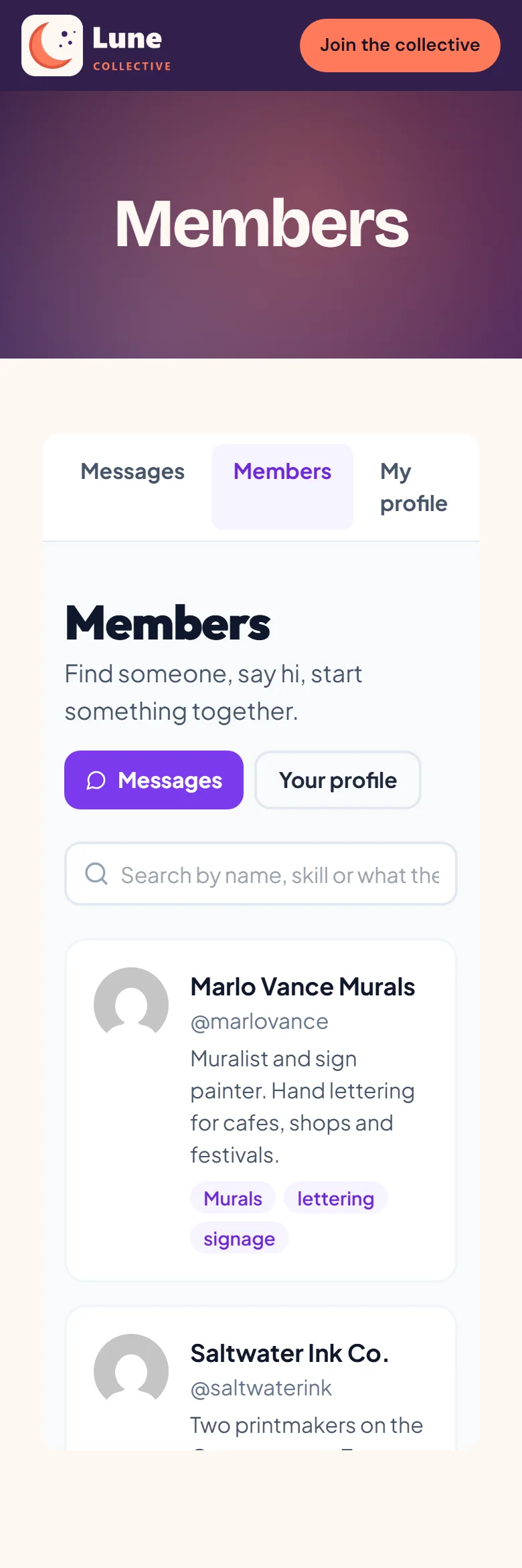
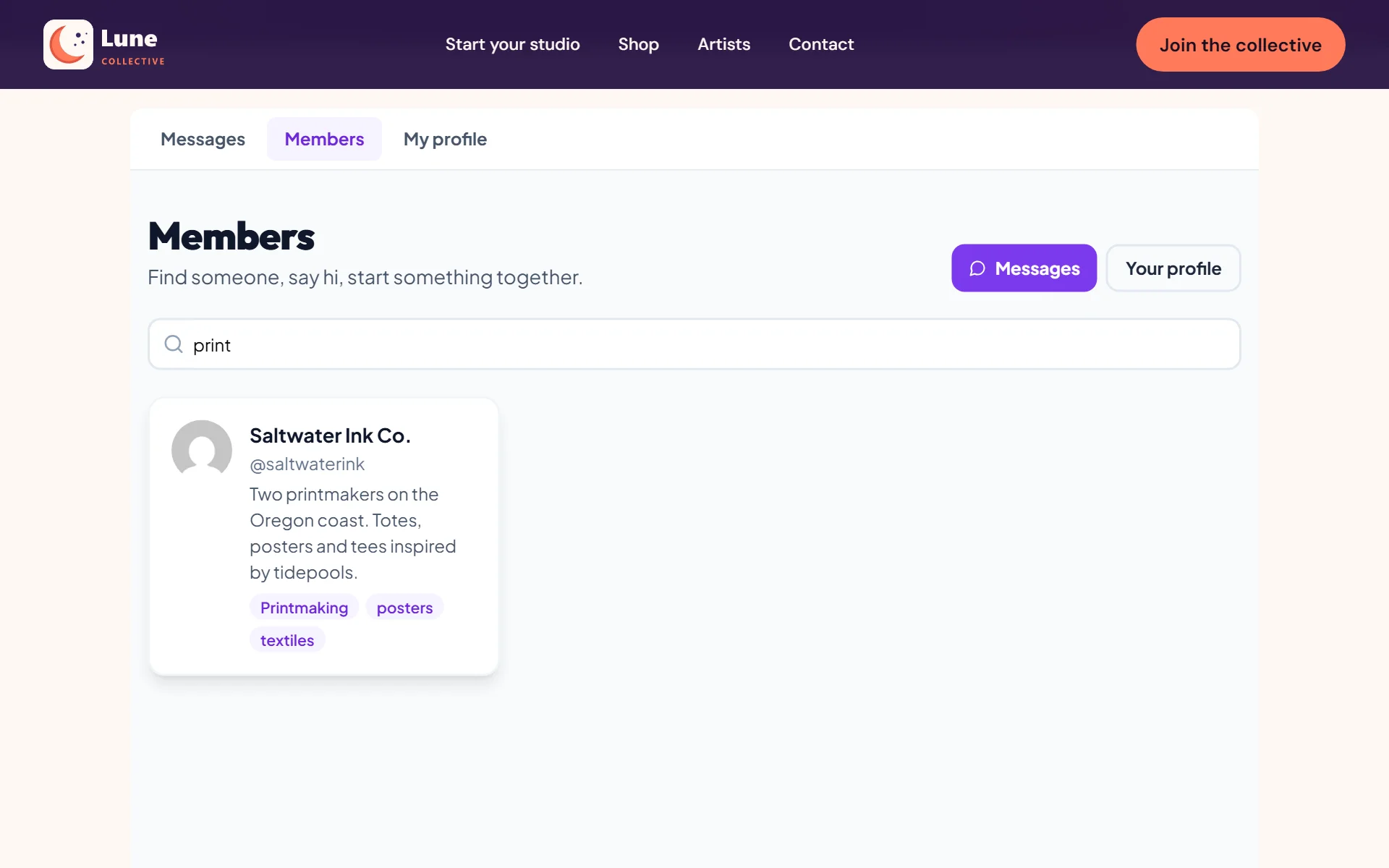
Browse members by name, skill or craft
- 3
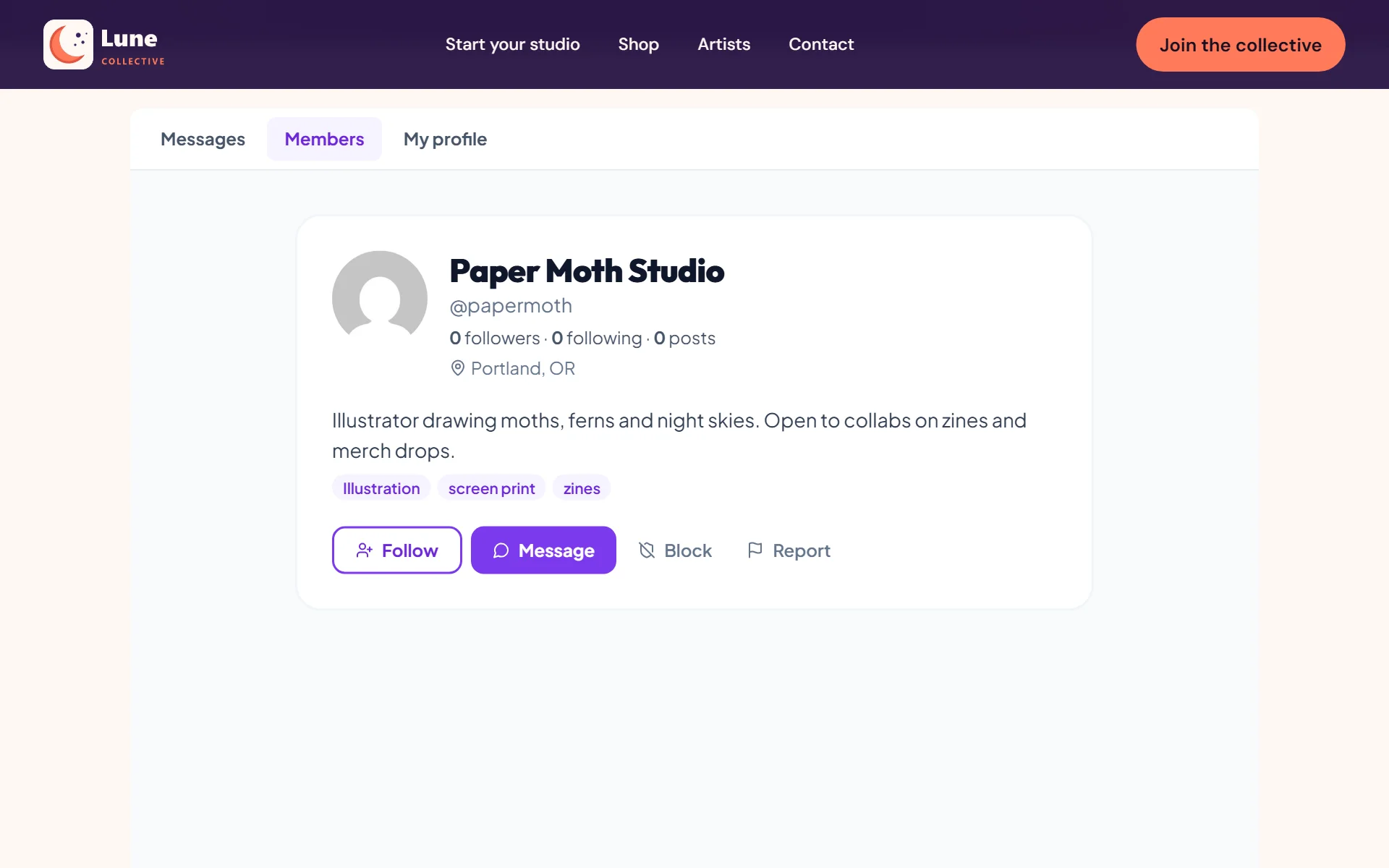
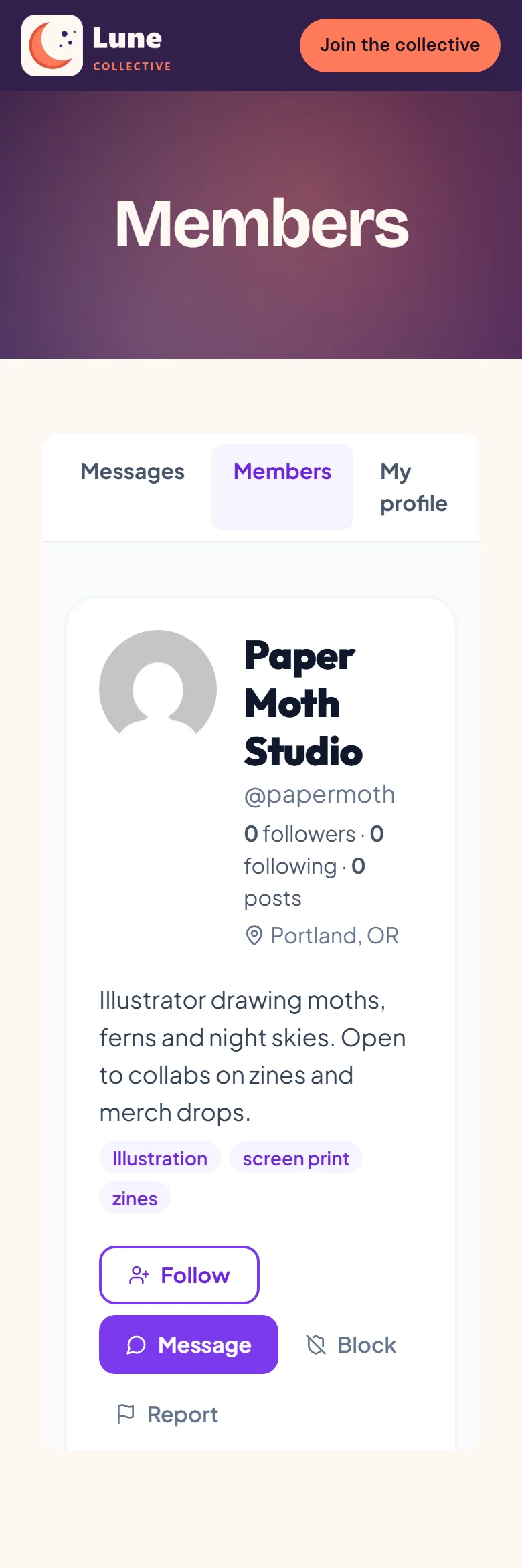
A profile page for every member
- 4
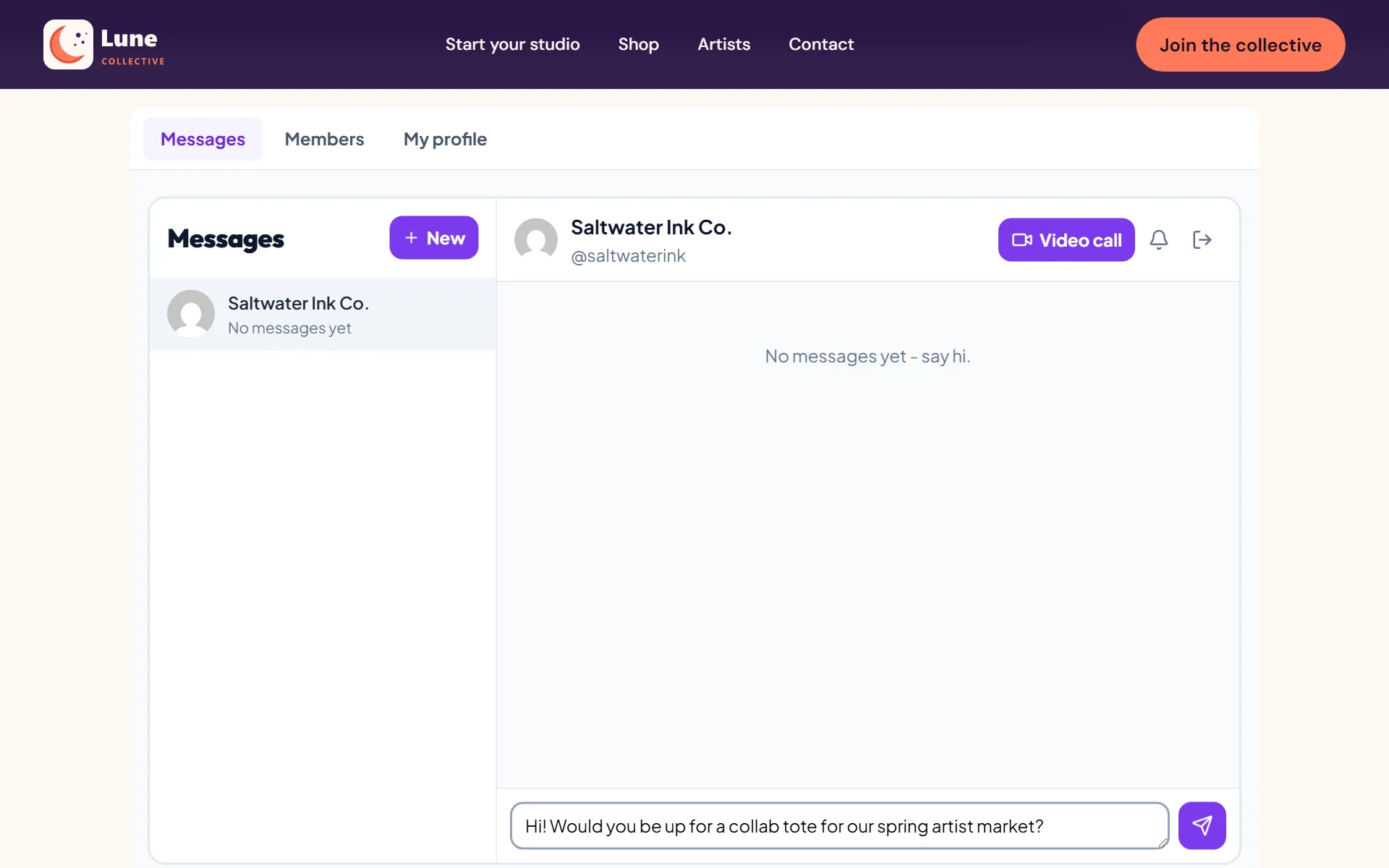
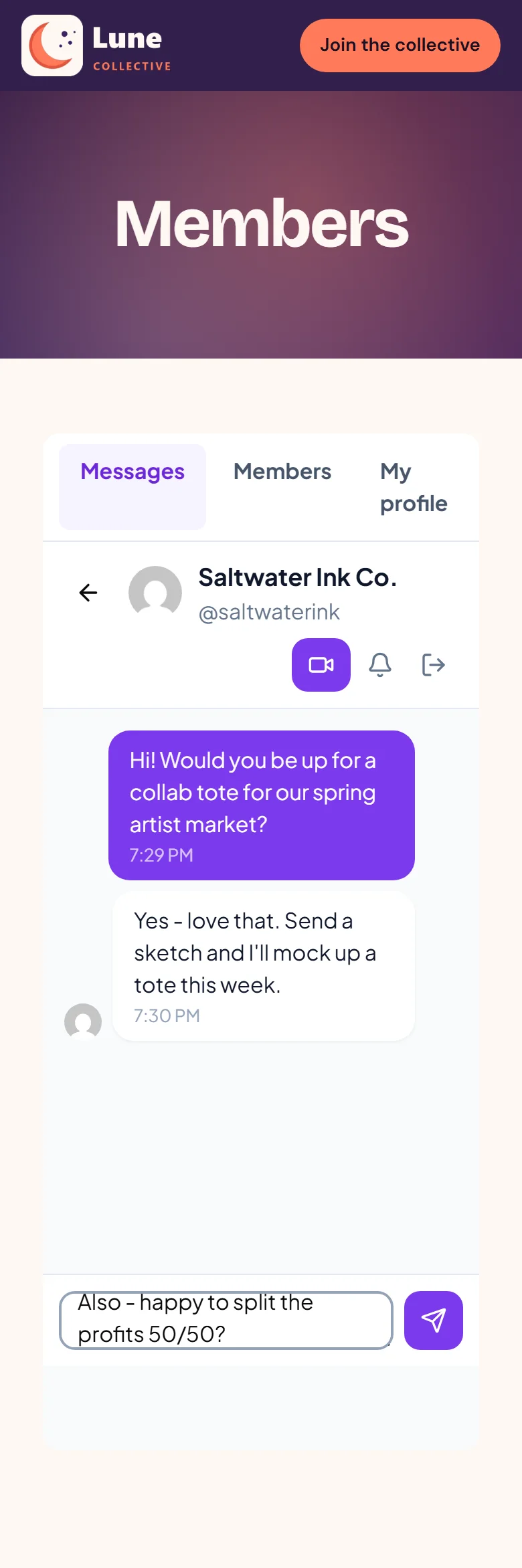
Start a conversation from any profile
- 5
Chats stay on your site - no outside app
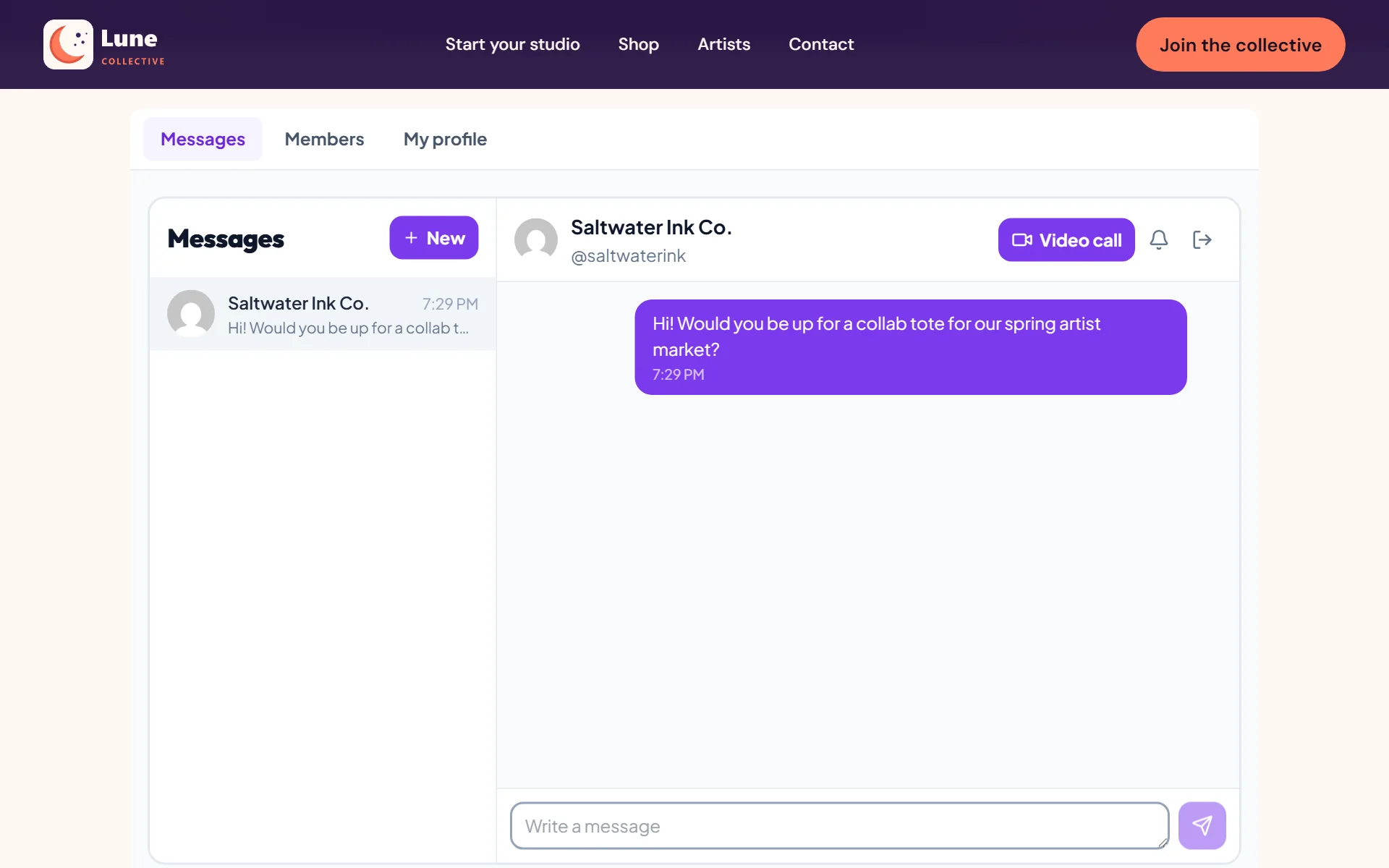
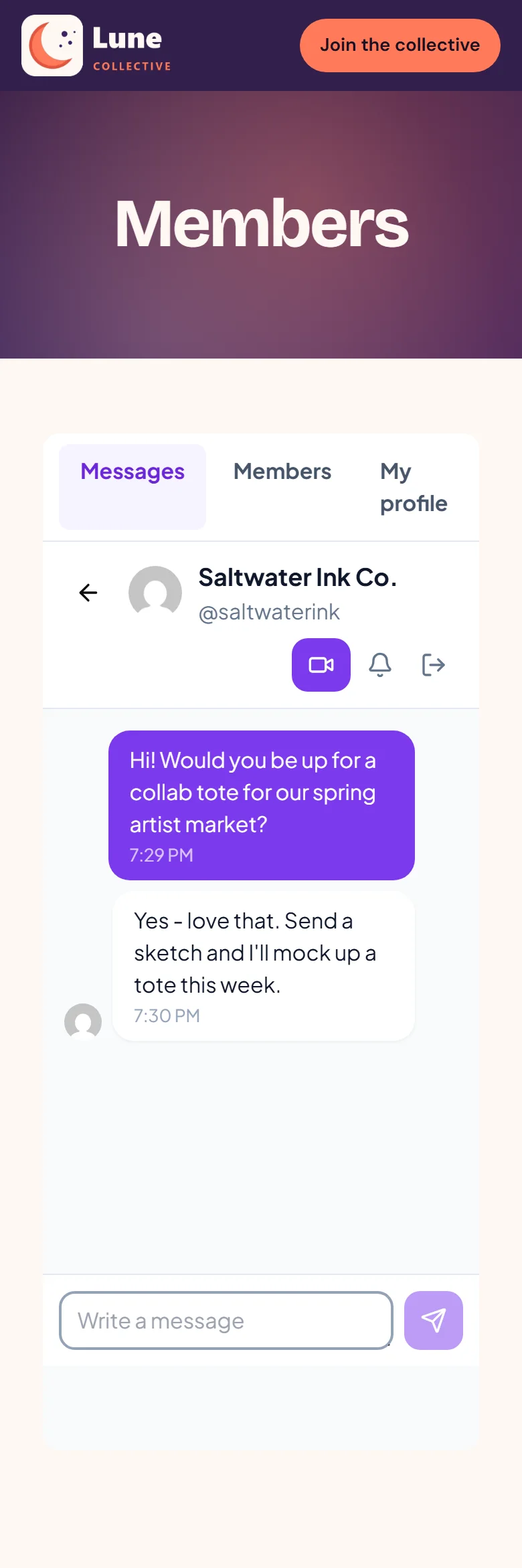
- 6
Replies come back on the same page
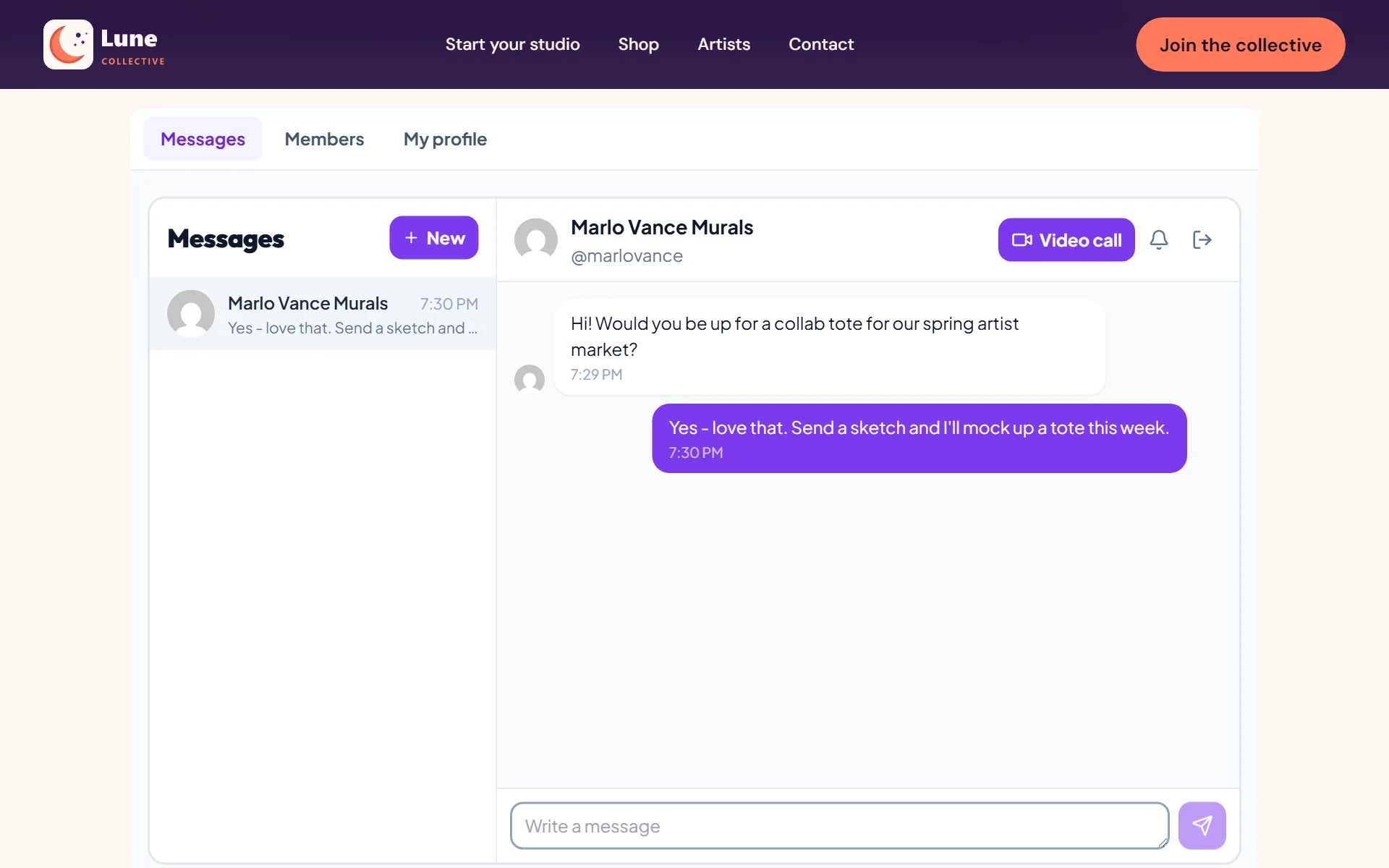
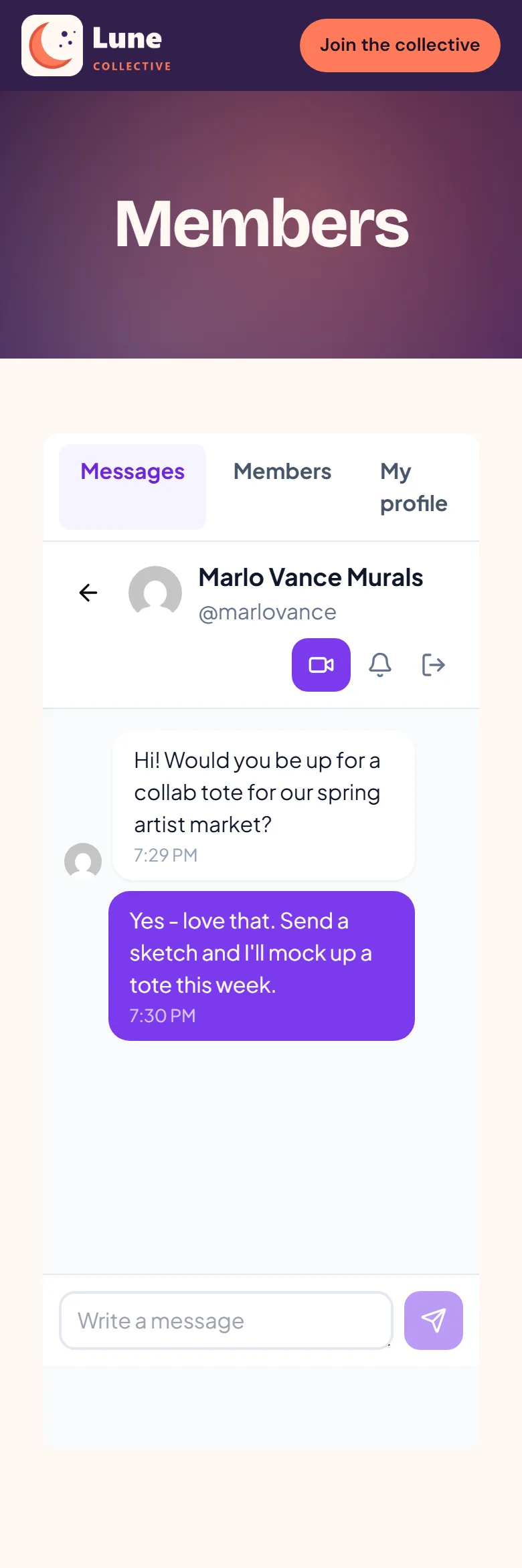
- 7
Members chat with each other on your site
- 8
Everyone updates their own profile and links
- 9
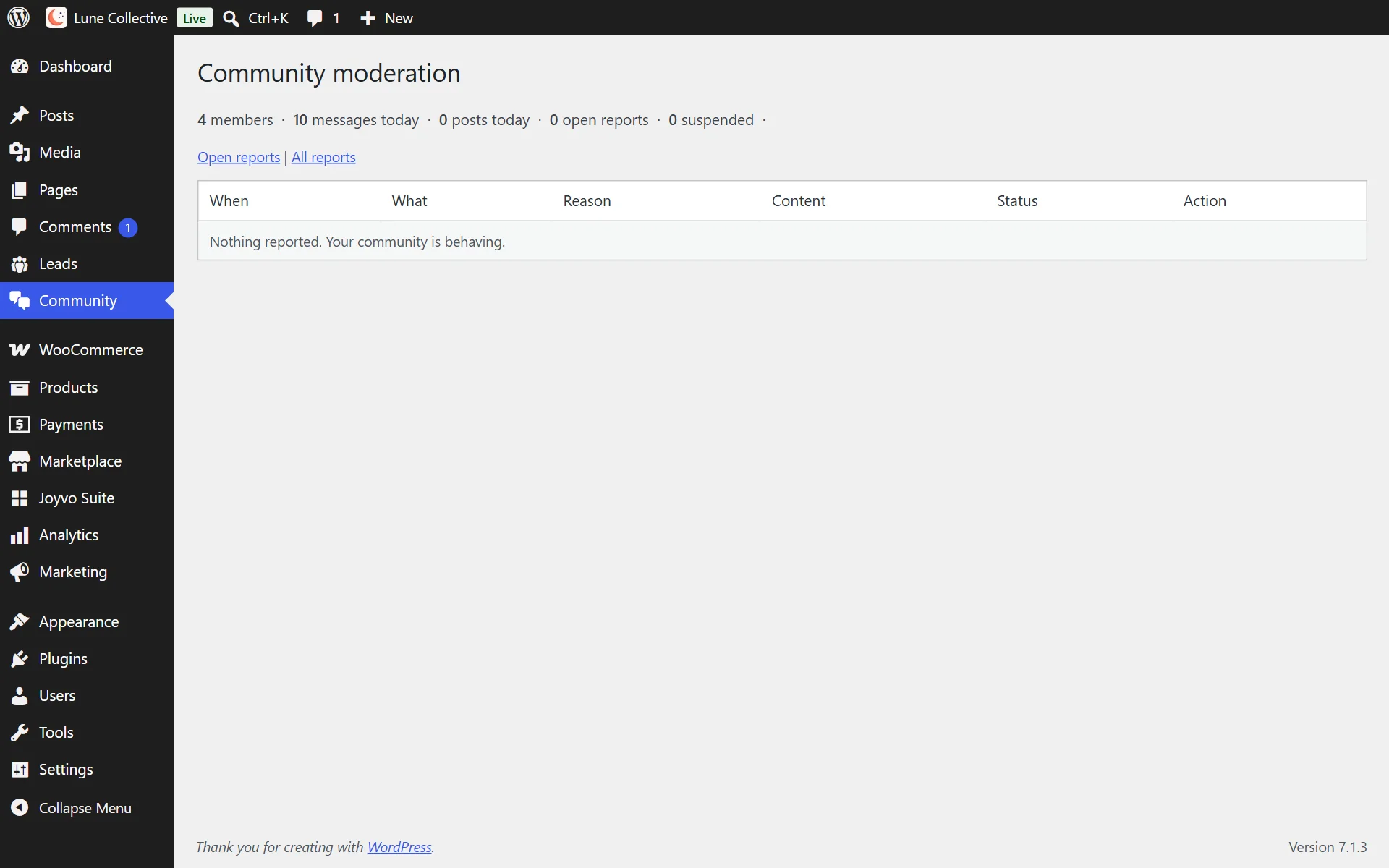
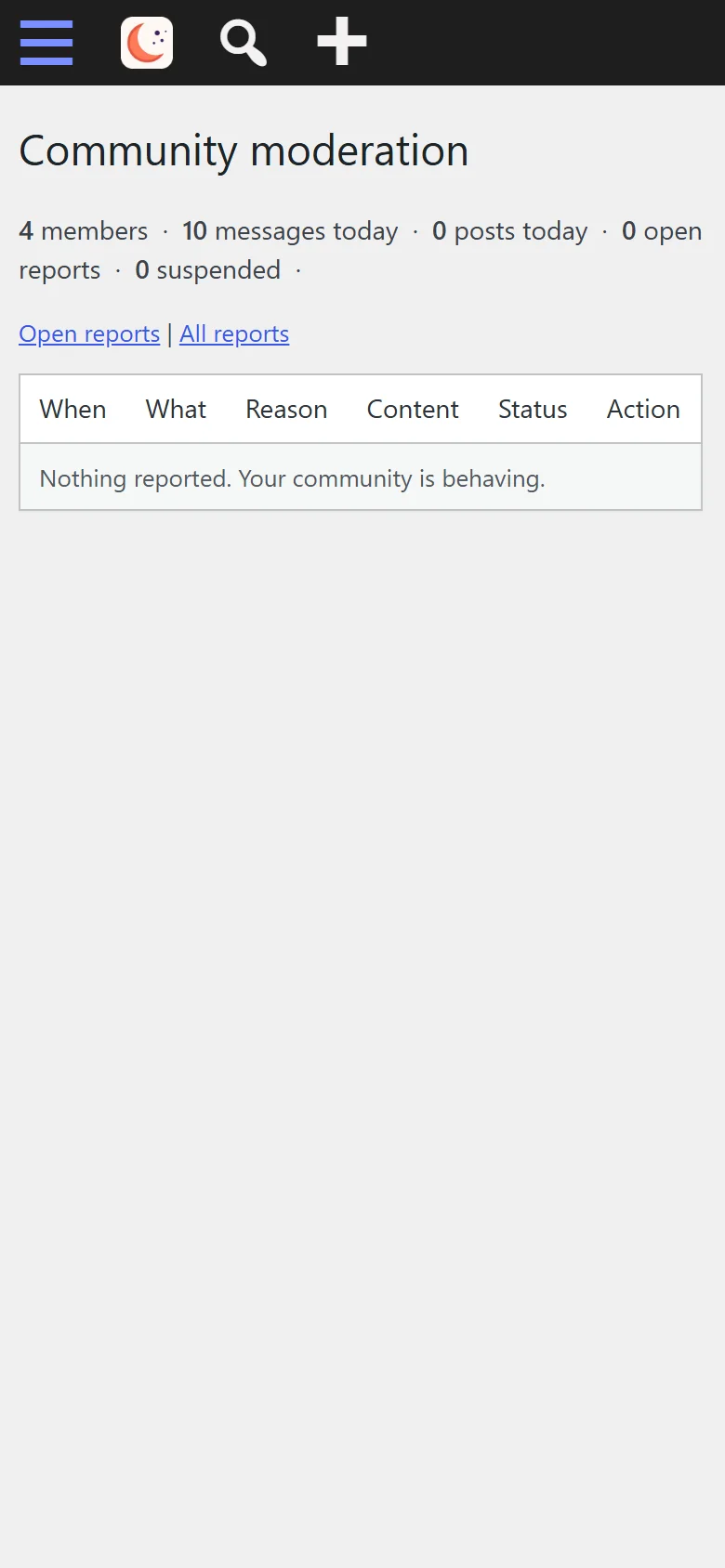
Handle reports from your WordPress dashboard
- 10
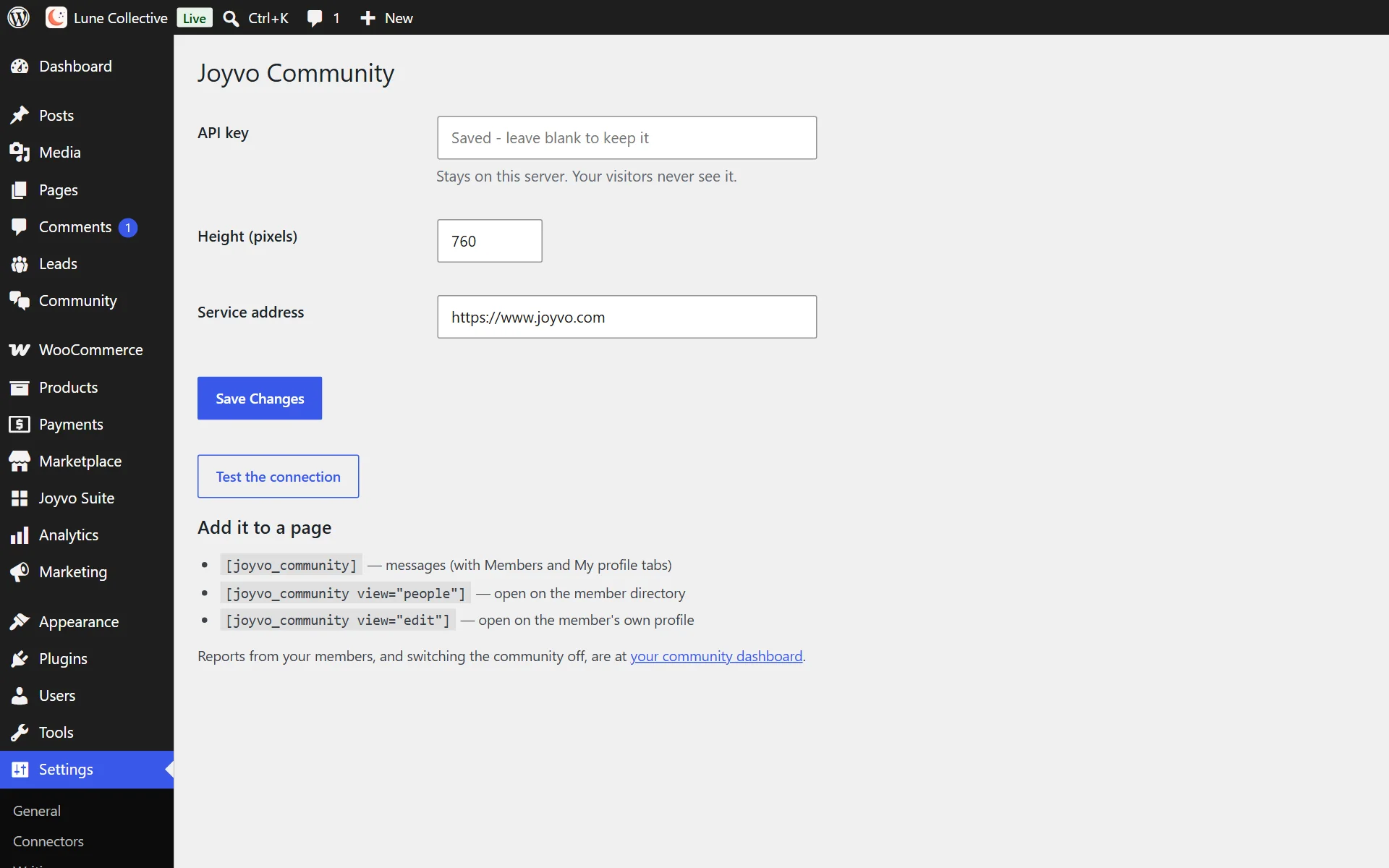
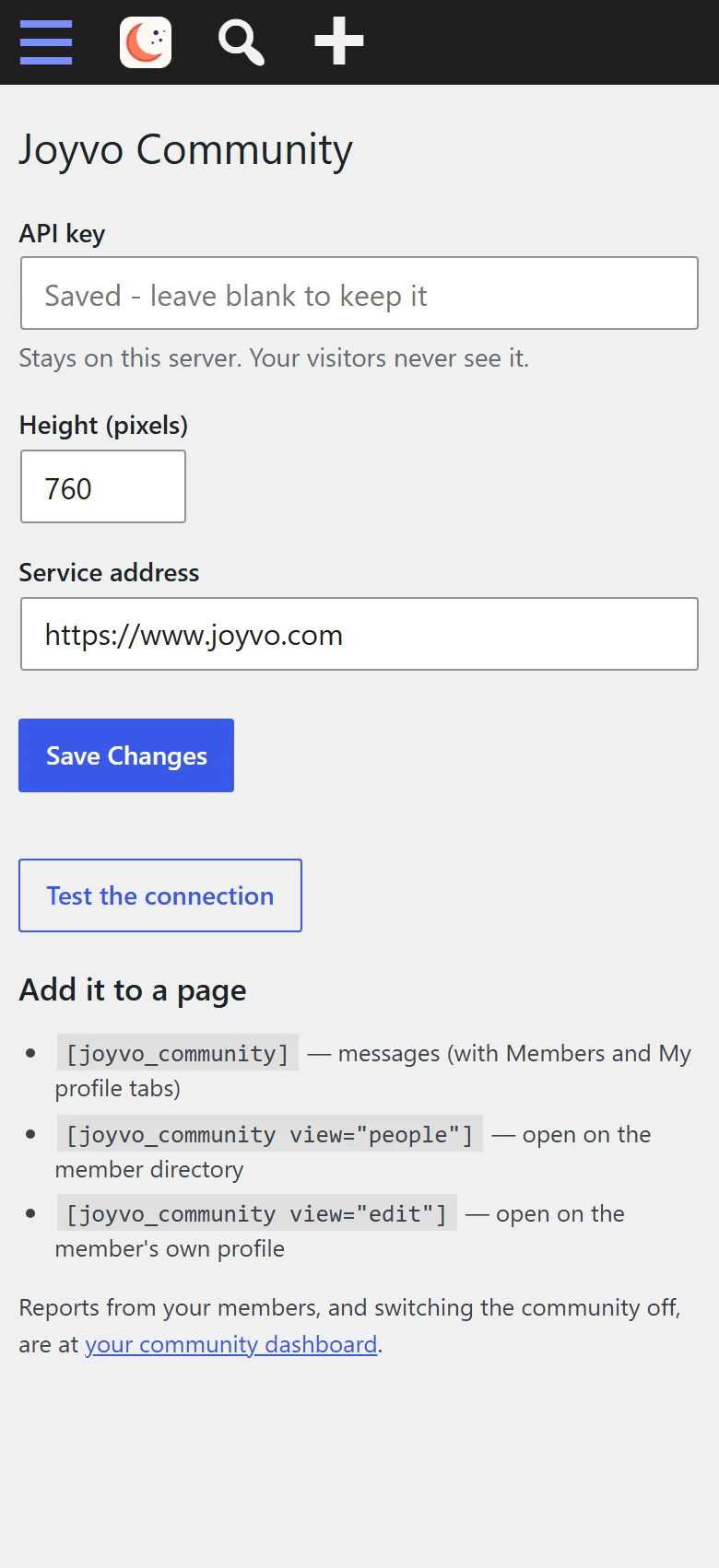
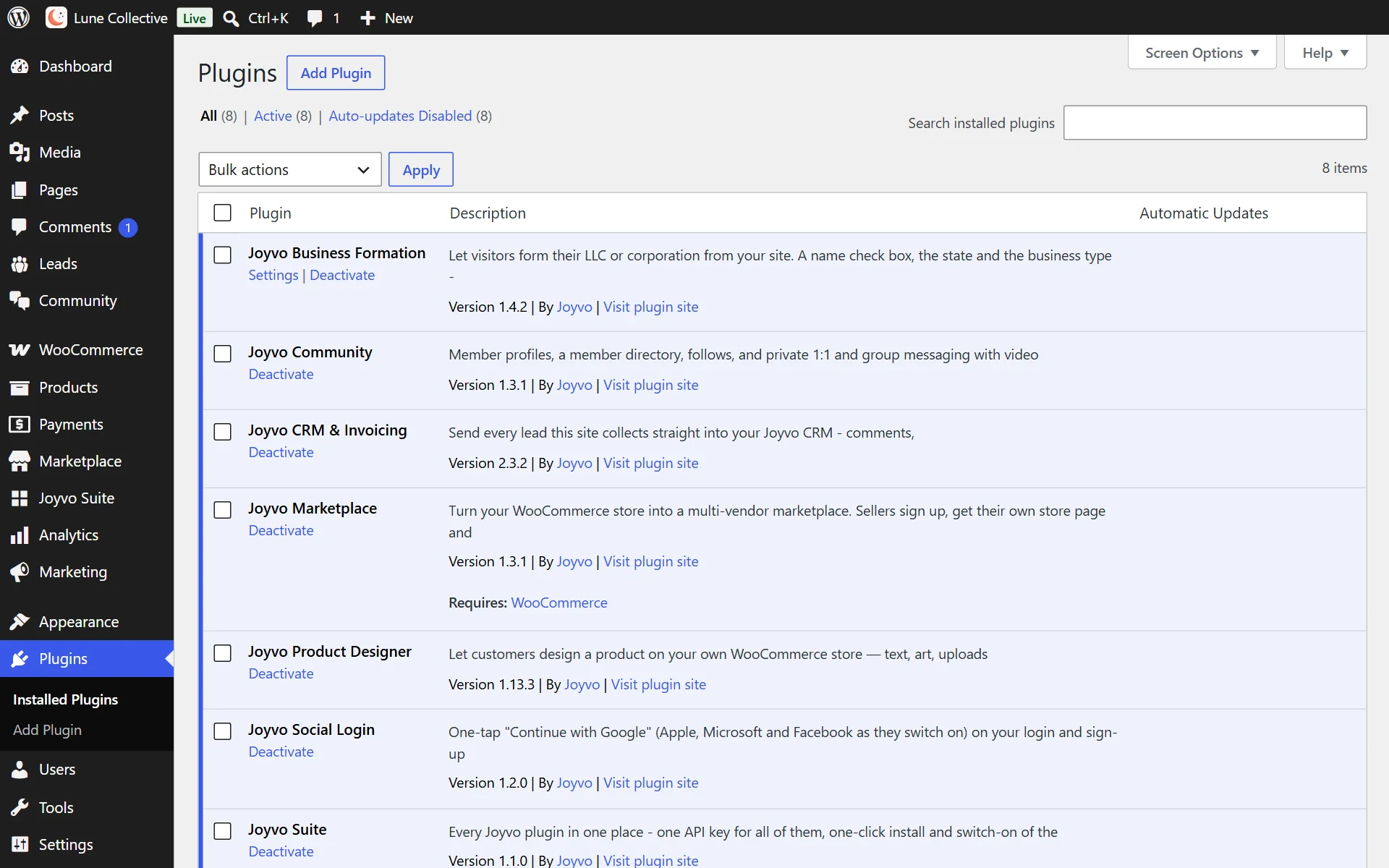
Add your key and you're done
- 11
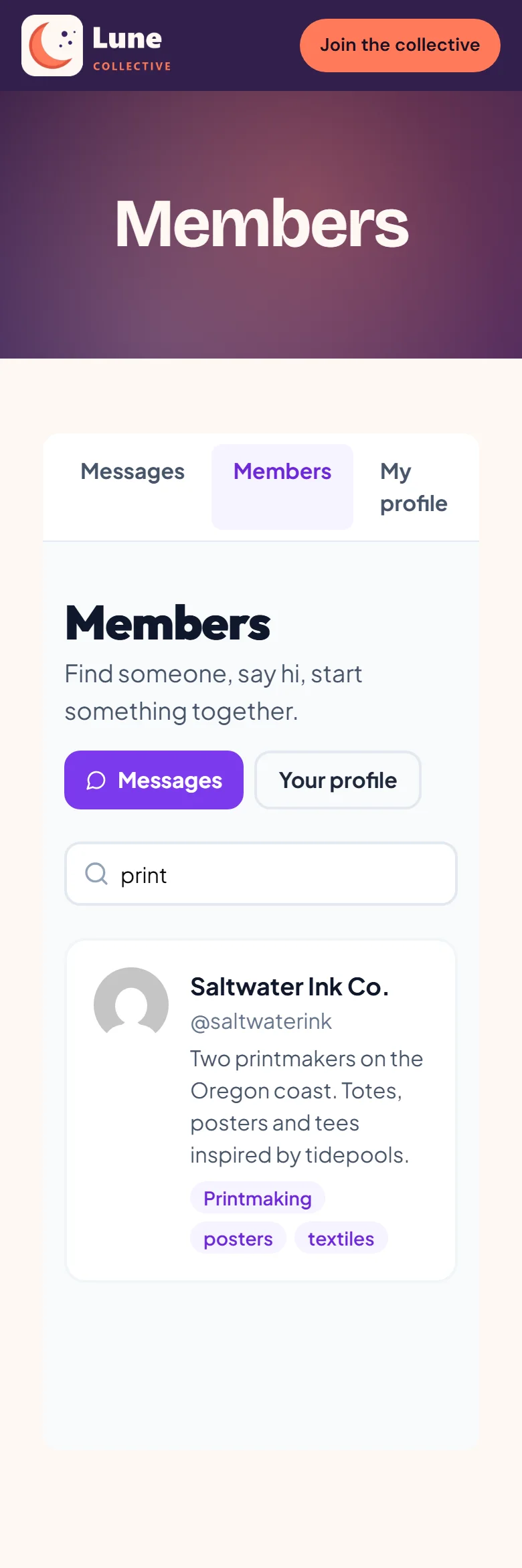
Search the community by name, skill or craft
- 12
Installs and switches on like every other WordPress plugin

Everything it does
20 features, all included
Members 6
- A profile for every member, filled in from their WordPress name and picture
- Skills, location and what they do on every profile, so members find the right people
- Posts and photos on every profile
- Follow anyone and see what they share
- A member directory with search by name, skill or what they do
- Members use their existing WordPress login - nothing new to sign up for
Talk 5
- Private 1:1 conversations that update live, with unread counts
- Group chats for teams and projects
- A video call from any conversation, in the browser - up to four people, no app to install
- Book a call with a member straight from their profile
- One inbox for every conversation
Safety 5
- Each member chooses who can message them
- Block and report in one tap
- Moderate from WordPress: see what members reported, remove it, suspend or ban - one click
- Your members only ever see your community - never another site's
- Switch the community off any time
On your site 4
- Blocks for the block editor and widgets for Elementor - drop the whole community on a page, no code
- One-tap sign-in on the "Log in to message other members" prompt when Joyvo Social Login is active
- Runs on Joyvo, so there is nothing to host or scale and your site stays fast
- With Joyvo Marketplace: "Message the seller" opens the seller's profile, a Shop button goes back to their store, one follow covers both, and new products reach the feed
Who it is for
Creators, art schools, music collectives and studios building a following that talks back.
Live in 4 steps
- 1Install and activate the plugin.
- 2Create an API key in your account under API keys.
- 3Paste it into Settings > Community and press Test the connection.
- 4Add the community shortcode to any page.
Version 1.3.1 · WordPress 6.0+ · PHP 7.4+
Questions people ask
Do fans need a new account?
Members sign in with the account they already have with you.
Can it go on whichever page I like?
Yes - a Gutenberg block, Elementor widget or shortcode places it wherever you want.
How do I moderate?
Reports arrive in WordPress; act on them in one click.
Pick your plan
Every plugin is free with your Joyvo account. Give Pro a 14-day free try on any site - cancel any time.
Hosting with Joyvo? Every Pro feature is already on for your sites.
What's new
Current version 1.3.1
Version 1.3.12026-10-11Latest
- The community now shows at its full height on every page (it could appear as a thin strip).
- Names with an & in them now show correctly on profiles.
- Faster start on slow hosts: the community asks your site for a session once, not over and over.
Build the community around your work.
Free with your account. Install it in minutes - your first result shows up today.